
Strong Introduction
If you’re a Samsung user in Markham or the Greater Toronto Area (GTA), you probably rely on your phone all day — from checking transit schedules to managing work and family calls. But over time, even the best Samsung batteries start showing signs of wear. Maybe your phone doesn’t last through the day anymore, or it suddenly shuts off even when it says 30% battery left. These are clear red flags that your battery might be nearing the end of its life.
At Mobile Square – We Fix and Unlock, we’ve helped countless Samsung owners across Markham restore their phone performance with simple, fast battery replacements. With hundreds of 5-star reviews and years of hands-on experience in Samsung repair, we’ve seen how easy it is to misdiagnose battery problems — and how much smoother your device runs once the issue is fixed properly.
This guide explains the most common signs that your Samsung battery needs replacement, how to tell the difference between a software and hardware issue, and what you can do before your phone leaves you stranded.
Problem Details: Why Samsung Batteries Wear Out
Samsung phones use lithium-ion batteries, which naturally degrade over time. Each charge cycle (from 0% to 100%) slightly reduces their capacity. After about two to three years of use — or around 500 charging cycles — most batteries start to lose their ability to hold a charge effectively, similar to what can happen with devices that later need Tablet Repair for battery-related issues.
Heat, frequent fast charging, and leaving your phone plugged in overnight can all accelerate wear. Tech experts at Wired regularly explain how modern batteries react to fast charging, heat, and extreme temperatures, helping phone users better protect their device’s battery health. And for GTA residents who deal with Canada’s cold winters, low temperatures can make weak batteries drain even faster.
Pro Tip: Avoid leaving your Samsung phone in your car overnight during winter. Extreme cold can cause the battery to discharge rapidly or even swell.
Common Signs You Need a Battery Replacement
Here are the clearest warning signs your Samsung battery may be failing:
1. Your Battery Drains Too Quickly
If your phone barely lasts half a day — even after closing apps and lowering brightness — your battery health is likely low. You can check battery usage in Settings → Battery and Device Care → Battery.
2. Sudden Power Drops
If your phone shuts off at 20% or jumps from 50% to 5% in seconds, it’s a sign that the internal cells are no longer stable. This issue becomes common as batteries age or develop internal faults.
3. Overheating During Use or Charging
A healthy Samsung phone might feel warm under heavy use, but if it gets hot even during simple tasks or while charging, that’s a major warning. Overheating can damage internal components and is a safety risk if ignored.
4. Slow or Inconsistent Charging
If your phone takes longer to charge or stops charging at random percentages, the battery’s chemical composition may have deteriorated. Always test with a known working cable before assuming it’s just the charger, as internal damage might also require a Screen Replacement during service.
5. Swollen Battery or Raised Back Cover
A bulging back cover is a serious safety issue — it means the battery has started to expand and could leak or burst. Stop using the phone immediately and bring it to a professional for replacement.
Pro Tip: Never try to puncture or press down a swollen battery. Store it safely in a non-metal container and take it to a technician for proper disposal.
Table: Quick Comparison of Battery Health Symptoms
| Symptom | Likely Cause | Urgency Level | Recommended Action |
|---|---|---|---|
| Fast battery drain | Normal aging / reduced capacity | ⚠️ Medium | Schedule a replacement soon |
| Sudden shutdowns | Internal cell imbalance | ⚠️ High | Replace battery immediately |
| Overheating | Chemical wear or short | ⚠️ High | Stop using and inspect |
| Swelling or lifting case | Gas buildup inside battery | 🔥 Critical | Stop using and visit technician |
| Slow charging | Degraded battery / charging port issue | ⚠️ Medium | Diagnose before replacement |
Pre-Decision Considerations — How to Confirm It’s the Battery
Before replacing your Samsung battery, confirm it’s not a software or charging accessory issue:
- Check Battery Usage: Go to Settings → Battery and Device Care to see which apps consume power. Sometimes background apps drain faster than the battery itself.
- Try Safe Mode: Booting into Safe Mode disables third-party apps. If your battery lasts significantly longer there, a rogue app may be to blame.
- Test Another Charger and Cable: Faulty chargers can cause erratic behavior that looks like battery failure.
- Look for Battery Health Reports: Some Samsung phones (like Galaxy S23) include a “Battery Health” section in Device Care, showing the current capacity percentage.
If you’ve checked these and the phone still drains fast, it’s time for a professional inspection.
The Replacement Process: What to Expect
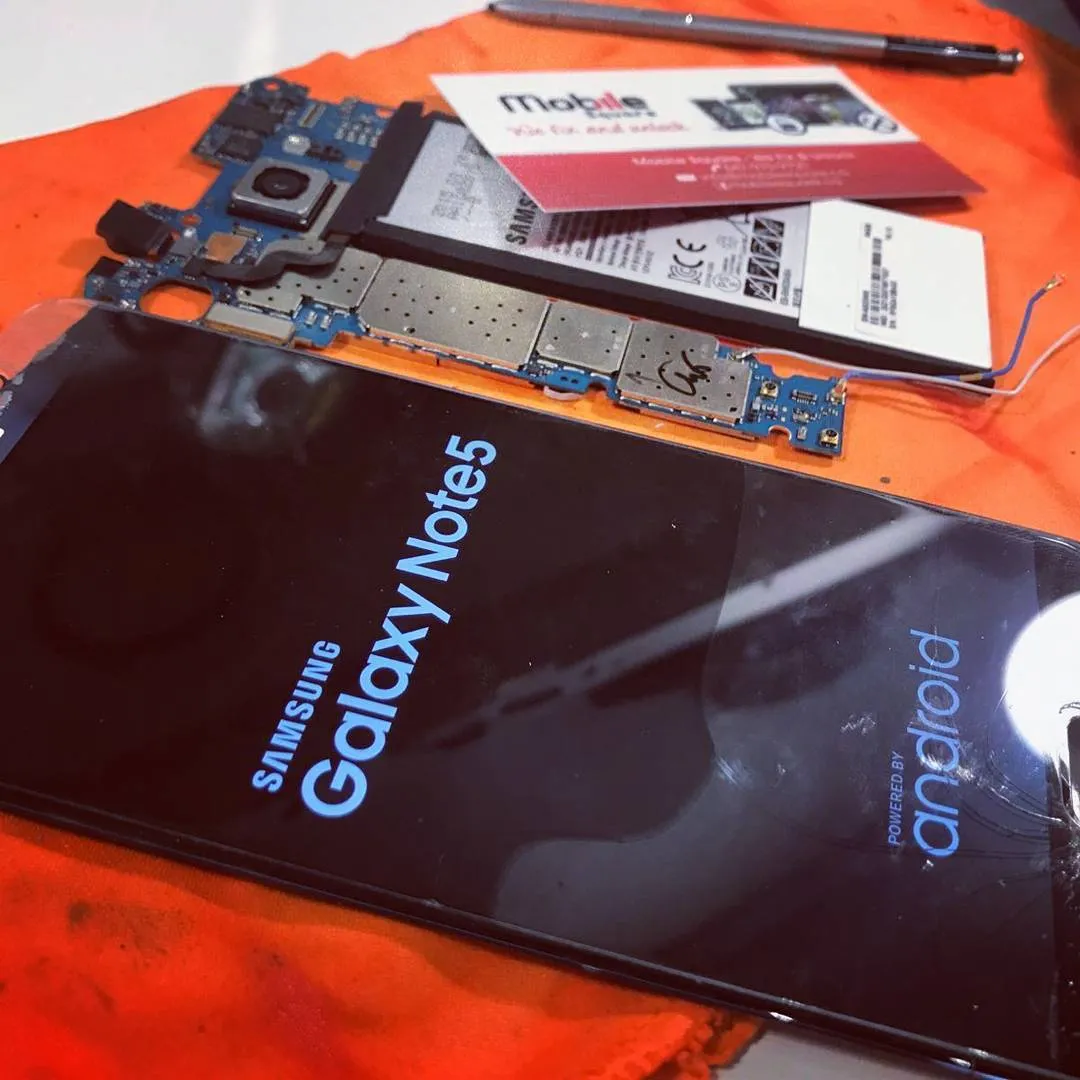
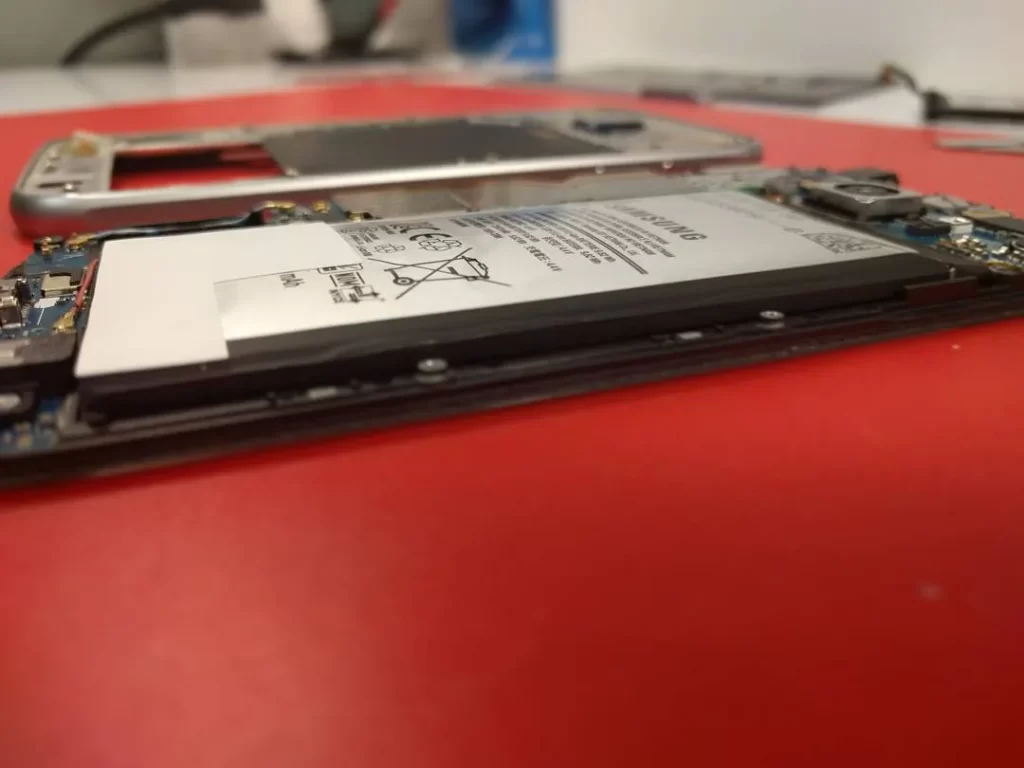
A Samsung battery replacement typically takes 30 minutes to 1 hour at a trusted repair shop in Markham. Here’s what happens during the process:
- The technician safely powers down and removes the back panel.
- The old battery is disconnected from the logic board.
- Any adhesive or residue is carefully cleaned out.
- A brand-new, model-specific Samsung battery is installed.
- The phone is reassembled and tested for charging, performance, and heat levels.
At Mobile Square – We Fix and Unlock, most Samsung battery replacements are done the same day, using original or high-quality OEM-grade batteries. Customers often notice immediate improvements — faster charging, longer battery life, and smoother performance.
Cost Factors: What Influences Battery Replacement Pricing
Pricing can vary slightly depending on:
- Phone Model: Premium models like Galaxy S24 Ultra or Fold series use specialized batteries.
- Part Quality: OEM vs. aftermarket replacements.
- Labor Complexity: Some models have adhesive seals for waterproofing, which take longer to open.
- Warranty Coverage: Check if your device is still within the Samsung Care warranty.
Most local shops in the GTA, including Mobile Square, offer transparent pricing and short-term parts and labor warranties.
Common Mistakes to Avoid
- Ignoring Early Signs: Waiting too long can cause the battery to swell or damage your screen from inside.
- Using Generic Chargers: Cheap or uncertified cables cause inconsistent power delivery and can shorten battery life.
- DIY Replacement Without Tools: Samsung backs are glued tightly — forcing them open often cracks the glass or damages the fingerprint sensor.
Pro Tip: Replace your battery before it fails completely. A dying battery can overheat, damage internal components, or corrupt data during sudden shutdowns.
Conclusion — Local Help in Markham and the GTA
If your Samsung phone is draining fast, overheating, or shutting off randomly, it’s time to get the battery checked. For Markham and GTA residents, Mobile Square – We Fix and Unlock offers quick, reliable, and affordable Samsung battery replacements.
📧 Email: info@mobilesquare.ca
📞 Phone: (647) 970-9700
Don’t wait until your phone won’t turn on — a simple battery swap can restore your phone’s performance, save you money, and extend its life for years.
Key Questions Readers Ask
How long should a Samsung battery last?
Typically 2–3 years, depending on usage habits. Heavy users or those frequently using fast charging may notice decline earlier.
Will a new battery improve performance?
Yes. Replacing a worn battery often improves speed and reduces random shutdowns because the phone’s processor no longer throttles to save power.
Can I replace a Samsung battery myself?
Some older Samsung models had removable batteries, but most new ones are sealed. DIY replacements require heating tools and care — it’s best handled by professionals.
How do I dispose of my old battery safely?
Never throw it in the trash. Take it to an authorized e-waste facility or a local repair shop that handles safe disposal.