
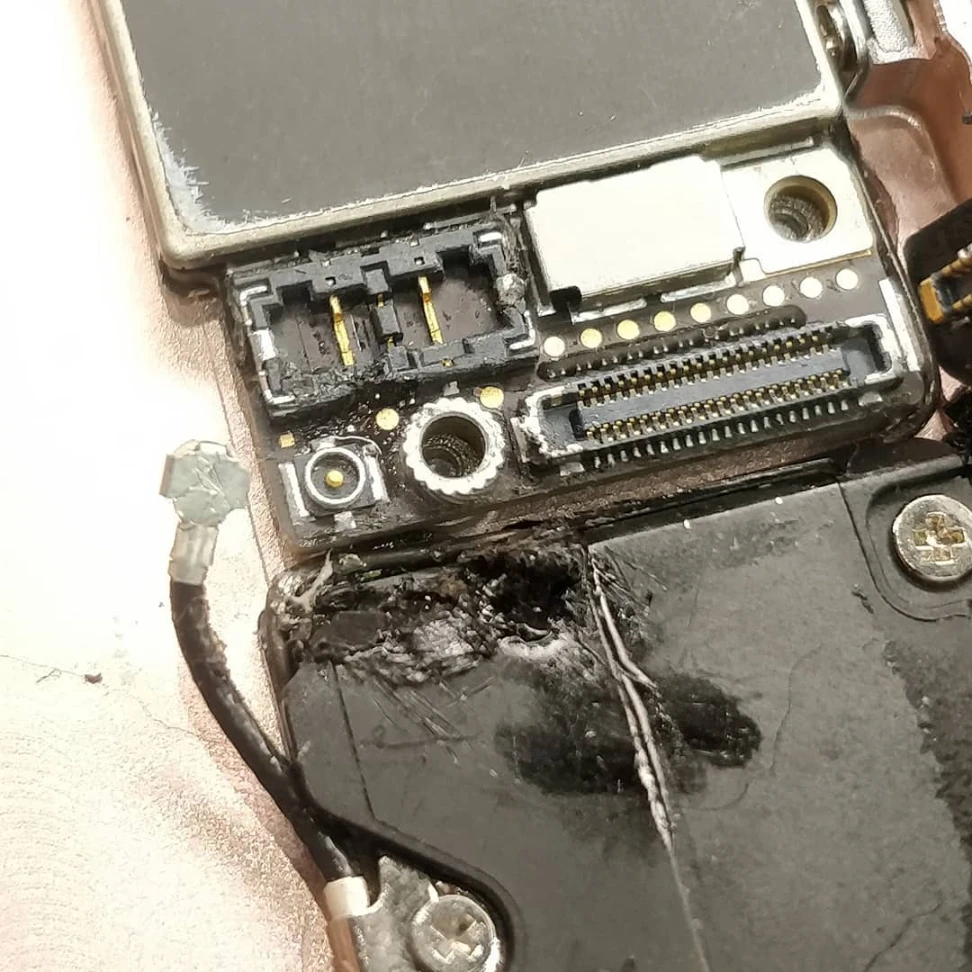
Recovering data from a water damaged phone starts with immediate action: power off the device, remove the SIM card, and place it in a dry environment. Professional data recovery services offer the highest success rates, with specialized equipment that can retrieve photos, contacts, and files even from severely damaged devices. The key is acting quickly before corrosion spreads to internal components.
When your phone hits water, every minute counts. This guide explains exactly what steps to take, which recovery methods work best, and how to maximize your chances of saving precious data. Mobile Square has handled thousands of water damage cases, and the methods outlined here come from years of practical experience with all major phone brands and water exposure scenarios.
Immediate Actions After Water Exposure
The first 30 minutes after water contact determine your recovery success. Do not try to turn on your phone or charge it – this can cause short circuits that permanently destroy data. Instead, follow these steps in order:
- Power off the device immediately if it hasn’t shut down automatically
- Remove the SIM card, SD card, and any other removable components
- Gently dry the exterior with a soft, lint-free cloth
- Place the phone in a dry, well-ventilated area
Bonus Tip: If your phone was submerged in salt water, chlorinated pool water, or sugary drinks, rinse it briefly with distilled water to remove corrosive residues before drying. This prevents mineral deposits from forming on circuit boards.
Drying Methods and Their Effectiveness
Not all drying techniques work equally well. Some common methods can actually make things worse. The table below compares popular approaches based on real recovery outcomes:
| Drying Method | Success Rate | Time Required | Risk Level |
|---|---|---|---|
| Professional vacuum drying | 85% | 2-4 hours | Low |
| Silica gel packets | 65% | 24-48 hours | Low |
| Rice | 45% | 48-72 hours | Medium |
| Direct heat/hair dryer | 15% | 30 minutes | High |
According to consumer electronics data, approximately 35% of smartphone users have experienced water damage reapirs to their devices, making this one of the most common phone repair scenarios Statista.
Professional Data Recovery Options
When DIY methods fail or the data is too valuable to risk, professional recovery becomes necessary. Data recovery specialists use clean room environments and advanced tools to access memory chips directly, bypassing damaged components.
Bonus Tip: Ask about “chip-off” recovery when contacting repair services. This technique involves removing the memory chip and reading it separately, often successful when other methods fail.
Software-Based Recovery Solutions
Some situations allow for software recovery if the phone powers on partially but won’t boot fully. These applications scan the device’s memory for recoverable files:
- Tenorshare UltData for Android and iOS
- Dr.Fone Data Recovery
- EaseUS MobiSaver
These tools work best when the phone connects to a computer via USB, but displays system errors rather than complete failure. Success rates vary from 30-70% depending on how water affected the storage components Asurion .
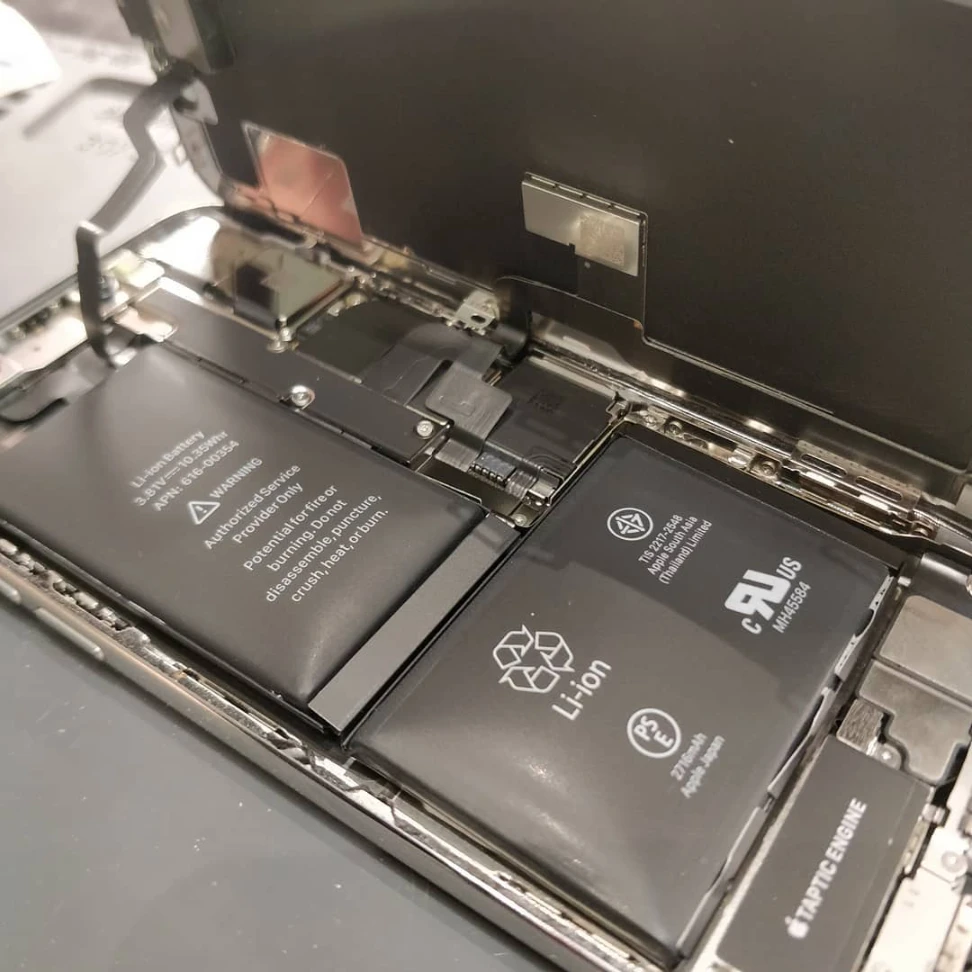
Things to Consider Before Making a Decision
Before choosing a recovery path, evaluate these critical factors:
- Data Value: Determine which files matter most – recent photos, business contacts, or documents
- Budget Constraints: Professional services cost more but offer higher success rates
- Time Sensitivity: Some methods take days while others provide immediate results
- Backup Availability: Check cloud services like Google Photos or iCloud for previously synced data
- Phone Replacement Cost: Sometimes buying a new device makes more financial sense
Climate factors matter too. In humid regions like coastal areas, corrosion accelerates faster, reducing the window for successful recovery. In dry climates, components remain viable longer, expanding your options.
Bonus Tip: Even if your phone appears to work after drying, internal corrosion may cause failures weeks or months later. Professional inspection helps identify hidden damage.
Next Steps for Your Situation
Assess your phone’s condition immediately. If it shows any signs of life, prioritize backing up recent data to cloud services. For completely dead devices with critical information, contact a professional recovery service within 24 hours. Remember that the decision between DIY methods and professional help depends on both data value and your budget.
Whether attempting recovery yourself or seeking professional help, document the damage with photos and notes about when and how the water exposure occurred. This information helps technicians choose the most effective recovery method for your specific situation.
Get Professional Help with Data Recovery
If your valuable data is trapped in a water-damaged phone, Mobile Square offers specialized recovery services with advanced equipment and experienced technicians. Contact info@mobilesquare.ca or call (647) 970-9700 to assess your recovery options. The team provides free evaluations and can explain the most cost-effective approach based on your specific damage and data needs. Don’t wait – corrosion worsens over time and reduces recovery success rates with each passing hour.
Sources
- Statista – Consumer electronics statistics on smartphone water damage occurrence and prevention methods
- Asurion – Mobile device protection data on water damage repair success rates and common failure points
Frequently Asked Questions
How long does professional data recovery take?
Most professional recovery services complete standard cases within 3-5 business days. Emergency expedited services can deliver results in 24-48 hours for an additional fee. The timeframe depends on the extent of damage and required recovery techniques.
Can data be recovered from a phone that won’t turn on at all?
Yes, data can often be recovered from completely unresponsive phones through chip-off recovery or direct memory access methods. These advanced techniques require specialized equipment and trained technicians but have success rates above 75% even for severely damaged devices Data Recovery Labs .
Is cloud backup better than local recovery?
Cloud backup provides the most reliable solution for future protection. Services like Google Drive, iCloud, and Dropbox automatically sync photos, contacts, and documents. However, local recovery remains essential for data created after the last cloud sync.
How can I prevent water damage in the future?
Waterproof cases, regular backup habits, and avoiding risky situations (near pools, bathrooms, kitchens) help prevent future incidents. Consider insurance plans that cover accidental damage for additional protection.