
Introduction
If your Samsung phone won’t charge reliably, you’re not alone. A charging port problem can show up as slow charging, intermittent connection, or the phone refusing to charge at all. The good news: most charging port issues are diagnosable and fixable. In many cases you can identify the cause in a few minutes and decide whether it’s a quick DIY fix or something that needs professional repair.
I’ve worked with hundreds of phone repairs and seen the same handful of root causes over and over. In this guide I’ll walk you through the most common reasons Samsung charging ports fail, how to test and diagnose the issue, what you can try at home, and when to take the phone to a pro. You’ll get practical steps, real-world examples, and pro tips that save time and prevent further damage.
By the end you’ll know what’s likely wrong, how risky each option is, and what to expect if you visit a repair shop in Markham, ON.
Problem Details: What a Faulty Charging Port Looks Like
A bad charging port rarely behaves the same way twice. You might see:
- Charger cable fits loosely or only connects at a certain angle.
- Device charges intermittently when you wiggle the cable.
- “Charging” icon appears, but battery percent barely rises.
- Phone shows “Accessory not supported” or doesn’t recognize the cable.
- No charging at all even with a known-good cable and adapter.
Each of these symptoms points toward different causes — from simple dirt to bent pins or a failing power-management chip. Start with basic checks before assuming the worst.
Common Causes and How to Spot Them
| Cause | Typical Symptom | Quick DIY Check | Likely Fix |
|---|---|---|---|
| Debris or lint in port | Loose connection, intermittent charging | Inspect with flashlight, gently remove lint with toothpick/soft brush | Clean port carefully; replace if damaged |
| Bent or damaged pins | Only charges at angle or not at all | Visual check with light; don’t force cable | Port replacement (professional) |
| Worn-out port (mechanical wear) | Loose cable, poor contact | Wiggle test with known cable | Replace port or daughterboard |
| Corrosion from moisture | Erratic charging, error messages | Look for discoloration or residue inside port | Professional cleaning; may need part replacement |
| Faulty cable/charger or adapter | No charge or slow charge | Swap cables and chargers | Replace cable/charger; use Samsung-approved accessories |
| Software/firmware issues | Charging stops or is inconsistent | Restart phone; boot into safe mode | Update OS or factory reset; professional if persistent |
| Damaged battery or power IC | Slow charging or no battery level change | Battery health apps; phone heats during charge | Battery or board-level repair (pro) |
| Physical board damage (after drops) | No charge, other failures | Check for visible impact damage | Board repair/replacement (professional) |
Solution Analysis: What You Can Try at Home
Start with the simplest checks. Use a known-good cable and adapter first. If that fails, try a different wall outlet. Next, inspect the port with a bright light. Lint and dust often collect from pockets and can block contact.
If you see debris, power the phone off and use a wooden toothpick or a soft anti-static brush to gently loosen and remove it. Avoid metal tools — they can short pins.
Restart your phone and check for software updates. Some charging problems are caused by buggy firmware or apps that interfere with battery management.
According to Wikipedia, repeated cable insertion and daily use gradually wear down charging port connectors, which explains why loose or intermittent charging is so common over time.
Pro Tip: Try charging in Safe Mode (which disables third-party apps). If charging works there, a recently installed app may be causing the issue.
When to Stop and Call a Professional
If the port shows bent pins, corrosion, or physical damage, stop DIY attempts. Forcing the connector or poking with metal tools can make the problem worse. Corrosion often requires ultrasonic cleaning and sometimes replacement of the port assembly or related components.
If the phone heats excessively during charging, or if the battery percentage doesn’t rise after a long charge, you’re likely dealing with a battery or board-level problem. These require experienced technicians and special tools.
Charging issues are not limited to smartphones. Tablets often suffer from similar port and battery problems, especially with frequent use. If you’re experiencing slow or inconsistent charging on a tablet, professional iPad Repair services can diagnose port damage, battery wear, or board-level faults before they lead to bigger issues.
Pro Tip: In Markham, ON, choose a repair shop that uses OEM-quality parts and shows clear testing procedures. A reputable shop will diagnose before quoting and explain options.
Cost Factors & What Affects Repair Price
Repair cost depends on scope. Simple cleaning is cheap or free if you do it yourself. Replacing the charging port or daughterboard is pricier because it’s a hardware swap and often involves soldering. If the power management IC or battery is damaged, costs rise further.
Other cost drivers:
- Samsung vs. third-party parts (OEM parts cost more).
- Labor complexity (micro-soldering takes time).
- Diagnostic fees if multiple components need testing.
- Phone model — newer or water-resistant phones often need complex disassembly.
Common Mistakes to Avoid
Don’t keep forcing a cable into a port that feels stuck. That often bends pins. Avoid metal probes and compressed air cans that can push debris deeper or spray moisture. Don’t ignore moisture exposure — salt or mineral water causes rapid corrosion. Finally, don’t assume every charging issue is the port; batteries and chargers fail too.
Charging issues sometimes appear alongside other hardware problems, especially after drops or moisture exposure. If your device is also producing blurry photos or struggling to focus, this Samsung camera repair guide explains how lens damage and internal component issues are diagnosed and fixed.
Pre-Decision: Should You Repair or Replace the Phone?
Consider three things before deciding: phone age, repair cost vs. value, and future reliability. If your Samsung is less than three years old and repair costs are moderate, replacing the port or battery is usually worth it. For older phones near end of life, weigh repair cost against replacement value.
If repair costs are close to the value of your current device, upgrading may be the smarter option. Many customers in this situation choose to explore Phones for Sale so they can compare newer models, better battery life, and improved charging reliability before deciding whether a repair still makes sense.
If you rely on the phone daily and need fast, reliable charging, opt for professional repair with quality parts. If you have time and the issue is minor (lint, cable), a careful DIY approach can save money.
Implementation: What to Expect at a Repair Shop
A good repair starts with diagnosis. Expect the technician to test multiple cables and chargers, inspect ports, and run battery diagnostics. Simple cleaning can often be done same-day. Port or board replacements may take a few hours to a day depending on parts.
Shops should test the phone after repair and offer a short warranty on parts and labor. Keep receipts and test the phone thoroughly before leaving.
Key Questions Readers Ask
My phone charges only when I hold the cable at an angle — is it fixable?
Yes. That usually means bent pins or a worn port. Stop using it to avoid further damage. A technician can replace the port or daughterboard and restore a secure connection.
Can I clean the charging port myself safely?
You can if the issue is lint or dust. Power the phone off and use a wooden toothpick or soft brush under good light. Don’t use metal tools or liquids.
Why does my phone show “Accessory not supported”?
This often means the charger or cable isn’t meeting the phone’s voltage/communication standards, or the port pins are damaged. Try an official Samsung cable first; if the message persists, have the port inspected.
My phone got wet — should I try to charge it?
No. If liquid entered the port, power it off, dry the exterior gently, and take it to a shop for inspection. Charging a wet device risks short circuits and permanent damage.
Conclusion
Most Samsung charging port problems come from simple causes: dirty ports, bad cables, bent pins, moisture, or worn connectors. Start with basic checks: use a known-good cable, inspect the port, and try Safe Mode. If you see physical damage, corrosion, or if the phone heats while charging, seek professional service.
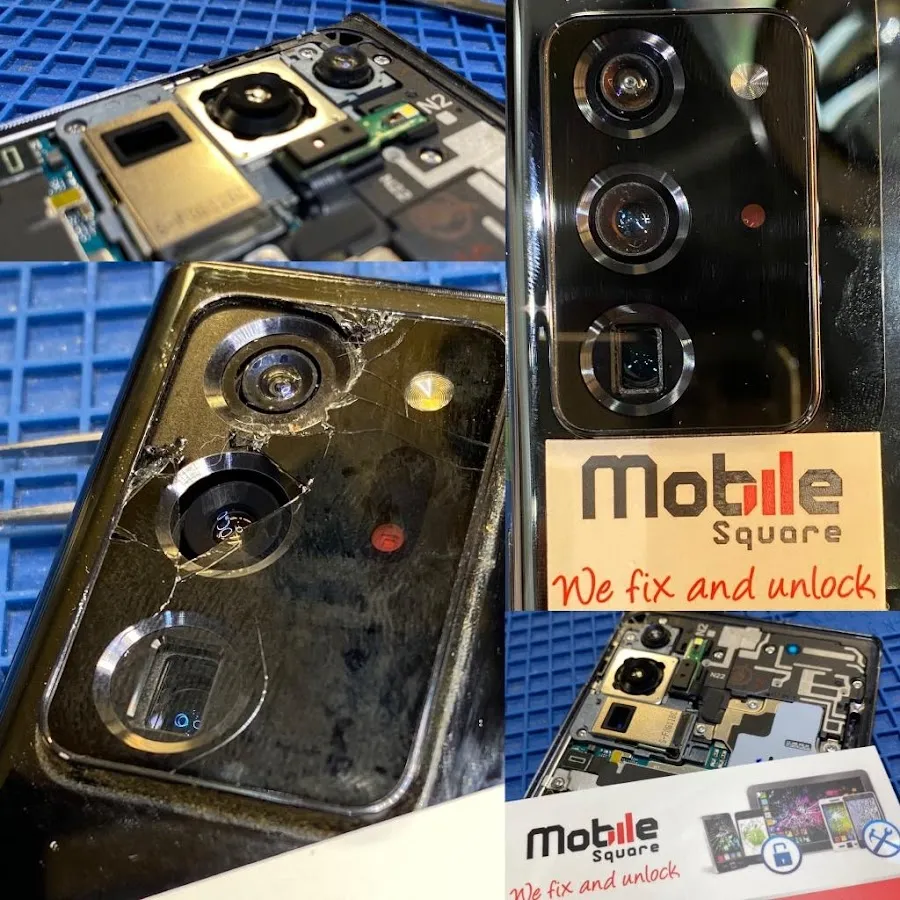
For trusted diagnostics and repairs in Markham, consider Mobile Square – We Fix and Unlock. They offer clear diagnostics and board-level repairs when needed. Contact: info@mobilesquare.ca| 1 647-970-9700.
A careful diagnosis prevents wasted effort and keeps your device working reliably.