
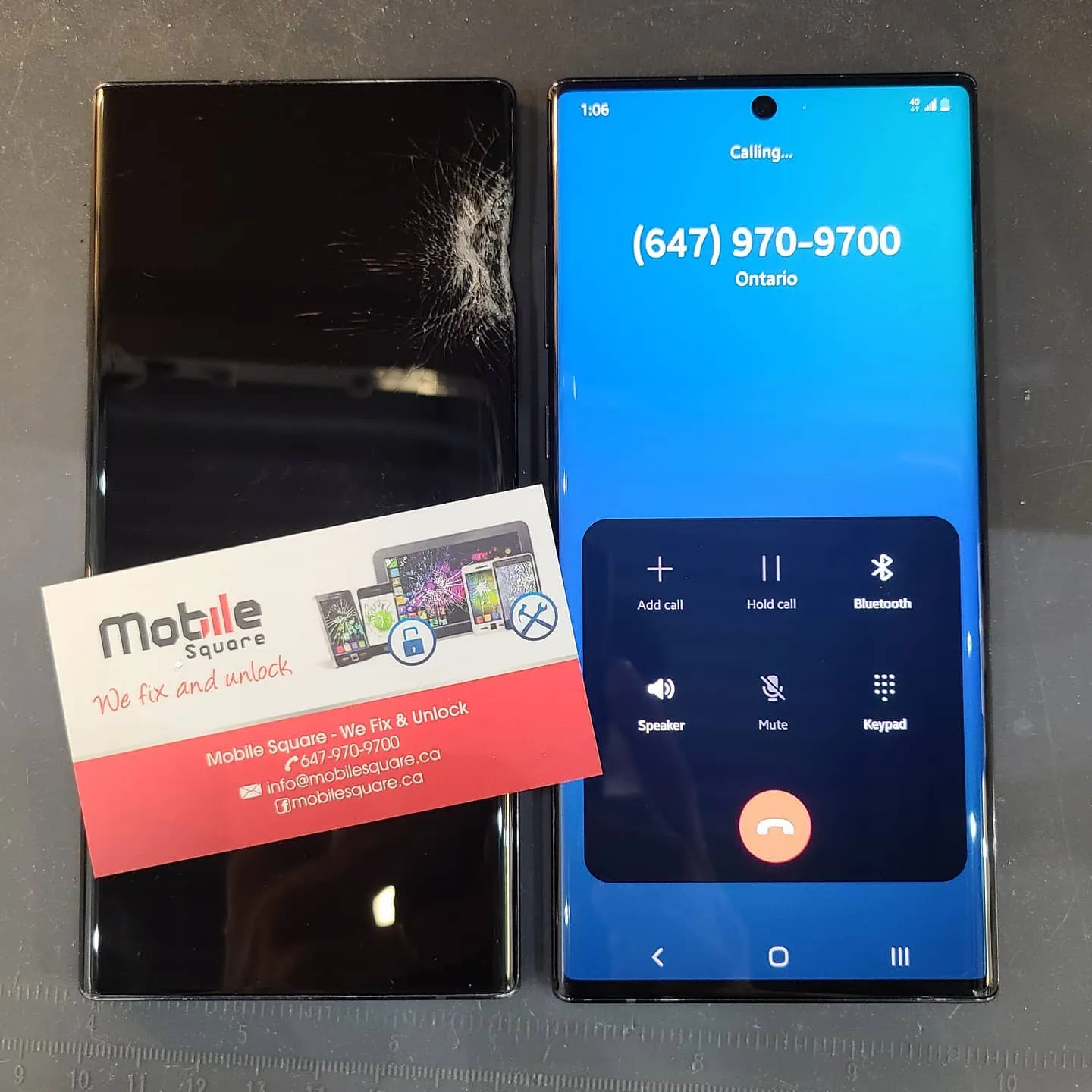
Strong Introduction
If you’re a Samsung user in Markham or anywhere in the Greater Toronto Area (GTA), you know how frustrating it can be when your phone screen cracks, flickers, or stops responding. From accidental drops on Main Street to the cold-weather slips that shatter glass in seconds — a damaged Samsung display is a common issue across the region. The good news? You don’t always have to buy a new phone. Tech experts at TechCrunch often share insights on smartphone repair trends, explaining when screen replacement makes sense and how users can save on costly upgrades.
This guide walks you through what to do when your Samsung screen breaks — whether it’s a small crack or a completely unresponsive display. You’ll learn how to identify the real problem, compare repair options, understand how screen replacements are done, and make a confident decision about where to go for help.
At Mobile Square – We Fix and Unlock, we’ve seen thousands of Samsung users walk in with cracked screens and walk out with their phones looking brand new. Our hundreds of positive reviews across the GTA prove one thing: from screen replacements to Water Damage Repair, quality service saves you money and keeps your phone running like new.
Problem Details: What “Broken Screen” Actually Means
A “broken screen” can mean several different problems. Sometimes, it’s just the outer glass that’s cracked while the touch and image still work fine. Other times, the damage runs deeper — affecting the digitizer (the layer that senses touch) or the AMOLED panel that shows the image. If your phone also struggles to hold a charge or shuts down unexpectedly, it may point to a Samsung battery replacement instead of a screen issue.
If you see black spots, flickering lines, or the display is completely dark, the entire screen assembly likely needs replacement. That’s because most newer Samsung models — like the Galaxy S21, S22, and Fold series — use fused display units where the glass, digitizer, and display are bonded together.
Pro Tip: If your screen still shows an image, back up your data right away. Cracks can spread or cause the touch system to fail without warning.
Solution Analysis: Your Three Main Options
| Option | Pros | Cons | Best When |
| DIY Replacement | Lower parts cost; quick if you’re experienced | Risk of further damage; requires specialized tools; may void warranty | You have repair experience and can source genuine parts |
| Local Professional Repair (e.g., Mobile Square in Markham) | Same-day turnaround; quality parts; usually cheaper than manufacturer | Quality varies by shop; some use aftermarket parts | You want a fast, convenient, and affordable fix |
| Manufacturer (Samsung) | OEM parts; warranty protection | Often most expensive; can take 1–2 weeks with shipping | Your phone is still under Samsung warranty |
If your Samsung screen is damaged, you generally have three repair options: DIY replacement, local professional repair, or Samsung manufacturer service. Each has trade-offs in cost, turnaround time, and risk.Pro Tip: Before choosing a local shop, ask if they use OEM or high-grade replacement panels. Reputable stores like Mobile Square in Markham are upfront about part quality and warranty coverage.
Process/Steps: What Happens During a Professional Screen Replacement
A proper Samsung screen replacement follows these general steps:
- Power off the phone and remove any SIM or memory cards.
- Carefully heat and lift the rear housing (Samsung phones are sealed with adhesive).
- Disconnect the battery to avoid short circuits.
- Detach the broken screen assembly using precision tools.
- Install the new screen assembly and reconnect all flex cables.
- Test the screen brightness, touch response, and display color before sealing.
- Reapply adhesive and reassemble the phone for a tight, waterproof seal.
Markham users who visit local repair centers often appreciate that most replacements take just a few hours, compared to the several days manufacturer repairs typically require.
Cost Factors: What Affects Repair Pricing
Several factors influence how much a Samsung screen replacement costs in the GTA:
- Model type: Flagship phones like the Galaxy S24 Ultra use advanced OLED panels that cost more.
- Damage severity: If only the glass is broken, costs may be lower — but full assembly replacement is more common.
- Parts quality: OEM vs. high-grade aftermarket panels.
- Labor complexity: Newer waterproof designs take longer to service.
- Warranty and insurance: Check if your phone or credit card includes repair coverage.
Most Markham shops will give you an upfront quote, and many — including Mobile Square — include a short parts-and-labor warranty for peace of mind.
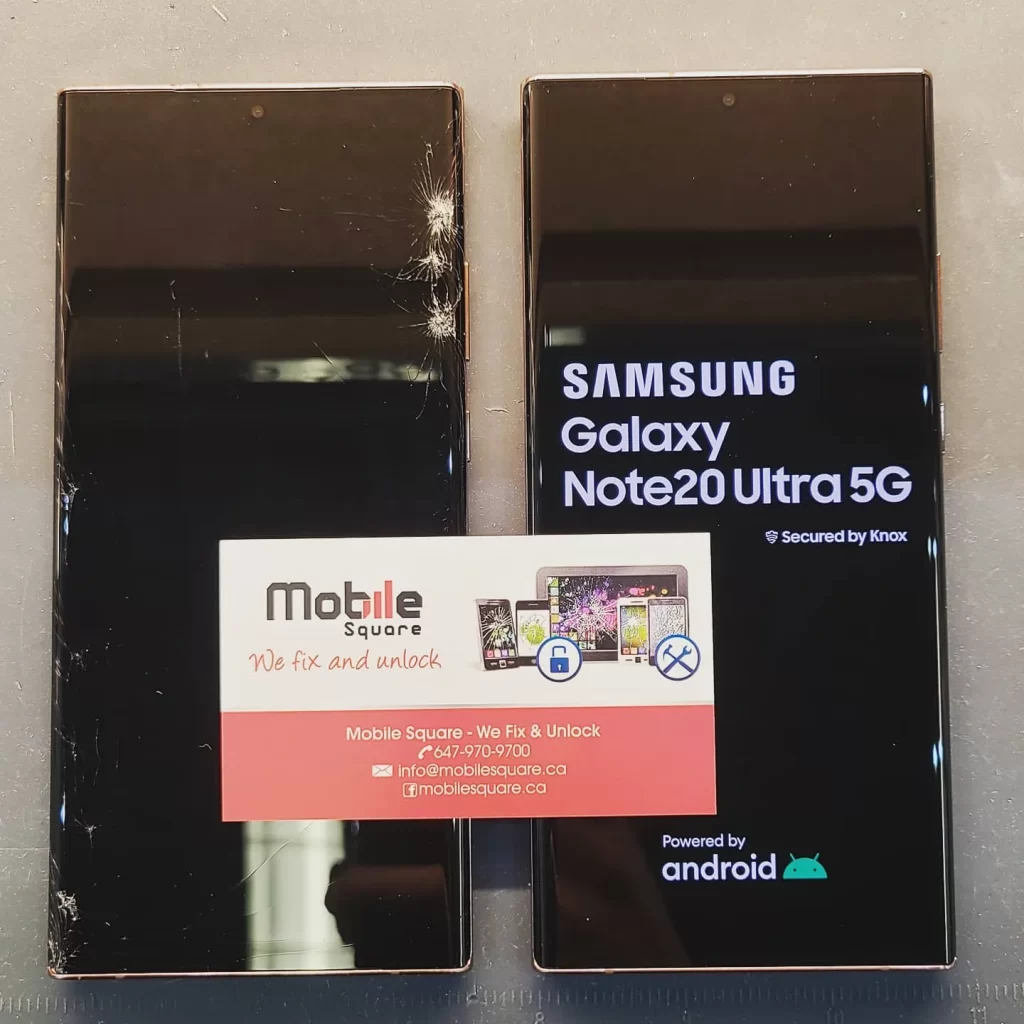
Common Mistakes to Avoid
When a screen cracks, most people rush into the cheapest option, but that can backfire. Avoid these common mistakes:
- Going for the lowest price and ending up with low-quality replacement glass.
- Attempting DIY repairs without the right tools, which can easily damage the battery or motherboard.
- Skipping the backup, risking data loss during repair.
- Ignoring water or frame damage, which can make new screens fail early.
Pro Tip: Before dropping off your phone, take clear photos of the device and note the IMEI number. This creates a simple record in case of future warranty claims.
Pre-Decision Considerations — Should You Repair or Replace?
Before scheduling a repair, think through these key questions:
- Is your touchscreen still working? If yes, you can safely back up and prepare for repair.
- Is your device older than 3 years? Older models may not be worth the full repair cost.
- Do you use your phone for business or daily navigation? Fast turnaround from a local shop might be crucial.
- Do you rely on Samsung Pay or fingerprint unlock? Ensure the new display supports these functions.
For most Markham Samsung users, a professional repair makes more sense than buying a new device — especially if your phone still runs smoothly otherwise.
What to Expect from a Local Professional Repair
A good repair shop in Markham will typically complete a Samsung screen replacement the same day or within 24 hours, depending on part stock. Manufacturer service, on the other hand, may require shipping your device and waiting up to two weeks.
Before bringing your phone in:
- Back up your data.
- Remove any screen protector or case.
- Sign out of your Samsung and Google accounts if requested.
Ask what warranty they offer — reputable shops usually provide at least 30–90 days on parts and labor.
Conclusion — Reliable Local Help in Markham
If your Samsung screen is cracked or broken, the smartest move is to get it repaired promptly by a trusted local expert. For Samsung users in Markham and the GTA, Mobile Square – We Fix and Unlock offers fast, reliable repairs with honest pricing and hundreds of 5-star reviews from satisfied customers.
📧 Email: info@mobilesquare.ca
📞 Phone: (647) 970-9700
Whether you choose a DIY fix or professional repair, remember: always back up your data, confirm part quality, and act quickly before cracks worsen. A professional Samsung screen replacement not only restores your phone’s look but also its performance — keeping you connected without the cost of a brand-new device.
Key Questions Readers Ask
Can I replace a Samsung screen myself?
Yes, but only if you have proper tools and experience. Many Samsung screens are bonded with heat-sensitive adhesives, which makes DIY repairs difficult without risk of further damage.
Will I lose data during repair?
Screen replacement itself doesn’t delete data, but technicians may need to disconnect the battery or internal components. Always back up your files first.
How long does a screen replacement take in Markham?
Local shops usually finish within a few hours. If parts need to be ordered, it might take a day or two. This is much faster than Samsung’s official service centers.
Is OEM vs. aftermarket important?
Absolutely. OEM panels deliver better color accuracy, brightness, and durability. Some high-quality aftermarket panels are fine, but avoid ultra-cheap parts that fade quickly or have weak touch response.