
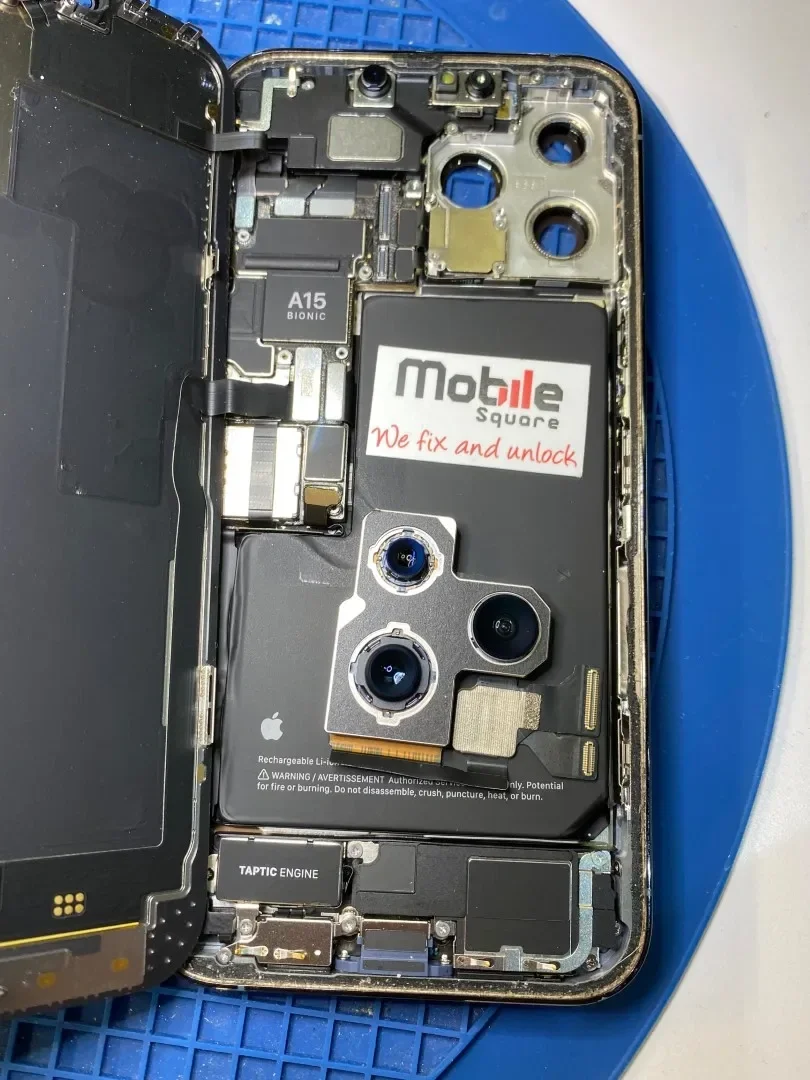
Liquid exposure immediately threatens the internal circuitry of an iPhone, requiring swift action, full power disconnection, and professional diagnostic procedures. Water-damaged iPhone repair in Sharon, ON involves assessing corrosion levels, cleaning circuit boards with specialized ultrasonic equipment, and replacing shorted components rather than merely drying out the shell.
Quick intervention determines whether a device recovers or suffers permanent motherboard failure. Liquid damage worsens over time as minerals react with copper traces and electric currents accelerate electrolysis. Technicians handle hundreds of liquid recovery cases each year, observing that timely decontamination saves most modern smartphones from total loss.
How Liquid Damages Modern iPhone Logic Boards
Liquid damage starts microscopic reactions inside the device. Once water passes the external rubber gaskets, it reaches the multi-layer logic board. Minerals found in tap water, pool chemicals, or rain conduct electricity between solder points, causing short circuits.
Power flowing through a wet circuit causes galvanic corrosion. A technical phone repair guide by iFixit explains that electricity running through mineral-rich moisture destroys solder traces within hours. This corrosion destroys micro-filters, backlight coils, and display connectors. Turning on a wet phone or plugging it into a wall outlet speeds up this destruction.
Understanding Water Resistance Ratings
Every modern device features an Ingress Protection rating. Documentation published by Apple Support indicates that liquid resistance degrades over time through normal wear and tear. Drops, temperature shifts, and minor frame bends weaken the internal adhesive seals, allowing moisture inside during accidental exposure.
| iPhone Model Series | IP Rating | Rated Depth Limit | Seal Lifespan Factors |
|---|---|---|---|
| iPhone 11 and earlier | IP67 / IP68 | 2 to 4 meters | Screen drops, age over 2 years, heat exposure |
| iPhone 12 to 14 | IP68 | 6 meters | Frame dents, adhesive drying, screen replacements |
| iPhone 15 and 16 | IP68 | 6 meters | Heavy drops, port wear, exposure to chlorinated water |
Immediate Actions to Take After Liquid Exposure
Turn off the device immediately. Do not attempt to charge the battery or connect any accessories. Remove cases, screen protectors, and the SIM tray to create airflow paths.
- Power down instantly: Keep the screen off to stop current from reaching damaged components.
- Skip the rice: Rice dust enters open ports and mixes with moisture, forming a paste that traps water inside.
- Dab external moisture: Use a lint-free cloth to dry external surfaces gently without shaking the device violently.
Bonus Tip: Stand the iPhone upright with the charging port facing down against an absorbent towel. Air drying near a cool room fan removes moisture faster than sealed enclosures.
Professional Diagnostic and Repair Steps
Technicians follow a systematic cleanup procedure to salvage liquid-damaged smartphones:
- Disassembly: The screen assembly lifts away to disconnect the battery immediately.
- Inspection: Technicians check the Liquid Contact Indicators (LCIs) placed near the SIM slot and internal shield plates.
- Ultrasonic Cleaning: The motherboard sits in an ultrasonic bath filled with pure isopropyl alcohol, vibrating away mineral deposits and rust.
- Thermal Imaging: Specialized cameras spot overheating chips during controlled voltage injections.
- Component Replacement: Damaged capacitors, display flex cables, and batteries are swapped out.
Liquid exposure often ruins the display assembly. Technicians performing Apple iPhone screen repair in Sharon, ON regularly find burnt backlight circuits beneath the display glass. Addressing both motherboard corrosion and cracked panels restores the device to normal operating order.
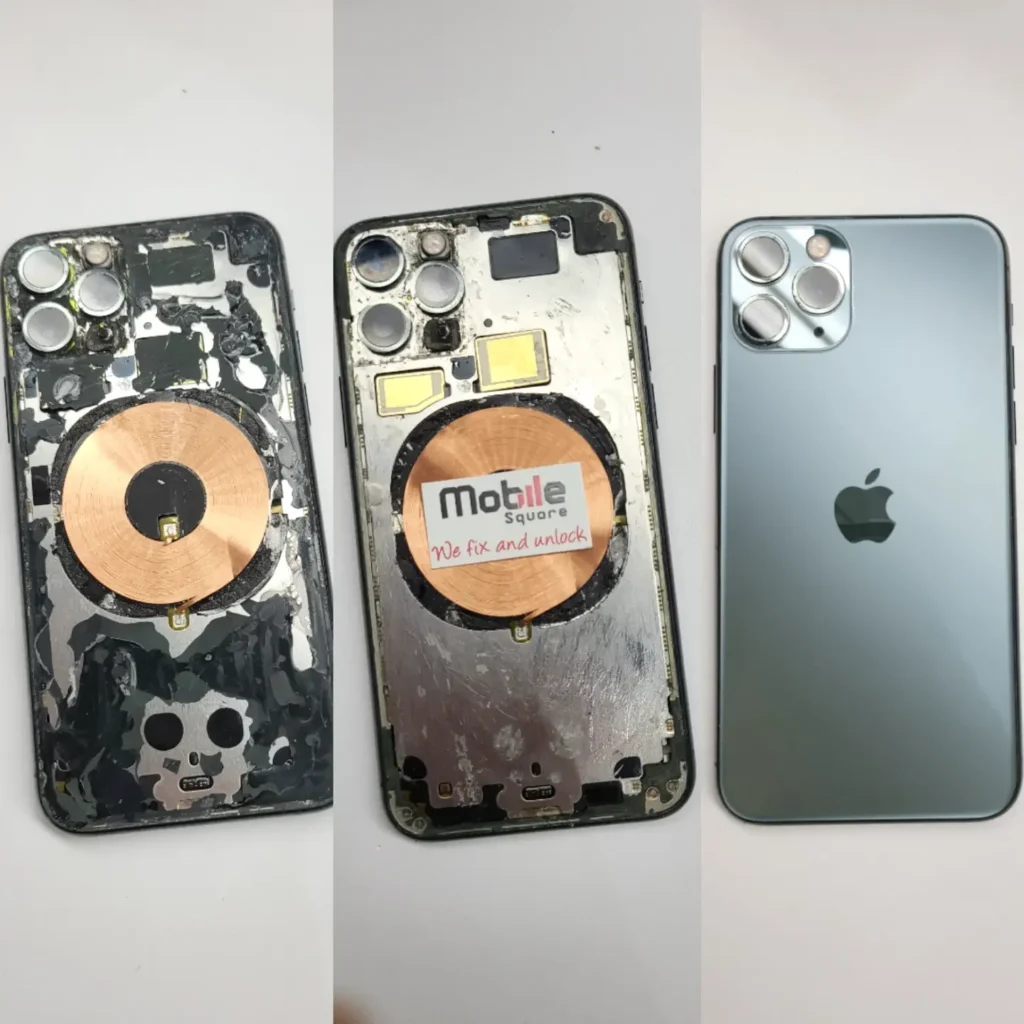
Things to Consider Before Making a Decision
Before spending funds on restoring a wet smartphone, several factors require evaluation:
Total Cost Versus Device Value
Repair expenses must make sense compared to buying a replacement. Replacing a display, battery, and cleaning a motherboard can approach the price of a used model. If the device only needs a clean board and an iPhone cracked screen repair, repair remains the practical choice.
Data Recovery Priorities
If device backups are missing, the main goal shifts from device longevity to data retrieval. Board-level micro-soldering restores temporary boot functionality, allowing complete transfers to iCloud or a computer before secondary problems appear.
Time Since Exposure
Corrosion severity scales with time. A device retrieved from freshwater two hours ago carries a much higher chance of full recovery than a device sitting wet for three days.
Bonus Tip: Take notes on the liquid type. Salt water and sugary juices cause faster damage than clean tap water, requiring aggressive chemical board washings.
Final Recommendations for iPhone Recovery
Dealing with a wet iPhone demands immediate power shutdown and professional intervention. Mineral corrosion works quickly, meaning hours count. Evaluate repair costs against current device value, balance those figures with data recovery needs, and select specialized Sharon phone repair over temporary internet tricks.
Visit Mobile Square for Reliable Support
When liquid accidents happen, quick turnaround times make all the difference. Mobile Square handles advanced liquid recovery, diagnostic testing, and screen restorations for all iPhone models. Stop by to have technicians inspect your device, call 647-970-9700 for immediate advice, or send questions to info@mobilesquare.ca. Get reliable support to recover your device and preserve your data today.
Frequently Asked Questions
Does Apple cover liquid damage under standard warranty?
No. Standard one-year warranties do not cover liquid issues. Apple devices contain internal indicator stickers that turn red when wet, voiding standard warranty coverage.
Why should charging a wet phone be avoided?
Plugging in a charging cable sends high voltage through wet circuits. This current creates shorts that burn logic board traces, turning an easy cleaning job into permanent hardware failure.
What causes speakers to sound muffled after getting wet?
Water gets trapped in front of the speaker mesh membranes. While drying helps, dried mineral residues can harden against the speaker cone, requiring ultrasonic cleaning or speaker module replacement.
Can ultrasonic cleaning fix corrosion on logic boards?
Ultrasonic cleaning strips mineral buildup and rust off microchips using high-frequency sound waves in cleaning solutions. It restores clean electrical contact surfaces across the circuit board.
Are comprehensive iPhone repair services available for older models?
Yes. Professional repair shops maintain replacement parts for older models, making display swaps, battery installs, and board restorations straightforward for most device generations.
Sources
- iFixit – Guide outlining the chemical processes of liquid corrosion and hardware cleaning steps.
- Apple Support – Official documentation detailing device water resistance standards and liquid contact indicator locations.