
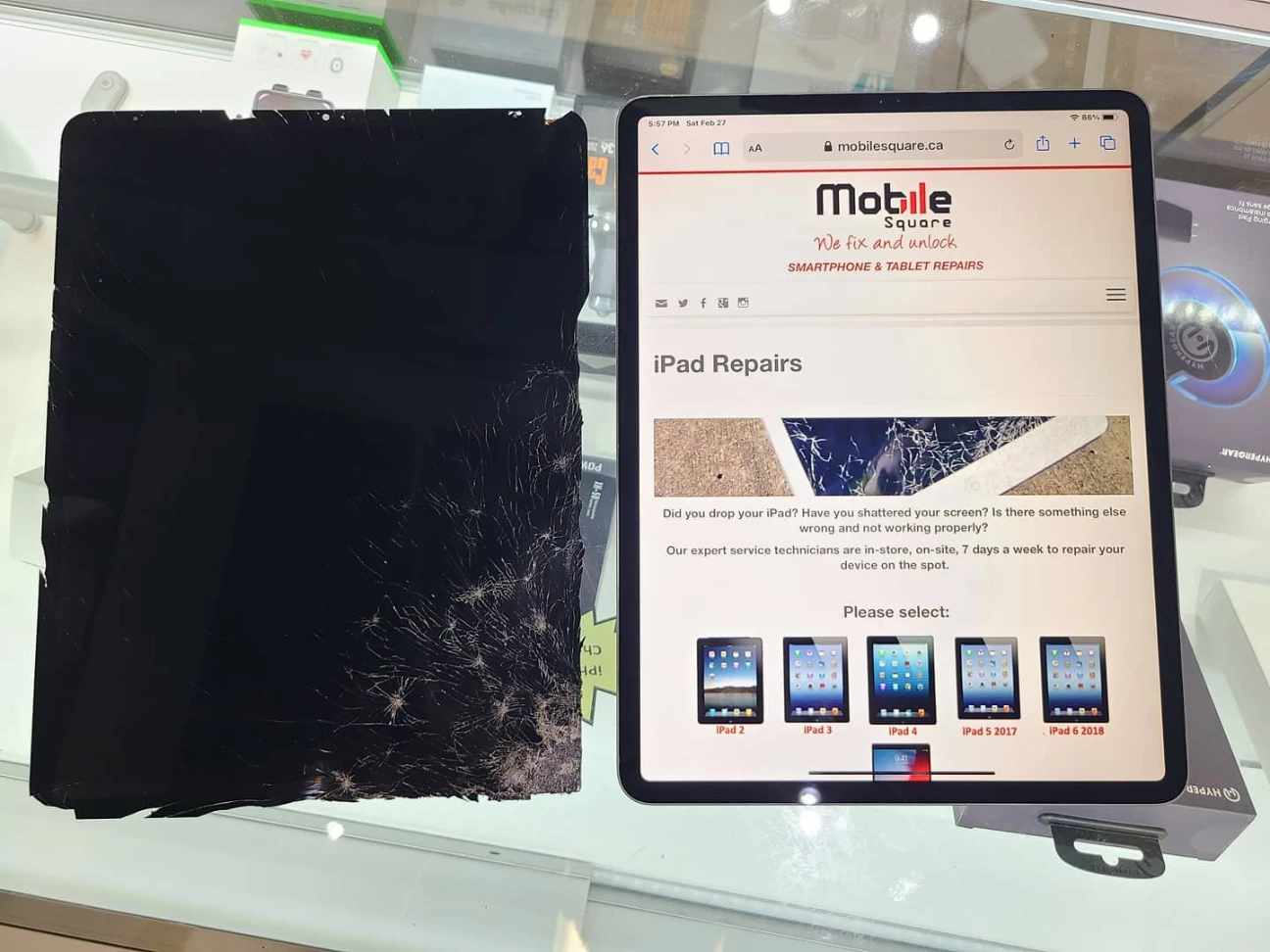
A cracked iPad screen requires immediate attention, but the decision to repair it professionally depends on the device model, the extent of the damage, and the cost of replacement. If the iPad has a high resale value, suffers from touch malfunctions, or displays visible ink bleeding or lines underneath the glass, seeking professional repair is the safest financial and functional decision. Conversely, owners of older, outdated models might find that professional repair costs exceed the device’s current worth, making a replacement or a risky DIY attempt a more logical option.
Mobile Square knows that a shattered screen creates anxiety. This guide breaks down exactly when to pay for expert service, when to consider other options, and how to assess the damage objectively. Understanding these factors saves money and prevents further damage to the device.
Understanding the True Cost of Damage
The financial implications of a cracked screen extend beyond aesthetics. A compromised screen exposes the internal components to dust, moisture, and debris. Over time, these elements can corrode the motherboard or short-circuit the battery, leading to complete device failure.
Market Value vs. Repair Cost
The primary factor in this decision is the ratio of repair cost to the device’s current market value. High-end models like the iPad Pro retain value much longer than older standard iPads. According to data from Statista, the average selling price of iPads has steadily increased, making professional repair a smarter investment for newer units. Spending a few hundred dollars to fix a device worth nearly a thousand dollars makes sense. Spending the same amount on a device worth two hundred dollars does not.
The DIY Trap
Many consumers look to DIY kits to save money. However, modern iPad screens are complex assemblies. The glass, digitizer, and LCD are often fused together. Attempting to separate them requires industrial-grade heat and specialized tools. A report from iFixit consistently rates iPads as difficult to repair due to this construction. Without proper training, a user can easily cut ribbon cables or destroy the LCD while trying to remove the broken glass.
Risks of Self-Repair
- Data Loss: Opening the device improperly can sever connections to the logic board, potentially making data recovery impossible.
- Further Damage: Applying excessive heat to loosen the adhesive can damage the battery, creating a fire hazard.
- Poor Quality: Aftermarket screens sold in DIY kits often have lower resolution, poor color accuracy, or unresponsive touch sensitivity compared to original specifications.
Comparing Repair Options
Evaluating the specific path forward requires looking at the trade-offs between professional service and DIY methods. The table below outlines the key differences to help clarify the decision.
| Feature | Professional Repair | DIY Kit |
|---|---|---|
| Cost | Higher (includes labor and parts) | Lower (parts only) |
| Risk | Minimal (technician assumes liability) | High (user assumes full risk) |
| Time | Usually same day or next day | Several hours to days |
| Quality | OEM or high-quality equivalent | Variable, often lower tier |
| Warranty | Usually included in parts and labor | None |
| Tools | Professional grade | Basic tools included |
Regional Considerations for Climate and Environment
Living in Canada introduces specific environmental factors that affect iPad repairs. Cold weather makes glass more brittle. A device that is dropped in freezing temperatures is more likely to shatter severely than one dropped in mild weather. Additionally, attempting a repair in a dry, heated home during winter increases the risk of static electricity damage to the internal components. Professional repair shops manage these environmental risks with climate-controlled workspaces and anti-static equipment.
Things to Consider Before Making a Decision
Before committing to a repair path, users should evaluate these specific pre-decision factors.
Device Model and Age Check the specific model number in the settings. Newer iPad Pro and Air models use laminated screens that are expensive to manufacture. Older iPads (Gen 5 and earlier) often have non-laminated screens that are slightly cheaper and easier to replace, though the value of the device may still not justify the cost.
Extent of Damage Assess the functionality carefully. Does the touch response still work accurately around the cracks? Are there lines, black spots, or flickering? These symptoms indicate LCD damage. Replacing just the glass will not fix LCD issues. The entire display assembly requires replacement.
Backup Status Ensure a recent iCloud or iTunes backup exists. Even professional repairs carry a tiny risk of data loss, though it is rare. If the screen is unresponsive and a backup cannot be performed, inform the repair technician immediately. They may be able to perform the repair while preserving the data, but this requires specific techniques.
Bonus Tips from Experience
- Stop the Spread: If the crack is spreading but the iPad is still usable, apply a strip of clear packing tape over the crack. This prevents glass shards from falling out and keeps dust out until a repair appointment happens.
- Avoid Liquid Fixes: Never use home remedies like toothpaste or baking soda to buff out scratches. These substances can seep into the cracks and ruin the digitizer or display layers permanently.
- Check for “Ghost Touch”: If the screen registers touches that are not happening, the digitizer is failing. This is a critical failure point. The iPad will become unusable very quickly, requiring immediate professional attention.
Conclusion
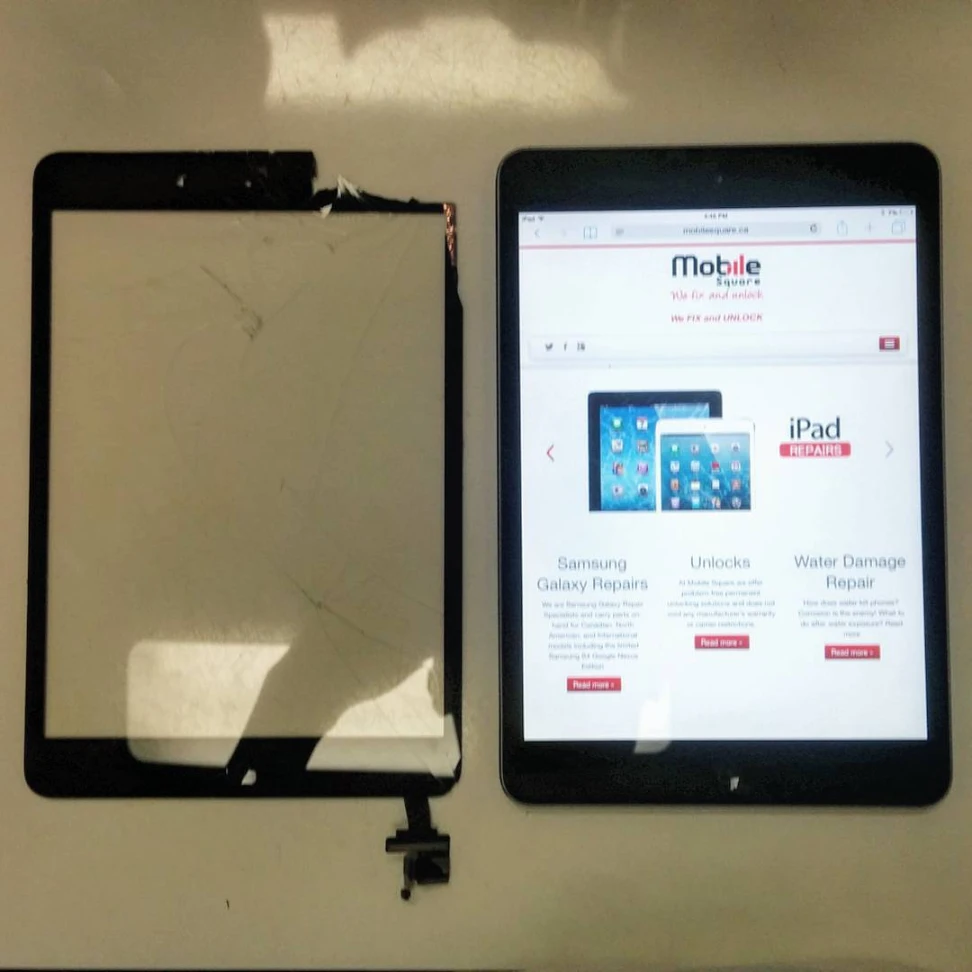
Choosing professional iPad screen repair is the best course of action for devices that retain value or have critical functionality issues like unresponsive touch or display damage. While the upfront cost is higher than a DIY kit, the risk of ruining the device completely is eliminated. Mobile Square advises owners to weigh the repair cost against the replacement cost and consider the complexity of modern iPad construction. For anyone relying on their iPad for daily productivity or creative work, the reliability of a professional repair offers peace of mind that simply cannot be matched by a makeshift fix.
Need a Professional Opinion?
If the screen damage affects usability or the device holds important data, do not risk a DIY attempt. Contact Mobile Square for an expert assessment. Our team can accurately diagnose the issue and provide a clear quote for high-quality repair. Reach out via email at info@mobilesquare.ca or call (647) 970-9700 to schedule a consultation or repair service.
Sources
- Statista – Average selling price of iPads and market trends supporting the value of repairs.
- iFixit – Technical tear-downs and repairability scores for various iPad models.
FAQS
Is it worth fixing an old iPad?
It depends on the intended use. If the iPad is used for light tasks like browsing or streaming and the repair cost is low, it might be worth it. If the repair cost approaches the price of a newer, faster used model, upgrading is the better choice.
Can I trade in a cracked iPad?
Some trade-in programs accept cracked devices, but they offer significantly less money. It is often more profitable to have the screen repaired professionally and then trade in the device in good condition.
Why is professional repair more expensive?
The price covers not just the part, but the technician’s expertise, the warranty on the work, and the overhead of running a shop with specialized tools and insurance.
What if my screen turns black after a drop?
This usually indicates a loose display connector or a failed backlight. A professional technician can reseat the connector or replace the backlight filter. This is not a fix users can perform at home without microsoldering skills.
Does a cracked screen drain the battery?
A cracked screen itself does not drain the battery. However, if the digitizer is malfunctioning and registering constant phantom touches, the processor works overtime to register these inputs, which can lead to faster battery drain.