
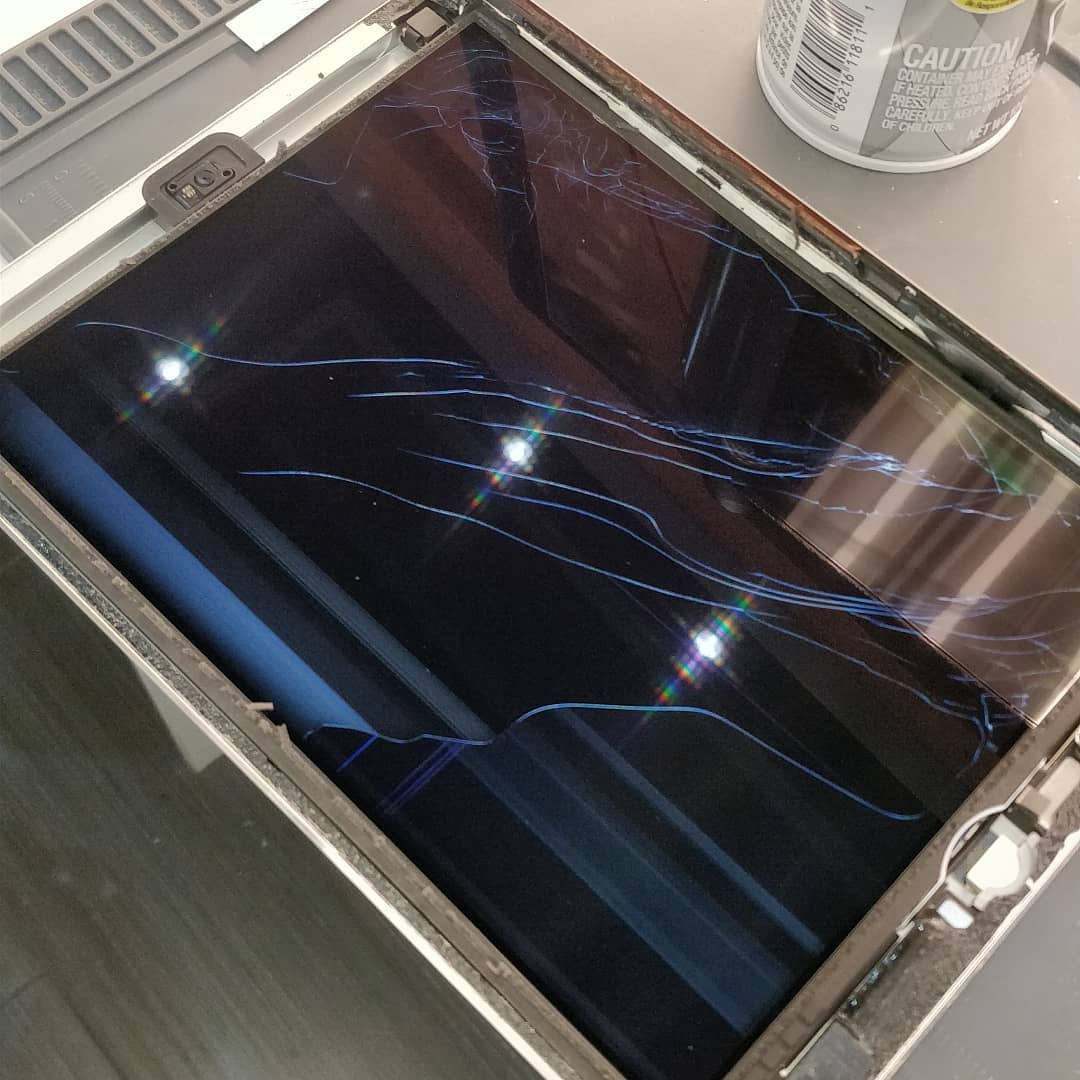
Professional repair secures tablet data by fixing specific internal components without requiring a factory reset or a full motherboard replacement. This approach keeps photos, documents, and login credentials intact while costing significantly less than buying a new device. Most manufacturer service centers opt for device swaps or board replacements that wipe all local information, making independent professional repair the most reliable way to preserve data during a hardware crisis.
Technical expertise allows for the recovery of information from devices that appear completely dead. By targeting the actual point of failure, such as a blown capacitor or a damaged charging port, specialized technicians restore functionality for a fraction of the cost of a replacement. Mobile Square utilizes precision tools to ensure these repairs meet original hardware standards while protecting the sensitive flash memory where files are stored.
The Technical Reality of Data Preservation
Most modern tablets store data on NAND flash memory chips that are soldered directly to the logic board. When a device fails to power on, the files usually remain safe on that chip. The challenge lies in providing the chip with the power and communication paths it needs to function. Professional repair shops focus on board-level work to repair these paths rather than discarding the entire board.
Standard manufacturer procedures often involve replacing the entire internal assembly. While this fixes the hardware issue, it results in a “blank slate” device. A report by Consumer Reports indicates that data privacy and loss are major concerns for consumers seeking repairs. Independent professionals use micro-soldering to replace only the damaged parts, which keeps the original memory chip in place and accessible.
Avoiding the Factory Reset Trap
Many software-based troubleshooting steps recommended by general support desks involve a factory reset. This action deletes the encryption keys needed to read the data on the device. Professional technicians perform hardware diagnostics first to rule out physical failures before suggesting any software changes. This sequence ensures that data is not accidentally deleted in an attempt to fix a physical problem like a faulty power button or a dead battery.
Bonus Tip: If a tablet stops responding, do not attempt multiple forced restarts or software restores if you suspect hardware damage. These actions can sometimes cause the storage controller to corrupt the file system, making data recovery much harder.
Financial Advantages of Component-Level Repair
The cost of high-end tablets has risen steadily over the last decade. Data from Statista shows that premium tablet prices often exceed several hundred dollars, making frequent tablet screen replacements financially difficult for many households. Repairing a specific part usually costs between 15% and 30% of the price of a new unit.
By choosing to fix a device, owners avoid the hidden costs of upgrading. A new tablet often requires new protective cases, different charging cables, and time-consuming software setups. Keeping an existing device in service longer maximizes the initial investment and delays the depreciation hit that comes with buying brand-new technology.
Average Cost Comparison for Common Tablet Issues
| Issue Type | Professional Repair Cost | Replacement Cost (New) | Potential Savings |
|---|---|---|---|
| Cracked Glass Screen | $110 to $220 | $500 to $900 | $390 to $680 |
| Dead or Swollen Battery | $70 to $120 | $500 to $900 | $430 to $780 |
| Damaged Charging Port | $80 to $140 | $500 to $900 | $420 to $760 |
| Logic Board Failure | $150 to $300 | $500 to $900 | $350 to $600 |
Risks Associated with DIY Repair Attempts
While internet tutorials make tablet repair look simple, the internal layout of these devices is incredibly dense. Most tablets are held together with strong adhesives rather than screws. Opening a device without the correct heat-dispelling equipment can lead to cracked LCD panels or punctured batteries.
Professional environments use static-safe mats and grounded tools to prevent electrostatic discharge. A small zap that a human cannot even feel can instantly destroy a tablet processor. Experience at Mobile Square shows that many expensive repairs start as simple issues that were made worse by amateur intervention. A slipped screwdriver can easily sever a ribbon cable responsible for touch functionality or data transfer.
Bonus Tip: Avoid using generic “tool kits” found on discount websites. These often feature plastic tools that snap or metal pry bars that scratch and dent the soft aluminum frames of modern tablets.
Things to Consider Before Making a Decision
Before choosing between a repair and a replacement, evaluate these specific factors:
- Software Compatibility: Check if the tablet still receives security updates from the manufacturer. If it is too old to run current apps, a repair might only be worth it for data recovery.
- Total Repair Cost vs. Value: If the repair exceeds 50% of the device’s current market value, consider if the data on it justifies the expense.
- Part Quality: Ensure the technician uses high-quality replacement parts. Cheap screens often have poor color balance and brittle glass that breaks easily.
- Warranty Period: A professional repair should come with a guarantee. If a shop does not offer a warranty on their work, the repair may not be reliable.
- Turnaround Time: Consider how long you can be without the device. Many professional repairs are completed within the same day, whereas manufacturer shipping can take weeks.
Environmental Impact of Extending Device Life
Repairing electronics is a direct way to reduce environmental waste. According to a study by the United Nations Institute for Training and Research, electronic waste is the fastest-growing waste stream in the world. Tablets contain lithium, cobalt, and various heavy metals that require significant energy to mine and process.
Extending the life of a tablet by just two years significantly reduces the demand for new raw materials. Professional repair shops facilitate this by keeping older hardware functional and out of landfills. This cycle supports a circular economy where products are maintained rather than discarded.
The Ultimate Concerns Regarding Tablet Repair
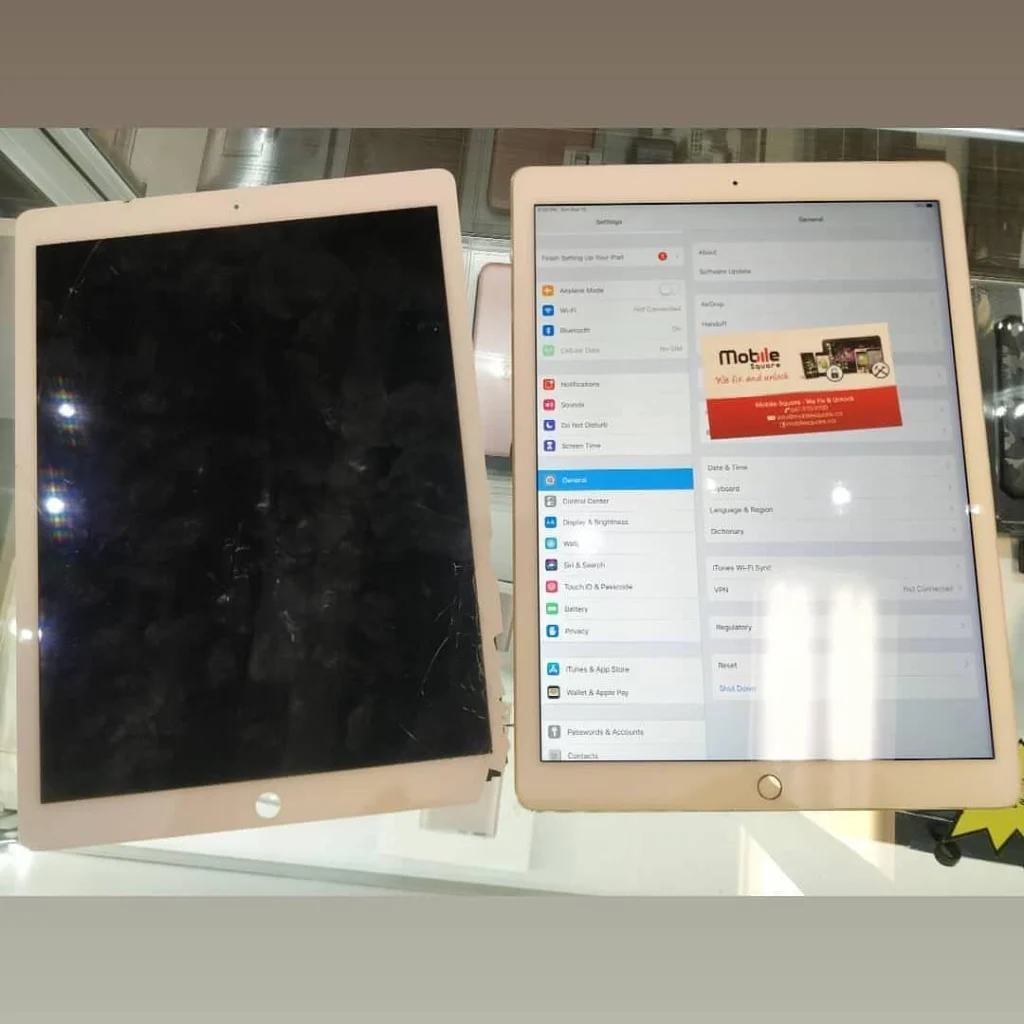
Users often worry that a repaired tablet will never feel the same as a new one. When high-quality parts are used, the tactile feel and visual clarity are indistinguishable from the original. Another frequent concern is whether the battery life will suffer. A professional battery replacement actually restores the device to its original factory runtime, often solving performance throttling issues caused by old power cells.
Data safety during the repair process is the most common question. Technicians do not need your passcode to fix a screen or a charging port. You can keep your data locked and private while the hardware is being serviced. This provides a level of security that mail-in services often cannot match.
Evaluating the Long-Term Value
Choosing professional repair is a calculated decision that balances data security with financial common sense. It prevents the loss of irreplaceable digital memories and keeps hundreds of dollars in your pocket. By understanding the technical causes of failure and the risks of amateur fixes, owners can make informed choices that extend the life of their technology. Always prioritize shops that demonstrate a clear understanding of board-level electronics and offer transparent pricing.
Expert Hardware Support
For those looking for assistance with tablet failures, contacting a dedicated service provider is the most effective path forward. Mobile Square offers technical evaluations to help determine the best course of action for any damaged device. You can discuss your specific hardware issues by calling (647) 970-9700 or by sending an inquiry to info@mobilesquare.ca. Getting a professional assessment ensures that your data is handled with the necessary care and that the repair is done right the first time.
Sources
Statista – A global data and business intelligence platform that provides statistics, consumer survey results, and industry studies.
United Nations Institute for Training and Research – A dedicated training arm of the United Nations system that tracks global e-waste and environmental trends.
FAQ About Tablet Data and Repair Costs
Will repairing my screen delete my photos?
No, a screen replacement is a purely external hardware fix. It does not involve the storage chips or the operating system. Your photos and files stay exactly where they are.
Can data be recovered if the tablet will not turn on?
Yes, in most cases. If the storage chip itself is not cracked or shorted, technicians can perform board-level repairs to restore power to the device and extract the data.
Is it cheaper to fix a tablet or buy a used one?
Fixing your own tablet is usually cheaper and safer. Buying a used device carries the risk of hidden battery issues or activation locks. Repairing your own hardware ensures you know the full history of the device.
How long do professional tablet repairs take?
Most common repairs, like battery swaps or screen fixes, take between one and three hours. More complex motherboard repairs involving liquid damage may take several days for proper cleaning and testing.
Does water damage mean the data is gone forever?
Not necessarily. Immediate professional cleaning using ultrasonic tanks can remove corrosion. As long as the device is not powered on while wet, the data is often recoverable.