
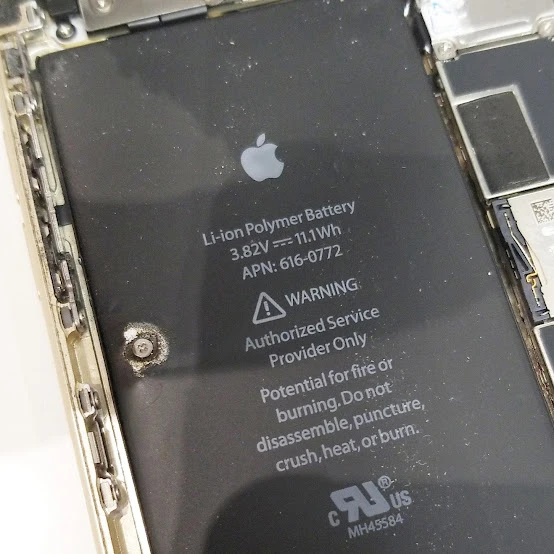
A tablet that refuses to power up often has deeper hardware issues than a simple loose cable. While trying a different charger or cleaning out pocket lint is a great starting point in Ajax, ON, persistent issues usually point to bent internal pins, fractured solder joints, or degraded battery chemistry that requires expert physical repair.
We understand how disruptive a dead device can be to your daily work and entertainment. We see these charging failures daily. Mobile Square has diagnostic equipment to identify the exact point of failure without causing further damage to your device’s motherboard.
Why Does Your Tablet Stop Charging?
Determining the source of a power failure helps you avoid wasting money on unnecessary replacements. Many hardware parts must work together perfectly for electricity to flow from your wall outlet to your tablet’s screen.
1. Microscopic Port Damage
The USB-C or Lightning port on your tablet takes a lot of abuse from daily plugging and unplugging. Over time, the internal metal pins can bend or break, preventing proper contact with your cable. According to a diagnostic article by IPace Electronics, these ports frequently fail because the solder joints connecting them to the motherboard crack from physical stress.
2. Battery Degradation
Lithium-ion batteries have a finite lifespan, usually lasting between two to four years depending on how you use them. A guide from Oscal notes that degraded batteries often show inconsistent charging patterns, drain rapidly, or shut down unexpectedly.
3. Motherboard Parts Failures
Your tablet contains dedicated power management integrated circuits that regulate the voltage entering the system. If a power surge occurs or you use an uncertified, cheap charger, these chips can burn out. When this happens, even a brand-new port or battery will not make your tablet turn on.
Bonus Tip: Always use the original charger that came with your tablet or a high-quality certified brand to protect your device’s motherboard from power surges.
How DIY Troubleshooting Compares to Professional Diagnostics
Many tablet owners experience these power failures and attempt to resolve them at home. Often, they try to clean their charging ports with metal paper clips or needles, which can permanently destroy the delicate internal pins. Professional shops instead use specialized, non-conductive tools and diagnostic meters to test voltage levels before ever opening the device.
To put these issues into perspective, data reported by MicroSec indicates that around 60% of charging failures stem from simple external issues like dirty ports or faulty cables. Conversely, the remaining 40% involve complex internal hardware problems that require physical disassembly.
To help you understand where your specific issue might lie, we have compiled a quick overview of symptoms and their typical causes.
Diagnostic Guide for Tablet Power Failures
| Symptom | Probable Cause | Recommended Action |
|---|---|---|
| The charging icon displays, but the battery percentage drops | Damaged power management chip or failing battery | Professional diagnostic and motherboard testing |
| The cable feels loose and falls out easily | Debris buildup or worn-out port housing | Professional cleaning or port replacement |
| The tablet only charges when the cable is held at an angle | Broken solder joints on the motherboard | Professional micro-soldering |
| The tablet gets extremely hot while plugged in | Failing battery or internal short circuit | Unplug immediately and seek professional help |
Why Professional Repair is Safer and More Effective
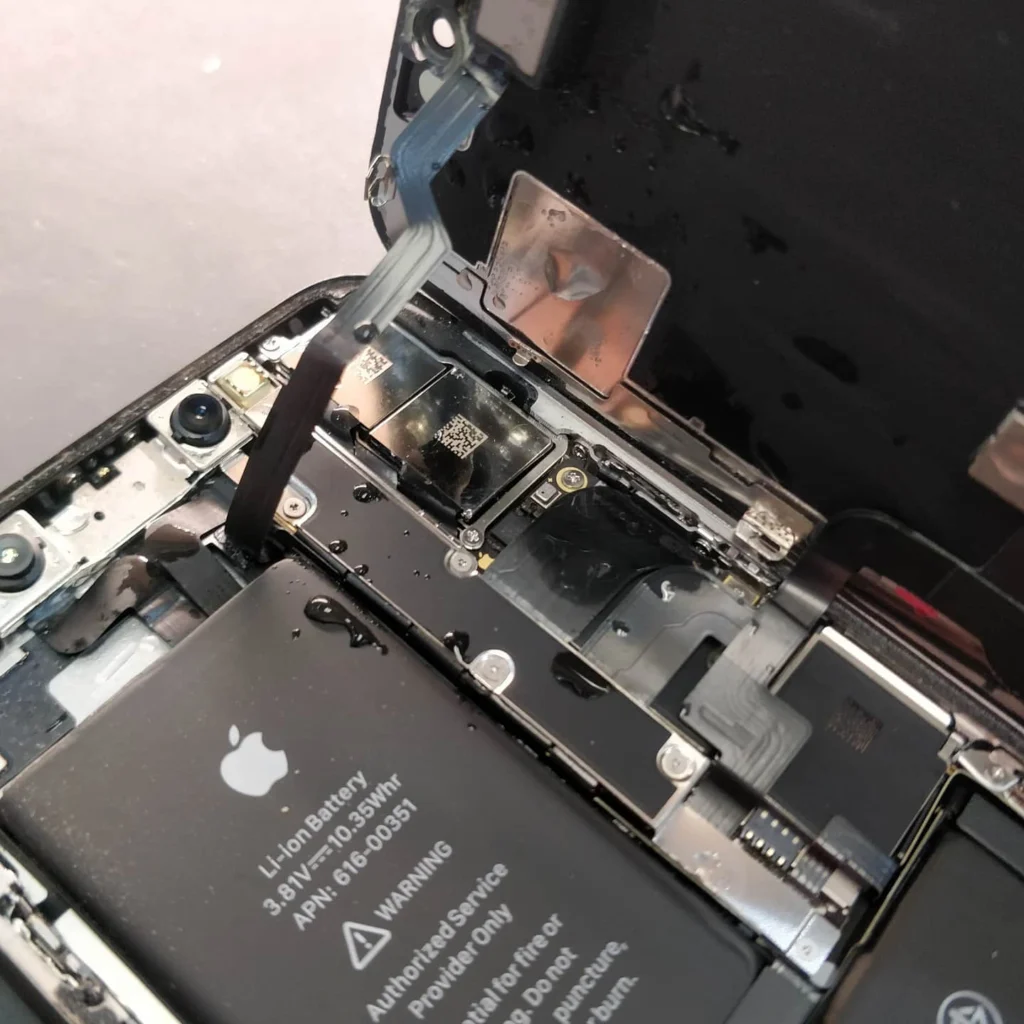
Opening a modern tablet requires melting the adhesive holding the screen to the frame. Without professional heating pads and suction tools, the glass screen is highly likely to crack during disassembly, vastly increasing your total bill.
In addition, replacing a charging port is not a simple plug-and-play job. Most modern tablets have ports soldered directly to the main logic board. Technicians must use advanced micro-soldering stations under high-magnification microscopes to install a replacement port without overheating nearby motherboard chips.
Bonus Tip: If you suspect liquid damage is causing your charging issue, do not put your tablet in rice. Power it off completely and bring it to a technician immediately to prevent corrosion.
What to Evaluate Before Choosing a Repair Solution
Before you decide whether to repair your device or buy a new one, you should weigh several practical factors.
First, consider the age of your tablet. If your device is less than three years old, a tablet repair is almost always more cost-effective than a replacement. According to data shared by Dash Cellular Repair, a typical charging port replacement costs between $50 and $150, which is significantly cheaper than buying a brand-new mid-range or premium tablet.
Second, think about your data. If your tablet cannot charge or turn on, backing up your local files, photos, and apps is impossible. A professional technician can temporarily power the board or perform data recovery, ensuring you do not lose important personal or work files.
Bonus Tip: Check your tablet’s battery health settings before the screen dies completely. If the health is below 80%, plan to replace the battery alongside the charging port to save on labor costs.
Selecting the Right Service Provider in Ajax
When looking for a tablet repair expert in Ajax, ON, look for businesses that offer transparent diagnostics and warranties on their work. You want technicians who use high-quality parts so your repaired tablet performs reliably for years. Ask if they perform the micro-soldering work in-house or if they ship devices away, as in-house repairs offer much faster turnaround times.
Our team at Mobile Square prioritizes quick diagnostics and precise repairs so you can get back to using your device as soon as possible. Our staff has the proper training to handle delicate screen removals and logic board work safely.
Choosing Your Best Path Forward
A tablet with charging issues does not mean you need to buy a new device. Most power failures stem from worn ports or aged batteries, both of which are straightforward to resolve with the right tools. Carefully evaluate your tablet’s overall condition, age, and the value of your stored data when choosing your next step. Seeking professional diagnostics early will prevent further damage and help extend your tablet’s lifespan.
Contact Us for a Fast Repair Estimate
If you are dealing with a tablet that refuses to hold a charge, we can help. You can count on us at Mobile Square for a free estimate on your device’s repair. Our technicians are ready to evaluate your tablet and explain your options without any hidden fees. You can reach our repair technicians by phone at 647-970-9700 or email us directly at info@mobilesquare.ca.
Frequently Asked Questions
How long does a tablet charging port repair take?
Most standard port replacements take between one to three hours. If your tablet requires advanced logic board micro-soldering, the process might take up to a full business day.
Can I clean my tablet’s charging port at home?
You can gently clean the port using a dry, non-metal tool like a wooden toothpick. Avoid using metal needles or paperclips, as these will permanently damage the delicate pins inside.
Will a factory reset fix a tablet that won’t charge?
A factory reset only resolves rare software glitches or power management system errors. If your port is physically loose or the battery is degraded, a reset will not help.
Why does my tablet charge slowly with some cables?
Lower-quality or worn-out cables cannot carry the full electrical current your tablet requires. Larger tablets need higher-wattage chargers and cables to charge at normal speeds.
Is it safe to use a tablet with a swollen battery?
No, a swollen battery is a severe safety hazard and can catch fire. Power down the tablet immediately, stop charging it, and take it to a repair professional.
Sources
- IPace Electronics – Technical guide on diagnosing and fixing tablet charging ports and motherboard solder joints.
- Oscal – Troubleshooting resource for tablet charging issues and power management system resets.
- Dash Cellular Repair – Industry pricing guide and comparison for tablet charging port repairs and safety risks.