
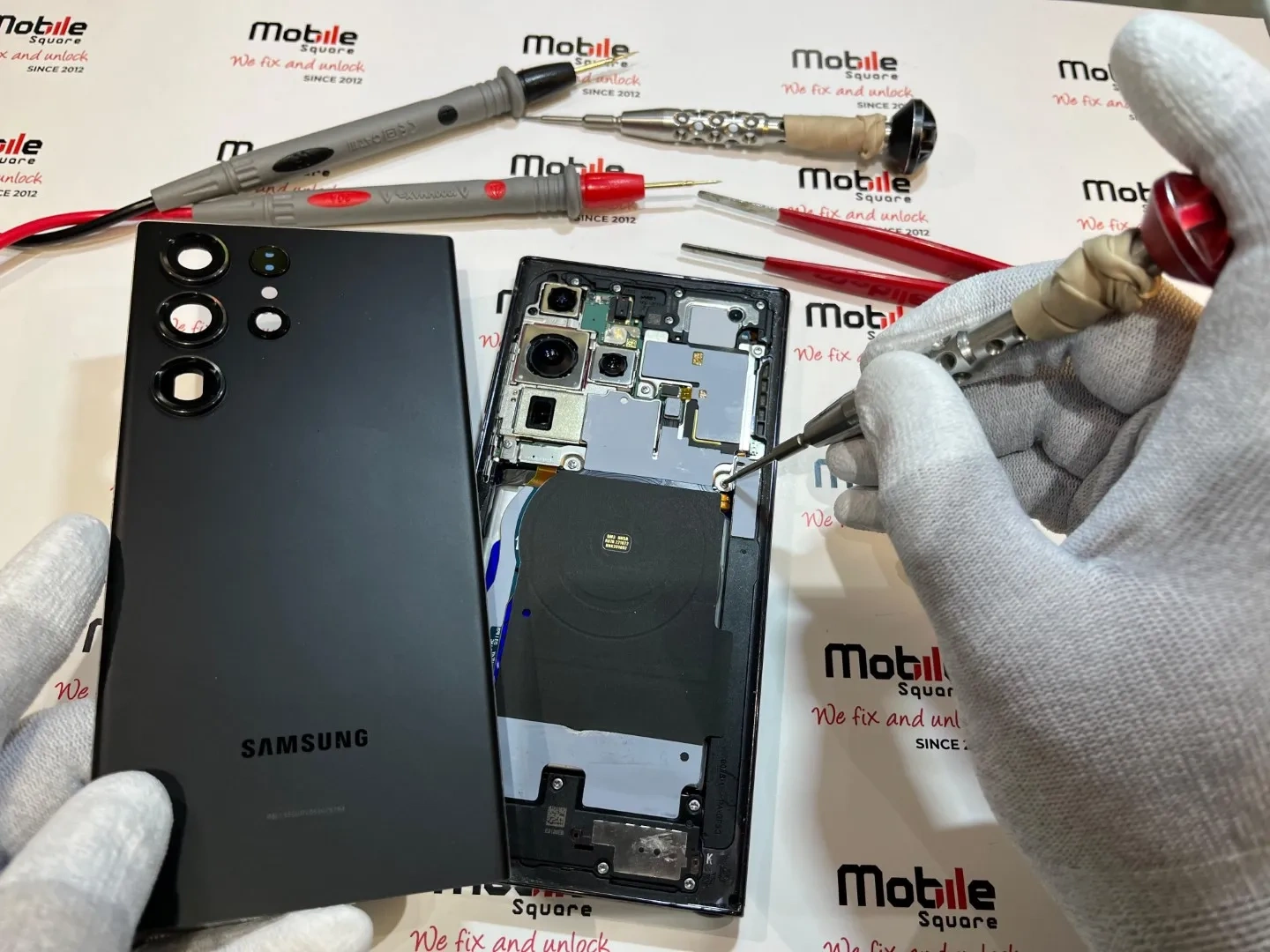
For most smartphone owners in Aurora, professional phone repair is the most reliable and cost-effective choice. While DIY repair kits appear less expensive at first, hidden expenses like specialized toolkit purchases, permanent logic board damage, and the complete loss of device waterproofing often double the final bill.
If you are staring at a shattered screen or a failing battery, deciding whether to perform an at-home repair or trust a local technician is an important choice. This guide outlines the true costs of both paths to protect your device.
Mobile Square has serviced thousands of smartphones across Ontario, and we have seen first-hand how simple home repairs can quickly turn into irreparable device failures.
The True Risks of DIY Phone Repair
Modern smartphones are incredibly compact, housing batteries, motherboard circuits, cameras, and antennas within a space only a few millimeters thick. Because of this exceptionally tight design, even a minor error can permanently ruin the device.
While many online videos make repairs look simple, they typically show experienced technicians working with professional tools under ideal conditions. In contrast, performing these delicate fixes at home exposes your device to dust and static electricity, both of which can instantly destroy raw computer chips.
According to data from the Epic Phone Fails survey conducted by Ting Mobile, although 64% of smartphone owners have cracked their displays, only 11% have successfully repaired their own devices, indicating that most consumers prefer leaving technical work to trained professionals.
The battery represents another high-risk component because modern smartphones utilize soft-pouch lithium-ion cells that are glued tightly to the frame. Prying them loose with a metal tool can easily puncture the outer skin, triggering a highly dangerous chemical fire that burns intensely and cannot be extinguished with water.
Furthermore, screen replacements require far more than simply plugging in a cable. Modern displays are digitally paired to the motherboard with unique signatures, meaning that installing an uncalibrated screen at home can disable essential features such as face scanning, automatic brightness, and haptic touch.
Bonus Tip: If you must open a device, always use a plastic spudger rather than metal tweezers to pry open the battery connectors to prevent sudden short circuits.
Why Choose Professional Repair in Aurora
Professional phone repair technicians possess specialized training and precision machinery, allowing them to safely navigate fragile cables and delicate connectors. This deep expertise protects your phone from any additional internal damage.
According to a study published by Allstate Protection Plans, screen repair costs have risen significantly because modern displays are highly advanced, integrated systems. Consequently, attempting home repairs on these sophisticated screens frequently results in severed or damaged ribbon cables.
Additionally, professional repair shops provide written warranties, meaning that if your replacement screen malfunctions, the shop will fix it at no extra cost. Conversely, DIY parts suppliers rarely offer warranties once a component has been installed, leaving you to purchase another screen if your initial self-installation fails.
Professional repair is also far more efficient, with most screen and battery swaps completed in under an hour. In contrast, a DIY repair can demand several hours of stressful labor and risk leaving you without a functional phone if you must wait for missing tools or replacement parts to arrive.
Let us compare the two options directly using the data below:
| Repair Factor | Professional Repair | DIY Phone Fix |
|---|---|---|
| Average Cost | Moderate and upfront | Low parts cost but high tool cost |
| Success Rate | Extremely high | Low for inexperienced users |
| Warranty Offered | Typically 90 days to lifetime | None (voids manufacturer warranty) |
| Time Required | 30 to 60 minutes | Several hours of research and labor |
| Risk of Damage | None (covered by shop insurance) | High risk of permanent board failure |
| Device Water Resistance | Restored with professional seals | Completely lost in most cases |
Is an At-Home DIY Phone Fix Ever Worth the Cost?
While professional service is ideal, a self-repair can make practical sense in a few specific scenarios. If you are fixing an older phone that you no longer rely on as a primary device, it serves as an excellent, low-risk project for learning about electronics.
However, you should only undertake this project if you are comfortable losing the device entirely, as the risks are far too high for a primary phone. A single mistake could permanently lock you out of your data, costing you vital photos, contacts, and text messages.
Our technicians at Mobile Square frequently assist customers who bring in devices after a failed DIY attempt. Most often, the owner has inadvertently torn a delicate cable or stripped a screw, meaning they must pay to resolve both the original issue and the newly created damage, an outcome that costs far more than a professional repair would have initially.
Bonus Tip: If you decide to try a DIY fix, draw a diagram of your phone on a piece of paper and tape each tiny screw to its exact location on the page to prevent placing a long screw in a short hole.
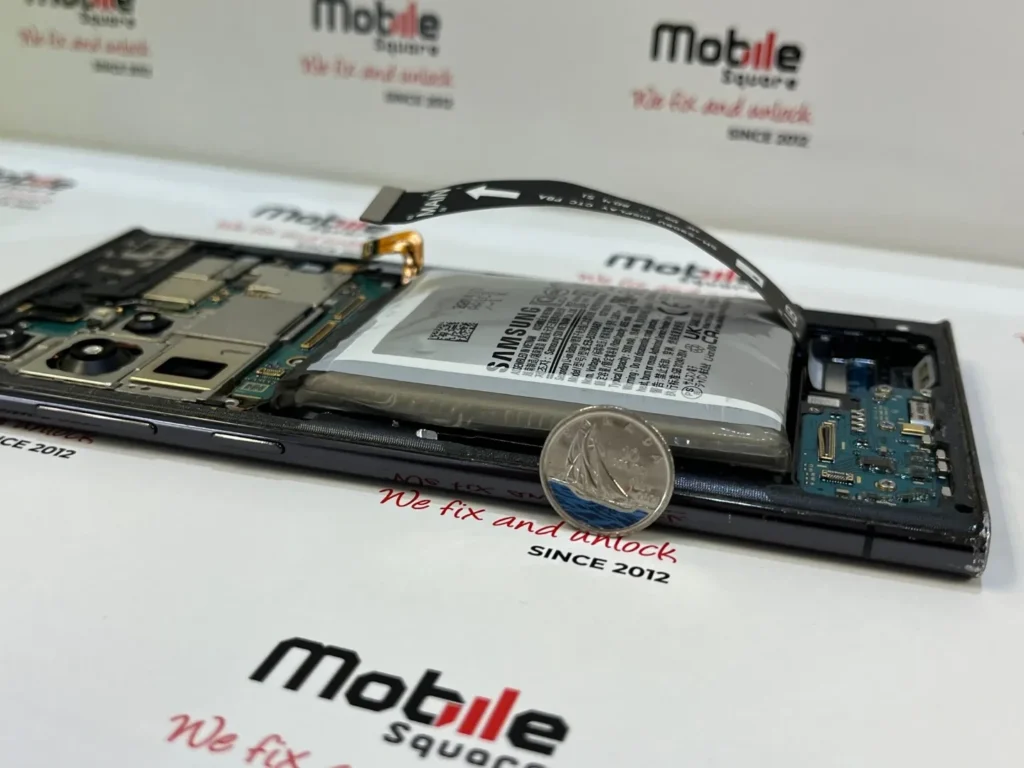
4 Key Factors to Check Before Choosing Your Repair Path
Before deciding to pick up a screwdriver or visit a local service center, evaluate these four critical factors to ensure the safest, most budget-friendly choice for your device:
- Warranty Status: Opening your smartphone instantly voids any remaining manufacturer warranty, meaning that if your device is still covered, you should always opt for an authorized service provider.
- Total Tool Cost: Achieving a clean repair requires professional suction cups, precision screwdrivers, and targeted heating elements, the combined cost of which often exceeds professional labor fees.
- Data Security: While professional repair centers operate in secure environments that protect your personal data, a minor DIY misstep can corrupt storage files or lock you out of your phone permanently.
- Parts Quality: Public online marketplaces are flooded with low-grade, counterfeit replacement parts that are prone to failing within just a few weeks of use.
Conclusion
Deciding between professional repair and a DIY fix comes down to risk, time, and quality. While fixing a phone at home seems like a fun project, the technical demands of modern devices make professional repair the safest choice. Taking your phone to local experts protects your investment, saves you time, and guarantees that your daily device functions exactly as intended.
Get Your Free Repair Estimate Today
We are ready to help you get your phone back to normal working order without the stress of DIY mistakes. Mobile Square offers fast, reliable, and warranty-backed screen and battery repairs for all major smartphone brands in Aurora. Call us today at (647) 970-9700 or email us at info@mobilesquare.ca to receive your free, no-obligation estimate. Let us handle the difficult technical work so you can focus on what matters most to your busy life.
Common Questions About Phone Repairs
Can I repair my phone screen at home with household tools?
No. Modern smartphones require specialized opening tools and precision heating elements, so using household alternatives will likely shatter the glass or sever delicate internal ribbon cables.
Will a DIY repair void my phone’s manufacturer’s warranty?
Yes. Disassembling your smartphone independently immediately voids any remaining manufacturer warranty. In contrast, professional repair centers use approved techniques to preserve device integrity and back their workmanship with dedicated service guarantees.
What is the most common mistake made during DIY repairs?
The most common mistake is mixing up the tiny internal screws. Placing a slightly longer screw into the wrong slot can pierce the underlying motherboard circuitry, causing permanent, fatal damage to the device.
How long does a professional screen replacement take?
A professional screen replacement typically takes between 30 and 60 minutes, ensuring you do not have to endure days without a working device or struggle with complex reassembly.
Are cheap online replacement parts safe to use?
No. Low-cost aftermarket parts frequently lack adequate thermal regulation and suffer from sluggish touch responsiveness. They can overheat easily, drain your battery rapidly, and potentially short-circuit your phone’s motherboard.
Sources
- Ting Mobile – A leading mobile service provider that conducted the Epic Phone Fails survey on consumer repair habits.
- Allstate Protection Plans – A prominent device protection provider that publishes annual research on smartphone damage and repair costs.