
Professional hardware restoration involves using high-quality replacement parts and precise technical methods to return your device to its original state. Effective screen repairs require replacing the glass and touch layers while maintaining sensor functionality. For power issues, replacing the internal cell is the standard fix once capacity drops below 80 percent. This guide explains the technical standards and safety steps needed to fix these common hardware problems properly.
We base this information on extensive experience fixing thousands of mobile devices and following strict industry standards. Our team of mobile phone repair professionals understands the internal architecture of every model, ensuring that the data provided here is accurate and practical. This guide serves as a resource for those who want to understand the technical requirements for a successful hardware restoration.
Identifying the type of display damage
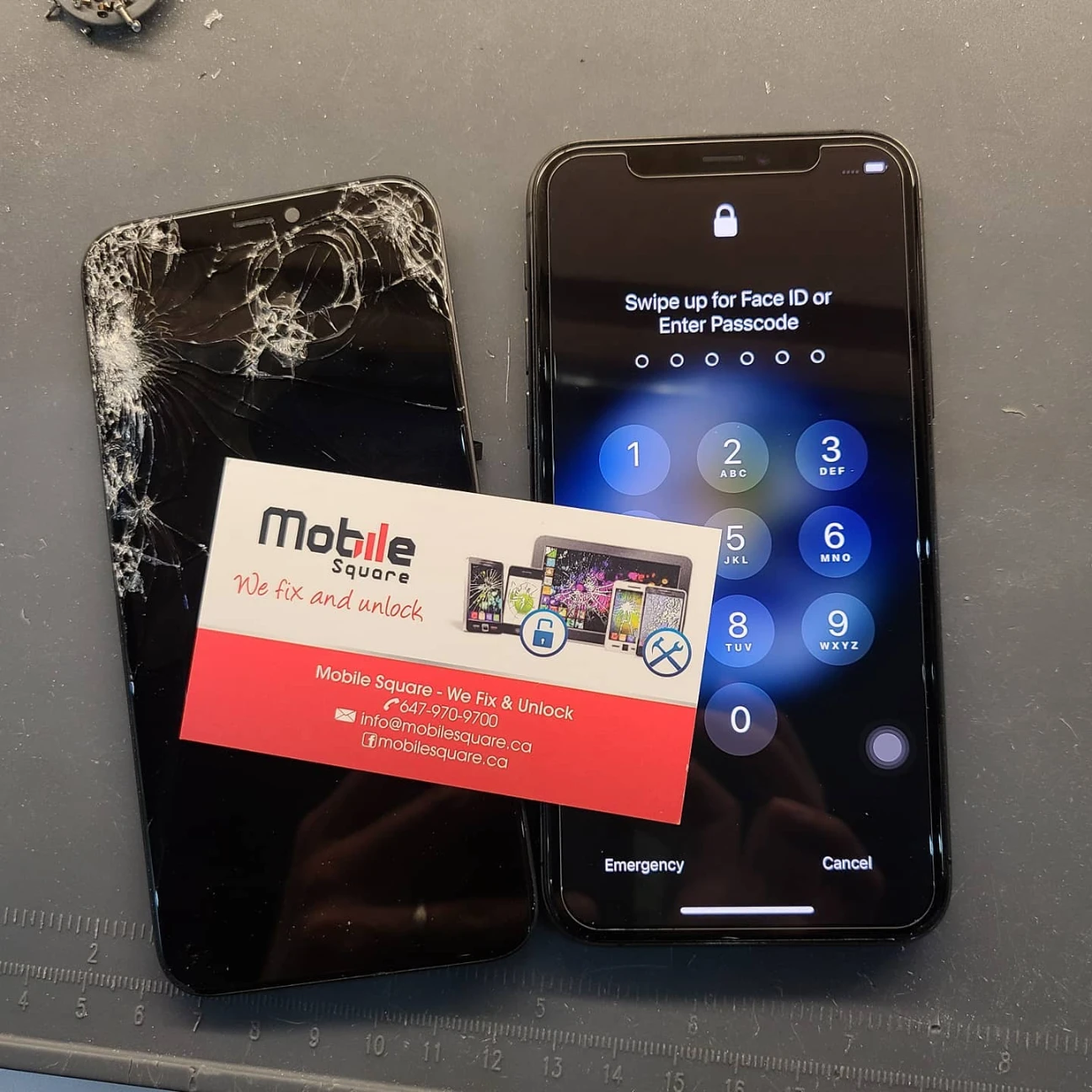
Not every screen break is the same, and the fix depends on which layers are broken. The top layer is just protective glass, but underneath lies the actual image producer and the touch-sensitive layer. According to data from SquareTrade, cracked screens are the most common reason for smartphone insurance claims worldwide. If your phone shows lines, black spots, or won’t respond to touch, the damage goes deeper than the surface.
In many modern models, the OLED display provides deep blacks and high contrast but is very thin and fragile. When this layer breaks, the screen often goes completely black or shows bright green lines. This differs from older models that use LCD technology, which might still show an image even after a heavy impact. Identifying the specific technology in your device helps determine the cost and difficulty of the fix.
Understanding battery degradation and performance
Batteries are consumable parts that lose their ability to hold a charge as they age chemically. Every time you charge your phone, the internal chemistry changes slightly. A report by Apple Support explains that a standard battery is designed to keep up to 80 percent of its original capacity after 500 full charge cycles. Once you pass this point, you will notice the phone dying much faster than it did when it was new.
The lithium-ion battery inside your device also powers the processor. If the battery is old, it might not be able to provide the peak power needed for demanding tasks. This causes the software to slow down the phone to prevent it from shutting down suddenly. Replacing the battery does more than just extend your daily usage time; it often restores the original speed of the entire operating system.
Bonus Tip: You can check your battery health in the settings menu. If it says “Service” or shows a maximum capacity below 80 percent, a replacement is the most effective way to stop performance throttling and random restarts.
The importance of quality parts and calibration
Using the right parts is the most important factor in a lasting repair. While cheaper parts exist, they often fail to match the brightness, color accuracy, or power efficiency of the original. Parts that meet Original Equipment Manufacturer (OEM) standards ensure that the phone feels and looks exactly as it did before the damage occurred. Lower-quality screens may drain the battery faster or break more easily under light pressure.
Modern iPhones also use software calibration to pair the screen and battery to the motherboard. If a new part is installed without this digital pairing, the phone might disable features like True Tone or Face ID. Professional tools are required to transfer data from the original part to the new one so the phone recognizes the hardware as genuine and safe. Ensuring parts are correctly calibrated is only the first step; the environment in which they are installed is equally vital for longevity.
Safety and environmental protections
Opening a phone breaks the factory seal that keeps out dust and liquid, making environmental control a priority during the assembly process. During a repair, it is essential to install new water-resistance seals around the edge of the frame. Without these adhesives, even a small amount of steam or a few drops of rain could enter the device and cause a short circuit on the main board. This step is frequently skipped in low-cost repairs but is necessary for long-term durability.
Internal electronics are also sensitive to static electricity. Technicians must work in an ESD-safe environment using grounded mats and wrist straps. A single tiny spark of static, which a human cannot even feel, is enough to destroy the sensitive chips that control the camera or the charging system. Proper workspace management prevents these hidden damages from occurring during the repair process.
Bonus Tip: To prevent battery swelling, never leave your phone in a hot car or in direct sunlight for long periods. High heat accelerates chemical breakdown and can make the battery physically expand, which may crack the screen from the inside.
Comparing repair types and technical needs
| Feature | Screen Replacement | Battery Replacement |
|---|---|---|
| Common Reason | Physical impact or drop | Chemical aging or heat damage |
| Time Required | 45 to 60 minutes | 30 to 45 minutes |
| Complexity | High (many small screws) | Medium (adhesive removal) |
| Data Risk | Low (if handled properly) | Low (backup recommended) |
| Parts Used | Display assembly and seals | New cell and adhesive strips |
Steps to prepare for a hardware repair
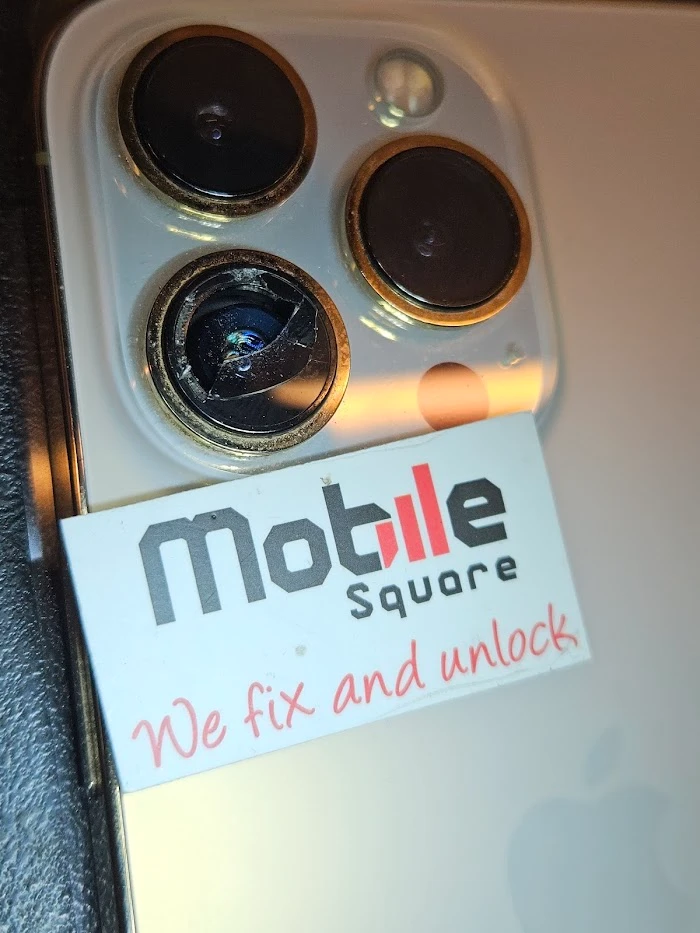
Before any work begins, you should take steps to protect your personal information. Perform a full data backup to a computer or cloud service. While a screen or battery swap does not usually affect the storage chip, any physical work on a motherboard carries a small risk. Having a backup ensures your photos and messages remain safe regardless of the outcome.
You should also turn off the “Find My” feature before the repair. This security setting can sometimes interfere with the testing and calibration of new parts. If the screen is completely dead and you cannot see the menu, you can log into your account from another device to remove the phone from your active list temporarily. This makes the testing phase much faster and more accurate.
Why is professional expertise better than a home fix?
Many people consider fixing their own phones to save money, but modern hardware is very unforgiving. The screws inside an iPhone are different lengths and must go back into their exact spots. If a long screw is accidentally driven into a hole meant for a short one, it can pierce the motherboard and kill the device. This is a common mistake that turns a simple screen fix into a total loss of the phone.
Professional tools also make a significant difference in the quality of the work. Specialized heating plates allow the old adhesive to soften without damaging the surrounding plastic or glass. We use these tools to ensure the frame remains straight and the new parts sit perfectly flush. A home fix often lacks the precision needed to maintain the device’s structural integrity and aesthetic finish.
Things to check before making a decision
Before finalizing your decision to proceed with these professional steps, check the overall condition of the frame. If the corners are badly dented, a new screen might not fit properly without extra work to straighten the metal. You should also consider the age of the phone. If the device is more than five years old, it might be reaching the end of its software support life, which could make a costly repair less logical than an upgrade.
Check the warranty status through the manufacturer’s website. If your device is still under a standard warranty or an extended protection plan, certain repairs might be covered. However, accidental damage like a cracked screen usually requires an extra fee. If you choose an independent shop, ensure they offer a guarantee on their parts so you are protected if the new component shows a defect later on.
Maintaining your device after a repair
Once the repair is finished, proper care will keep the new parts working longer. For batteries, avoid letting the charge drop to zero percent. For screens, a high-quality tempered glass protector adds a layer of defense against future drops. Using a case that has a raised lip around the front edge also helps absorb the energy of an impact before it reaches the glass.
Contact us for expert device support
Mobile Square provides high-quality hardware support for those needing reliable fixes for their electronics. Our team works with precision to ensure every screen and battery we install meets the highest standards of performance. If you have questions about your device or want to know more about our process, please reach out. You can call us at 647-970-9700 or email us at info@mobilesquare.ca. We are happy to provide a free quote to help you understand the requirements for your specific phone model.
Summary of Expert iPhone Repair Solutions for Cracked Screens and Battery Issues
Applying expert iPhone repair techniques for cracked screens and battery issues ensures that your phone remains safe to use and performs at its peak. Solving hardware problems like broken displays and failing power cells requires a combination of high-grade parts and technical skill. By understanding the difference between display types and the lifecycle of a battery, you can make informed choices about maintaining your device. Always prioritize data safety and professional calibration to get the most value out of your hardware. Evaluate your phone’s current condition and choose the path that offers the best long-term reliability for your needs.
Common questions about iPhone hardware fixes
How long does a typical screen repair take?
Most display replacements are completed in about an hour. This includes the time needed to carefully remove the broken glass, clean the frame, install new seals, and calibrate the sensors.
Will my phone still be waterproof after it is opened?
While we install new seals to resist dust and moisture, no repaired phone is perfectly waterproof. You should avoid submerging the device or exposing it to heavy liquid after any repair.
Why is my phone running slow with an old battery?
The software limits the processor speed when a battery can no longer provide stable power. A new battery removes this limit, allowing the phone to run at its full original speed.
Can a cracked screen get worse over time?
Yes, small cracks spread due to temperature changes and pressure from daily use. Eventually, the glass can flake off or the internal display layers may fail, leading to total darkness.
Is it necessary to backup data for a battery swap?
While data loss is unlikely during a battery change, it is a standard safety protocol. Always save your information before a technician opens the device to prevent any accidental loss.
Sources
- SquareTrade – A leading provider of device protection plans that publishes data on common smartphone damage and repair trends.
- Apple Support – The official technical resource for understanding how lithium-ion batteries function and how software manages device performance.