
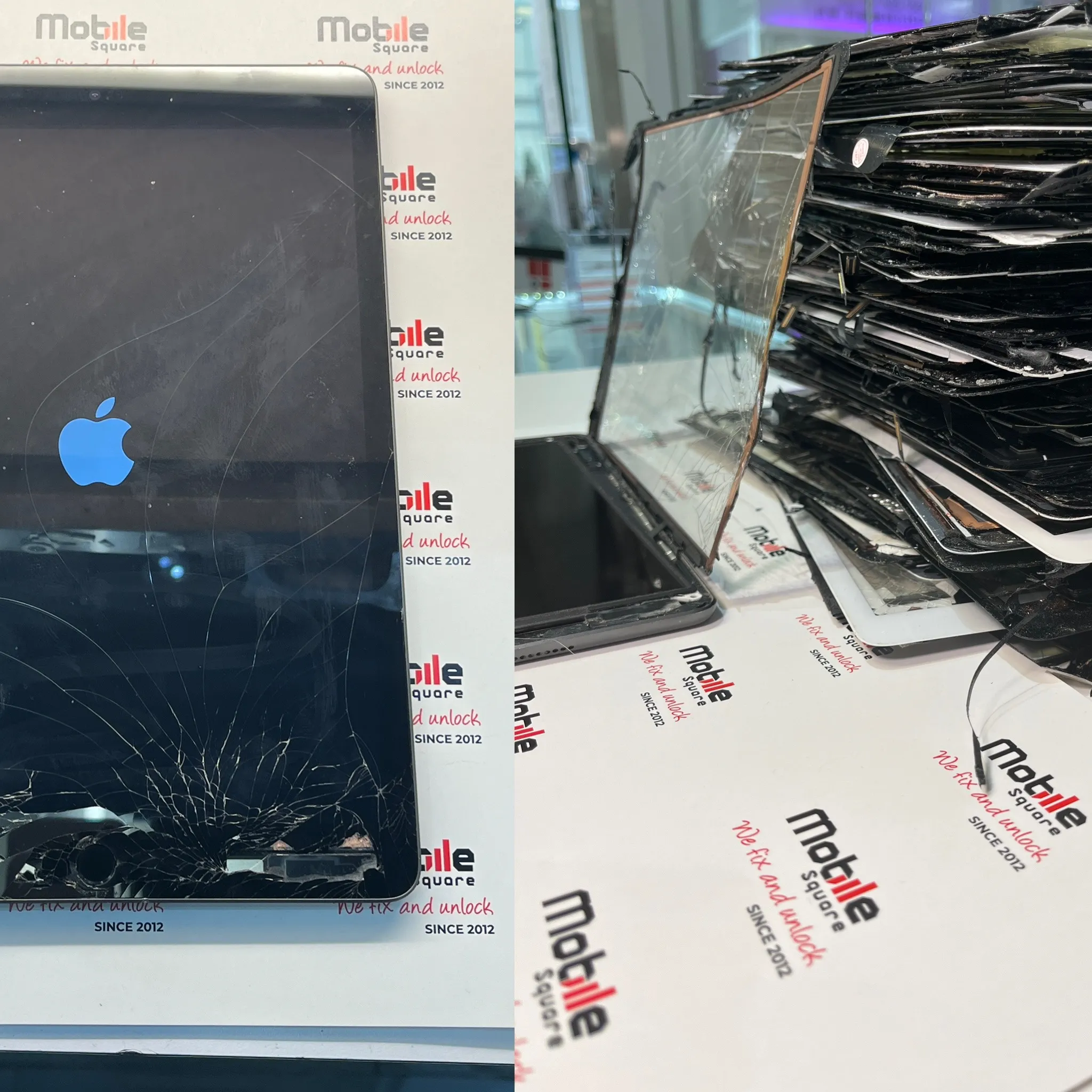
iPad screen flickering usually stems from software glitches, loose internal display cables, or physical damage to the hardware. Software issues often arise after a buggy update, while hardware problems occur if the device is dropped or exposed to moisture. At Mobile Square, we have handled thousands of tablet repairs and understand how frustrating a jumpy screen can be for your productivity.
This guide explains the primary triggers for display instability and outlines the steps needed to fix them. Whether the issue is a minor setting adjustment or a complex hardware failure, knowing the cause helps you choose the right mobile phone repair path. We draw on years of hands-on experience to provide you with clear, technical clarity on restoring your device to its original state.
1. Software Conflicts and Background Processes
Sometimes the flickering isn’t a hardware failure at all but a conflict within the iPadOS environment. If an app is poorly coded or becomes incompatible with a new system update, it can cause the display driver to crash repeatedly. This often looks like a rapid blinking or a momentary freeze followed by a jump in the image.
Resource-heavy applications can also strain the graphics processor. When the processor cannot keep up with the rendering demands, the screen might flicker or show artifacts. Checking for recent software updates or deleting recently installed apps often resolves these minor disruptions without needing a physical iPad repair.
2. Physical Damage and Loose Internal Connectors
Physical impact is a very common reason for display issues. Even if the glass isn’t cracked, a drop can jar the Digitizer or LCD connectors loose from the logic board. When these connectors lose full contact, the signal becomes intermittent, leading to the flickering effect you see.
Internal components are held in place by small brackets and screws, but heavy vibrations or drops can still shift them. In some cases, the actual LCD panel becomes damaged internally. This usually requires a professional to open the device, reseat the cables, or replace the entire display assembly to ensure a stable connection.
3. Environmental Factors and Moisture Exposure
Moisture is a silent killer for iPad screens. High humidity or direct contact with liquid can cause corrosion on the pins of the display connector. This corrosion creates electrical resistance, which prevents the screen from receiving a steady flow of power and data.
Temperature extremes also affect screen performance. According to technical guides from Apple Support, operating electronics outside of recommended temperature ranges can cause temporary display malfunctions. If your iPad has been in a very hot car or a cold environment, the liquid crystals in the display might not react properly, causing a flickering or ghosting effect.
Bonus Tip: Before assuming your hardware is broken, try disabling the “Auto-Brightness” feature in your settings. Sometimes a faulty ambient light sensor sends conflicting data to the system, causing the backlight to rapidly adjust and mimic a flicker.
Technical Comparison of Flickering Causes
| Cause | Symptom | Typical Fix |
|---|---|---|
| Software Bug | Jumps only in specific apps | Update OS or delete app |
| Loose Connector | Flickers when device is moved | Reseat internal cables |
| Damaged LCD | Constant lines or blinking | Screen replacement |
| Water Damage | Erratic flickering with touch issues | Ultrasonic cleaning or part replacement |
| Logic Board Issue | No backlight or persistent flickering | Microsoldering or board repair |
4. Backlight Circuit Failure
The iPad display relies on a series of LED lights to stay visible. If the filters or capacitors on the backlight circuit fail, the power supply to these LEDs becomes unstable. This results in a strobing effect where the screen brightness fluctuates rapidly.
This is often a logic board issue rather than a screen issue. Fixing a backlight circuit requires specialized microsoldering skills to replace the tiny components responsible for regulating voltage.
How is a flickering iPad screen repaired?
The iPad screen repair process begins with a diagnostic to see if the issue persists in “Recovery Mode.” If the screen flickers even during the boot-up stage, it confirms a hardware problem. Technicians then open the device carefully, as iPads are held together with strong adhesive rather than screws on the exterior.
Once inside, we inspect the cables for tears and the connectors for signs of burns or corrosion. If the cables are intact, we test the iPad with a known-good display. If the new screen works perfectly, the original LCD was the culprit. If the flickering continues with a new screen, we move our focus to the logic board to look for short circuits.
5. Issues Following a Previous Low Quality Repair
If you recently had your screen replaced and it has started flickering, the part itself might be a low-quality aftermarket version. Many cheap screens do not have proper shielding, making them susceptible to electromagnetic interference from the iPad’s own internal antennas.
Using high-quality, OEM-spec parts is vital for stability. According to data from Statista, the tablet market is filled with various third-party components, but not all meet the strict voltage requirements of high-end devices. Poorly manufactured screens often draw too much power, leading to heat buildup and eventually flickering.
Factors to weigh before choosing a repair path
Before you commit to a repair, consider the age of your device. If you have an older iPad model, the cost of a logic board repair might exceed the value of the tablet. However, for newer Pro or Air models, a screen or connector repair is a much more economical choice than buying a new device.
Check your warranty status first. If your device is still under the original manufacturer warranty and has no physical damage, you might be eligible for a free replacement. If the device has a cracked screen or water damage, the warranty is usually void, and you will need to look for an independent repair specialist who can handle complex hardware fixes.
Bonus Tip: Hard resetting your iPad (pressing and holding the Power and Home/Volume buttons) can often clear the temporary memory cache. This simple step fixes about 10% of flickering issues that are purely software-based.
6. Graphics Processing Unit Overheating
The Graphics Processing Unit (GPU) is responsible for everything you see on the screen. If the GPU gets too hot, it may throttle its performance or send corrupted data to the display. This results in “tearing” or flickering across the screen.
Overheating is often caused by heavy gaming while the device is charging. The combined heat from the battery and the processor can stress the internal thermal paste. In some cases, cleaning the internal dust or simply letting the device cool down can stop the flickering immediately.
Evaluating your repair options
Deciding where to take your device depends on your budget and time constraints. Authorized centers offer guaranteed parts but often have longer wait times and higher prices. Independent shops can provide faster turnaround times and more flexible repair solutions, such as cleaning a connector rather than replacing the whole screen.
Always ask about the warranty provided on the repair itself. A reputable shop will stand behind their work for at least 90 days. This gives you peace of mind that if the flickering returns due to a faulty part, you won’t have to pay for the same fix twice.
Summary of tablet display stability
iPad screen flickering is a manageable issue once you identify whether it is caused by software or hardware. Most software glitches disappear after a factory reset or an update. Hardware issues, such as loose connectors or damaged LCDs, require a steady hand and professional tools to fix. By addressing the problem early, you prevent further damage to the logic board and extend the life of your device. Evaluate the costs and benefits of repair versus replacement based on your iPad’s age and the severity of the flicker.
Get a Professional Assessment for Your iPad
If your screen continues to blink or jump, we are here to help you find the most efficient solution. Our team uses specialized diagnostic tools to pinpoint exactly where the hardware is failing. We provide a clear, free quote for any work required, ensuring you have all the information before we begin. You can reach out to us at Mobile Square via email at info@mobilesquare.ca or call us directly at 647-970-9700. Let our experience work for you so you can get back to using your iPad without distraction.
Are you having trouble with your iPad display?
How do I know if my iPad flickering is software or hardware?
If the flickering happens in every app and even on the Apple logo during startup, it is a hardware issue. If it only happens in one app, it is likely software.
Can a screen protector cause my iPad screen to flicker?
A screen protector won’t cause flickering, but it can interfere with touch sensitivity. However, if moisture gets trapped under the protector near the edges, it might seep into the display.
Will a factory reset fix a flickering iPad screen?
A factory reset fixes flickering only if the cause is a software conflict or a corrupted OS. It will not fix loose cables, water damage, or a broken LCD panel.
Is it safe to use an iPad while the screen is flickering?
Using a flickering iPad is generally safe, but the underlying cause, like a failing battery or short circuit, could worsen. It is best to have it inspected to avoid further damage.
How much does it typically cost to fix a flickering screen?
Costs vary based on the model. Simple connector reseating is affordable, while a full iPad Pro screen replacement is more expensive. Always get a professional diagnostic for an accurate estimate.
Sources
- Apple Support – Official documentation on operating temperatures and device maintenance for iOS devices.
- Statista – Market data provider for global tablet industry trends and component manufacturing statistics.