
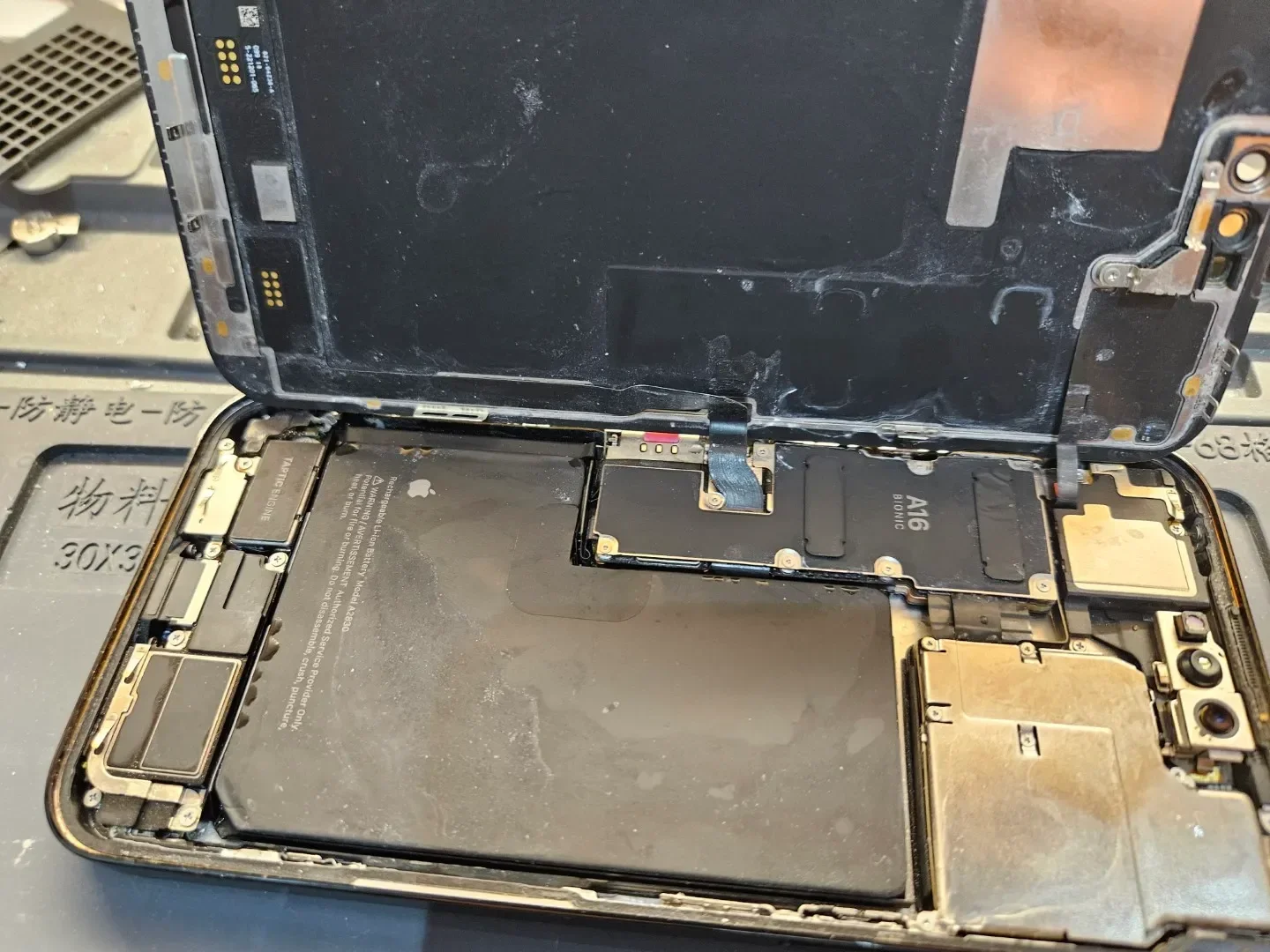
Most common iPhone repairs take 30 minutes to 2 hours at a walk-in shop. An iPhone screen repair usually wraps up in 45 to 90 minutes, a battery swap takes about an hour, and charging port fixes sit near the two-hour mark. Complex jobs like water damage recovery or logic board work take 2 to 7 business days, and mail-in repairs through Apple typically return within 3 to 7 business days.
Those numbers hold when the part is in stock and the damage is straightforward. This guide breaks down exact timelines for every repair type, explains what speeds up or slows down the process, and shares tips gathered from thousands of completed iPhone repairs. Mobile Square handles these repairs daily, so the timelines below reflect real shop conditions rather than optimistic estimates.
Typical iPhone Repair Times at a Glance
The table below shows real turnaround times for the jobs technicians handle most often. Same-day service assumes the part is on the shelf and the device has no hidden damage.
| Repair Type | Typical Time at a Walk-In Shop | Same-Day |
|---|---|---|
| Screen (display) replacement | 30 to 90 minutes | Yes |
| Battery replacement | 30 to 60 minutes | Yes |
| Charging port repair | 1 to 2 hours | Yes |
| Rear camera replacement | 1 to 2 hours | Yes |
| Back glass repair | 1 to 3 hours | Usually |
| Water damage treatment | 2 to 5 business days | No |
| Logic board (micro-soldering) | 3 to 7 business days | No |
| Mail-in repair through Apple | 3 to 7 business days | No |
What Affects iPhone Repair Turnaround
Part availability. Screens and batteries for popular models like the iPhone 11 through 15 series usually sit in stock. Parts for older or newly released models may need ordering, which adds 2 to 5 days.
Extent of the damage. Cracked glass with a working display is a simple swap. A drop that also damages the Face ID sensors or the board turns a one-hour job into a multi-day diagnosis.
Queue volume. Lunchtime and after-work hours bring the biggest crowds. Early morning drop-offs get served first.
Bonus Tip: Call ahead and ask whether the exact part for the specific model is in stock. A two-minute phone call prevents the most common cause of a multi-day wait.
iPhone Screen Repair Timelines
Screen damage is the most common reason people visit a repair shop, and it is one of the fastest jobs to finish. A standard iPhone screen and battery repair on models from the iPhone 8 to the newest generation takes 30 to 90 minutes on the bench. Older models with simpler assemblies can finish in under 30 minutes.
To fix iPhone screen damage properly, a technician separates the display, transfers or replaces the sensor assembly, reseals the device, and runs full touch, brightness, and True Tone tests before handoff. Shops quoting 15-minute screen swaps often skip the sealing and testing stages, which leads to dust under the glass or touch faults later. The extra half hour buys a repair that lasts.
Bonus Tip: Back up the device with iCloud or a computer before drop-off. Screen repairs rarely touch stored data, but a backup removes all risk and takes under 10 minutes.
Same-Day Walk-In Service vs Apple Mail-In Repairs
Walk-in shops and official channels run on very different clocks. Apple offers in-person service at the Genius Bar, service through authorized providers, and a mail-in option with a prepaid shipping box, as described on Apple’s iPhone service page. Mail-in adds transit and processing time, so plan on roughly a week without the device, and note that a shipping fee may apply. An Apple iPhone repair through mail trades speed for convenience.
A Genius Bar visit can be same-day for simple jobs if a slot is open, though busy locations book out several days ahead. Apple guarantees its service and parts for 90 days or the remainder of the warranty, whichever is longer, per Apple’s repair terms. Most independent shops offer a similar written warranty on parts and labor, so always ask for it.
Repair demand is high for a simple reason. Pew Research Center reports that 91% of U.S. adults now own a smartphone, up from 35% in 2011, based on its Mobile Fact Sheet. For 16% of adults, a smartphone is the only home internet connection, so a broken phone can cut off internet access entirely. Fast turnaround matters.
Battery jobs follow the same pattern at 30 to 60 minutes each. Worth checking first: Apple’s battery service page explains that an AppleCare plan covers battery replacement at no charge once capacity drops below 80%.
Things to Consider Before Making a Decision
- Warranty status. Check coverage on Apple’s site before paying for anything, since an active AppleCare plan changes both price and process.
- Data backup. Confirm a current backup exists before any repair, not after.
- Cost vs replacement value. If a quote exceeds about half the price of a comparable used device, replacement usually makes more sense.
- Repair warranty. Ask what the shop covers after the job, and get it in writing.
- Urgency. Needing the phone for work today points to same-day walk-in service. A spare device on hand makes mail-in options workable.
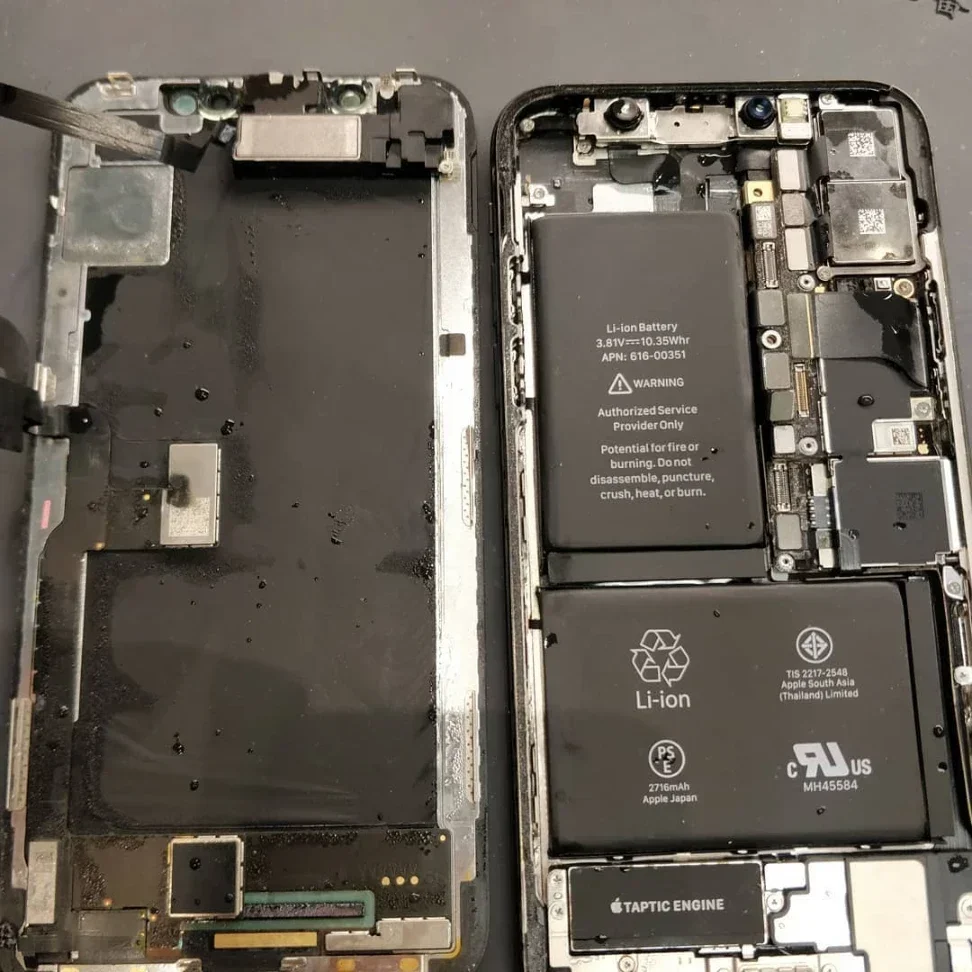
How to Get an iPhone Fixed Faster
- Book the first appointment of the day or walk in early morning.
- Confirm part stock by phone before travelling to the shop.
- Turn off Find My iPhone and know the passcode before arrival, since locks slow down intake and testing.
- Describe symptoms precisely. “Cracked glass, touch works, Face ID works” lets a technician pre-stage the right part.
Bonus Tip: Check battery health under Settings before booking a battery job. Capacity above 85% often responds better to a software reset than a new battery.
iPhone Repair Time FAQ
Does an iPhone screen repair erase data?
No. Screen jobs leave storage untouched, so apps and settings come back exactly as they were.
How long does a mail-in Apple iPhone repair take?
Plan on 3 to 7 business days from shipment to return, plus any part delays.
Why is Find My iPhone turned off during service?
Repair software needs the device unlocked to test screens, batteries, and sensors, and Find My blocks unauthorized servicing.
Is it worth repairing an iPhone that is 4 or 5 years old?
Usually yes, since a screen or battery fix costs far less than a new phone. Skip the repair when the quote approaches half the cost of a modern replacement.
Do third-party repairs void the Apple warranty?
Coverage can be affected when a later fault relates to a non-genuine part. Unrelated issues, such as a battery fault after a screen fix, remain eligible for Apple service.
Final Thoughts
Most people get an iPhone back the same day. Screens and batteries take under two hours when parts are in stock, water damage and board repairs take days, and mail-in service trades speed for convenience. Check warranty coverage first, back up the data, and match the phone repair route to the schedule and budget at hand. A quick call to confirm parts availability often turns a multi-day wait into a one-hour fix.
Get a Firm Time Estimate Before Drop-Off
Mobile Square completes most iPhone screen repairs in under an hour and confirms part availability before any visit. Send a note to info@mobilesquare.ca or call 647-970-9700 with the model and the fault, and a technician will reply with a firm time estimate and the earliest same-day slot.
Sources
- Apple Service and Repair for iPhone – Apple’s official service page describing in-person, authorized provider, and mail-in repair options, plus the 90-day service and parts guarantee
- Apple Service and Repair for iPhone Battery – Apple’s battery service page covering replacement options and AppleCare battery coverage once capacity drops below 80%
- Mobile Fact Sheet, Pew Research Center – 2025 survey data showing 91% of U.S. adults own a smartphone and 16% rely on a smartphone as their only home internet connection