
Professional repair resolves charging port issues by identifying whether the fault lies in debris accumulation, hardware oxidation, or internal board damage. Expert technicians use specialized tools to clean or replace the charging port without risking further damage to the sensitive motherboard. This approach ensures your device receives the exact power input required for long-term battery health.
We have handled thousands of mobile phone repairs and understand the specific mechanical failures that occur with daily use. This guide explains how to identify port failure, the technical steps involved in professional restoration, and what you should check before seeking assistance. Professional charging port repair is often the most cost-effective way to extend the life of your smartphone or tablet.
Common Signs Your Device Needs a Port Inspection
Slow charging or a loose connection often indicates that the internal pins are no longer making solid contact with your cable. You might find that you have to wiggle the cord or prop the phone at a specific angle just to get the lightning bolt icon to appear. This intermittent connection can cause heat buildup and potentially short out the battery connector if left unaddressed.
Data transfer failure is another major red flag that people often overlook. If your computer no longer recognizes your phone when plugged in, the data pins inside the port are likely bent or corroded. According to a technical guide by iFixit, even small amounts of compressed lint can prevent a flush connection.
Why Professional Cleaning Beats Home Methods
Many people try to use toothpicks or needles to scrape out pocket lint, but this often leads to permanent damage. The pins inside a modern USB-C port are incredibly thin and easily snapped. We use non-conductive precision tweezers and high-pressure air systems to clear obstructions without scratching the gold plating on the contacts.
Chemical corrosion from moisture requires more than just a quick brush. We apply specialized cleaners that neutralize oxidation without leaving a residue. Professional equipment allows us to see deep into the dock connector to ensure every pin is straight and free of microscopic debris that a naked eye would miss.
Bonus Tip: If your phone gets wet, do not plug it in to “test” it. This sends electricity through wet components and can instantly fry the charging circuit on the main board.
Technical Differences Between Repair and Replacement
| Feature | Port Cleaning | Port Replacement |
|---|---|---|
| Primary Cause | Lint, dust, or light oxidation | Physical breakage or liquid damage |
| Repair Time | 10 to 20 minutes | 45 to 90 minutes |
| Complexity | External access only | Requires opening the device chassis |
| Part Requirement | None | New OEM or high-quality port flex |
| Success Rate | High for connectivity issues | Permanent fix for hardware failure |
How Does a Professional Port Replacement Work?
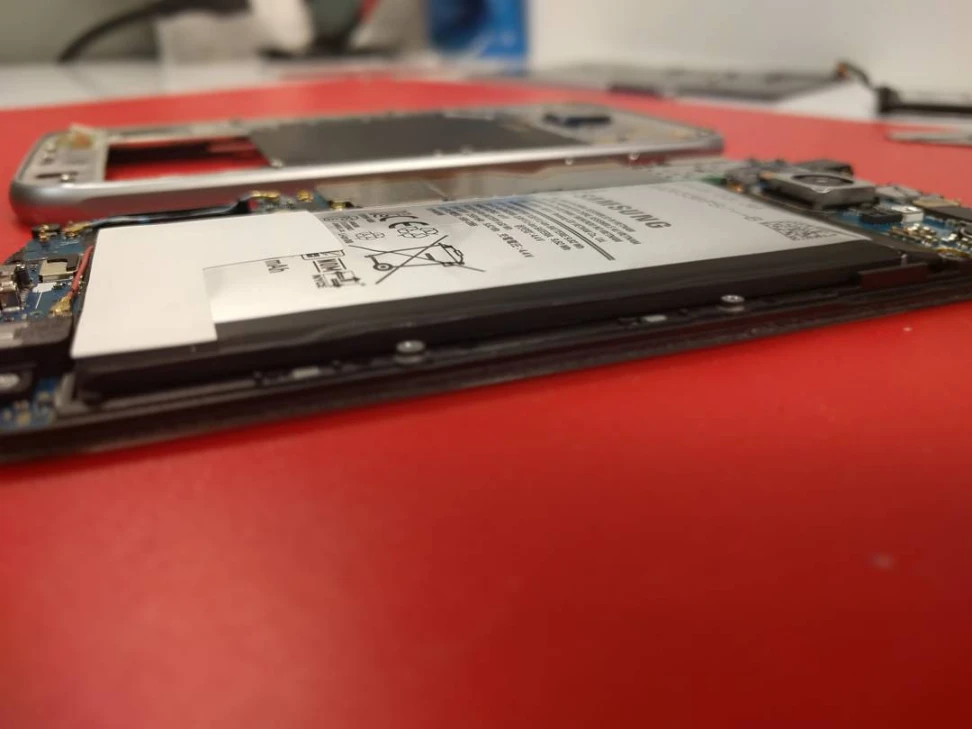
When cleaning fails, a full replacement is necessary to restore functionality. This process involves opening the device, which requires heat to soften the adhesive seals holding the screen or back glass in place. Once inside, we must carefully disconnect the battery to prevent any electrical surges during the repair process.
The port is usually part of a larger assembly called a daughterboard or a flex cable. We remove the old charging assembly and install a fresh component that meets original manufacturer specifications. This ensures that features like fast charging and microphone clarity remain consistent with how the device performed when new.
Indicators of Deeper Logic Board Issues
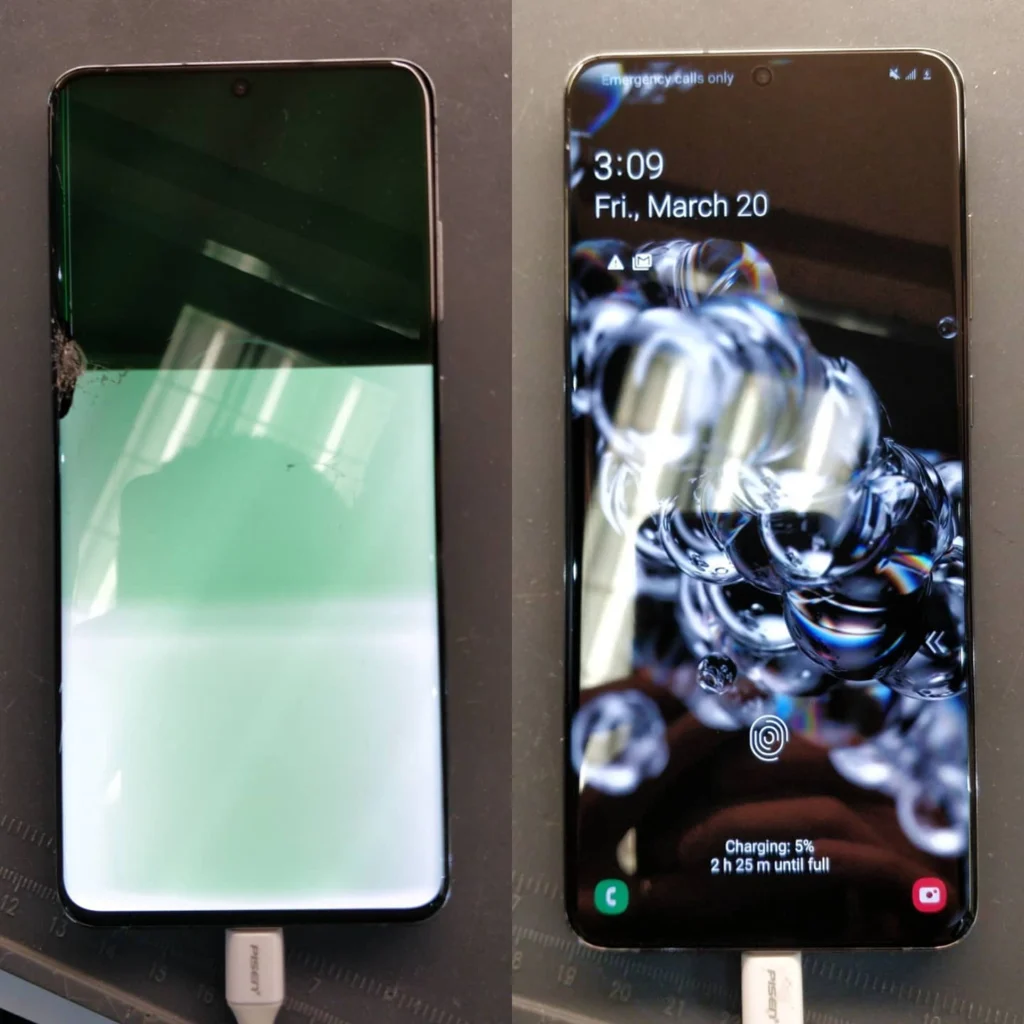
While a port replacement solves most connectivity issues, some power failures originate deeper within the device circuitry. If a new port doesn’t fix the problem, the fault might lie in the Power Management IC or a blown filter on the motherboard. These components regulate how much voltage reaches the battery to prevent overheating and fire hazards.
Diagnostic tools like a USB voltmeter help us determine if the device is “drawing” the correct amount of current. As noted by Tom’s Guide, using low-quality third-party chargers can often damage these internal power regulators over time.
Factors to Evaluate Before Seeking Professional Help
Before you head to a shop, verify that your charging brick and cable are not the culprits. Test your device with a known working MFi-certified cable to rule out external hardware failure. Often, a cable that looks fine on the outside has internal wire breaks that cause the exact same symptoms as a broken port.
Check your warranty status with the manufacturer first. However, keep in mind that most standard warranties do not cover physical damage or liquid exposure. If you see blue or green residue inside the input jack, it is a clear sign of liquid damage which usually voids official coverage but can still be fixed by independent professionals.
Bonus Tip: Periodically use a soft, dry toothbrush to gently brush the opening of your port. This prevents the “packing” of lint that happens when you repeatedly force a cable into a dusty socket.
Does the Charging Port Affect Battery Longevity?
A faulty connection does more than just annoy you; it can actively degrade your battery. Frequent “cycling,” where the phone starts and stops charging every few seconds, generates excess heat. Research from Battery University indicates that heat is the primary enemy of lithium-ion batteries, leading to capacity loss.
By ensuring a stable, consistent flow of energy, a professional repair helps maintain the chemistry inside your power cell. A secure mechanical connection prevents the arcing of electricity, which can cause localized heat spikes that eventually melt plastic components or damage nearby internal sensors.
Why Professional Restoration Is the Optimal Choice
Professional charging port repair offers a reliable way to fix power issues without the high cost of a new device. By choosing an expert service, you ensure the use of proper tools and high-quality parts that protect your internal hardware. Always check your cables first, but if the connection remains loose or failed, seeking a technician is the safest path to restoration.
Get Your Device Powering Correctly Today
If you are struggling with a loose connection or a phone that won’t charge, we can help. We provide a free quote for all hardware assessments to give you clarity on the necessary steps. Our team at Mobile Square focuses on precise, reliable fixes for all major brands. You can reach us at 647-970-9700 or via email at info@mobilesquare.ca to discuss your specific device issues. Visit us to get your hardware back to peak performance with a professional charging port repair.
Frequently Asked Questions
How much does it cost to fix a port?
Most repairs cost between $50 and $120 depending on the model. Newer devices with water-resistance ratings require more labor to reseal, which can influence the total price for the service.
Can a dirty port cause slow charging?
Yes, debris creates resistance between the pins and the cable. This prevents the device from pulling the full current required for fast charging, leading to much longer wait times for a full battery.
How long does a port replacement take?
A standard replacement usually takes about an hour. We prioritize precision to ensure the new part is seated correctly and all internal ribbons are secured before closing the device back up.
Is it safe to clean a port with a needle?
No, metal needles can short out the pins or scratch the protective coating. Using a metal object inside a powered port carries a high risk of causing permanent motherboard damage.
Why does my cable feel loose?
Looseness is typically caused by compacted lint at the bottom of the socket or worn-out internal springs. If the cable doesn’t click into place, a professional cleaning or replacement is needed.
Sources
- iFixit – Technical guide on safe connector cleaning and maintenance practices.
- Tom’s Guide – Analysis of common USB-C failure points and the impact of third-party chargers.
- Battery University – Academic resource explaining how charging habits and heat affect lithium-ion battery health.