
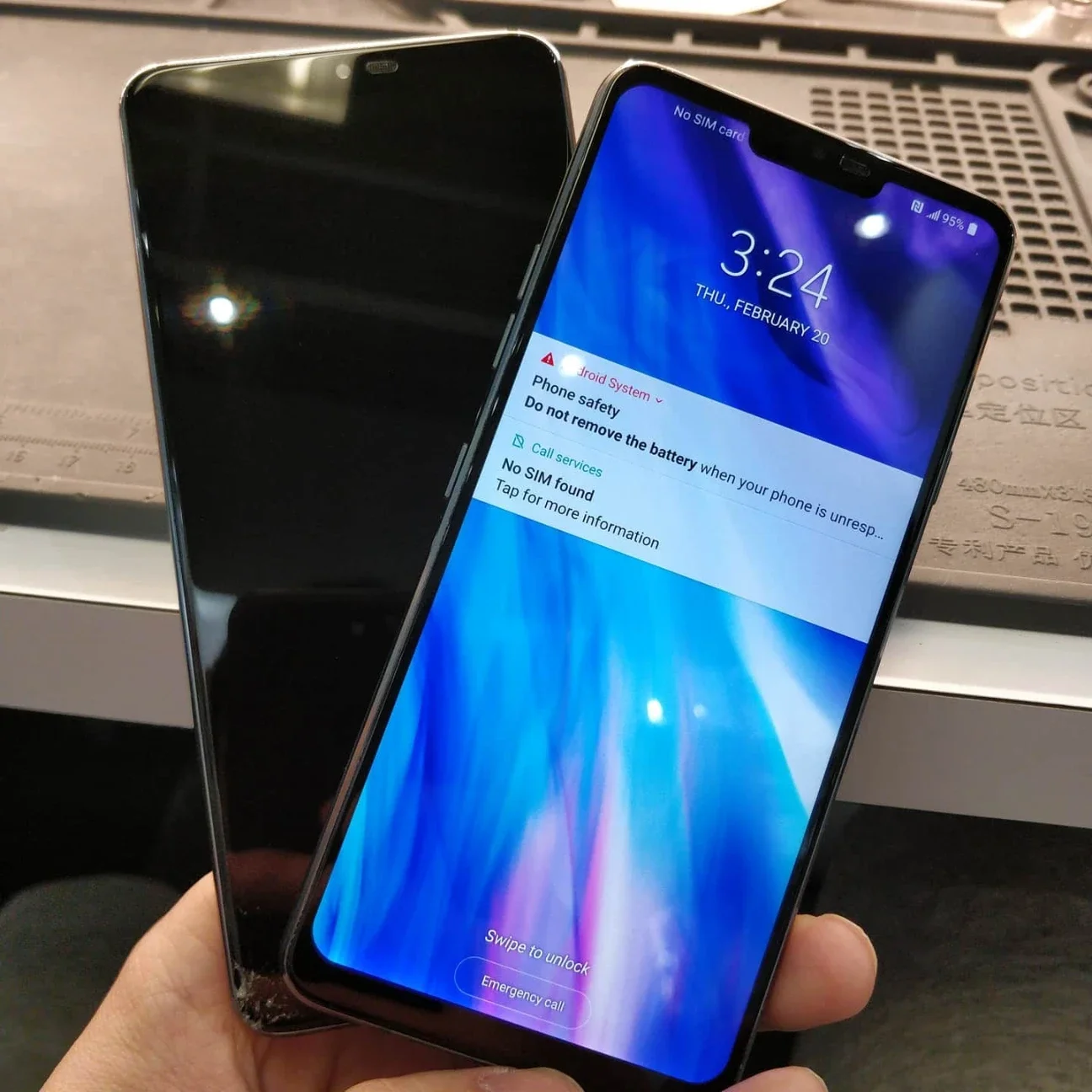
When a smartphone powers down unexpectedly, the issue typically stems from severe battery degradation, software conflicts, thermal overheating, or internal logic board failures. For users dealing with random phone restarts, diagnosing whether the problem is software-based or hardware-related is the first step toward a permanent fix.
Mobile Square frequently see devices that crash without warning. In this guide, we explain exactly why this happens and what you can do about it. As a trusted local repair provider, our experience with thousands of devices allows us to pinpoint the true causes of sudden shutdowns. We test batteries, inspect motherboards, and resolve the underlying faults so the device runs smoothly again.
Why Do Mobile Devices Suddenly Lose Power
Experiencing phone power issues disrupts daily routines and creates unnecessary stress. A phone dying in the middle of a phone call or navigation route creates massive inconvenience. Users rely on continuous connectivity for work and personal safety.
When a device reboots independently, it is rarely a random event. The operating system actively monitors internal hardware health. It triggers an automatic shutdown to protect internal components from further damage. This self-preservation mechanism prevents complete motherboard failure but leaves users frustrated.
Data from Lucentparts reveals approximately 53 percent of active smartphones eventually experience severe battery aging, a primary trigger for unpredictable shutdowns.
Furthermore, a report from Trend Report indicates battery wear and charging faults remain top diagnostic issues at repair centers. Understanding the distinct triggers behind these power failures helps isolate the exact fault.
Devices do not simply shut down for no reason. Every reboot leaves a crash log within the system memory. These logs record voltage drops, processor panic events, and application crashes. By learning how to read the symptoms, you can identify the needed fix.
Common Culprits Behind Device Failures
1 Battery Degradation Over Time
Lithium-ion batteries have a limited lifespan governed by chemical properties. After 400 to 500 charge cycles, chemical aging prevents the cell from holding a stable voltage. When you open a power-intensive application, a degraded battery cannot deliver the required voltage spike.
As the lithium ion cell ages, the internal resistance increases significantly. High internal resistance blocks the smooth flow of electricity. The system detects this sudden voltage drop and powers off immediately to prevent a total circuit collapse.
You might notice the charge indicator dropping from 40 percent to 10 percent in minutes. This rapid discharge confirms the internal chemical structure is failing. Bonus Tip: Keep device charge levels between 20 percent and 80 percent to extend battery cell longevity and reduce chemical wear.
2 Software Conflicts And Rogue Apps
Sometimes the hardware operates perfectly, but the operating system encounters a fatal error. Corrupted application updates, incompatible background processes, or insufficient storage space force the processor to stall. A processor cannot compute instructions if the data pathway is blocked.
Operating system updates sometimes install improperly. A fragmented update leaves missing code files behind. When the processor attempts to access these missing files, the whole system freezes. The only way the device can recover is through a forced restart.
When the processor cannot clear the data backlog, it executes a hard reset to empty the memory cache. Deleting recently installed applications often resolves this specific shutdown trigger entirely.
3 Environmental Factors And Overheating
Smartphones lack internal cooling fans to dissipate excess heat. When exposed to direct sunlight or left in a hot vehicle, the internal temperature spikes rapidly. The processor automatically throttles performance to reduce heat generation and protect the circuitry.
If temperatures continue to rise despite performance throttling, thermal sensors initiate an emergency shutdown. The device will remain completely unresponsive until the internal temperature returns to a safe operating range. Avoid charging the device while completing intensive tasks to keep temperatures low.
Cold weather also impacts battery performance severely. Freezing temperatures slow down the chemical reactions inside the lithium ion cell. Using a device in sub zero conditions often results in immediate power loss.
4 Hardware Damage And Logic Board Faults
Physical drops and moisture exposure cause microscopic damage to the logic board. A cracked solder joint on the Power Management IC breaks the electrical connection intermittently. Seeking professional phone repair in Agincourt becomes necessary when internal circuits require professional diagnostic testing.
Water damage is particularly destructive to power management components. Even a small drop of moisture causes corrosion on the copper traces. This corrosion creates electrical shorts, forcing the system to reboot constantly.
Professional cleaning and board repair offer the only solution for this level of damage.
Evaluating Professional And DIY Repair Options
Deciding how to fix a failing device depends heavily on the root cause. Software resets require no technical skills and cost nothing. Hardware replacements demand specialized tools and experience. Attempting to pry open a modern smartphone without proper heating equipment usually cracks the glass display.
Securing quality mobile phone repair services ensures the replacement parts meet factory specifications. Low-quality aftermarket batteries often lack proper thermal management circuits. Installing a cheap battery introduces fire hazards and guarantees future power failures.
Software Vs Hardware Shutdown Symptoms
Tracking exactly when and how the device shuts down provides clear clues. The table below outlines the most common symptoms and their probable causes.
| Symptom | Probable Cause | Recommended Action |
|---|---|---|
| Device crashes only when opening a specific app | Software Conflict | Update or delete the application |
| Phone dies at 30 percent battery remaining | Battery Degradation | Replace the battery cell |
| Device loops constantly on the manufacturer logo | Bootloop Or Logic Board | Seek professional diagnostics |
| Unit feels hot to the touch before powering off | Thermal Overheating | Move to a cool environment |
| Screen goes black when device is slightly bent | Internal Solder Fracture | Repair motherboard connections |
Important Factors To Review Before Seeking Fixes
Before committing to any physical repair, verify the software integrity. Back up all personal files and execute a factory reset. This process wipes the operating system clean and eliminates software bugs as the root cause. If the device continues to power off after a reset, the issue is hardware based.
Check the physical condition of the charging port. Lint and debris accumulate inside the port, preventing the charging cable from making a secure connection. A device that constantly loses charging current will drain the battery and power off unexpectedly.
Evaluate the age of the device compared to the cost of repair. A battery replacement is highly economical for a two year old device. If the motherboard requires extensive microsoldering on a five year old model, upgrading the unit might make more financial sense. Bonus Tip: Avoid using cheap uncertified charging cables as fluctuating power delivery damages the internal power management chip over time.
Summary Of Device Troubleshooting
Unpredictable power losses stem from specific, identifiable failures within the device. By checking battery health, monitoring device temperature, and ruling out software bugs, you can narrow down the exact cause.
Handling random phone restarts promptly prevents further damage to the logic board. Evaluate the age of the battery and the severity of the symptoms to determine the best course of action. Keep your software updated and monitor battery performance regularly to catch early warning signs.
Get Your Device Back To Normal
If your device continues to shut down unexpectedly, let us help you restore its functionality permanently. Mobile Square diagnose and resolve complex hardware issues quickly and effectively.
Whether you need a simple battery replacement or advanced motherboard diagnostics, our expert team provides reliable cell phone repair solutions. We handle your hardware with precision and care, ensuring a lasting fix that fits your schedule. Contact us today for a free quote.
Email: info@mobilesquare.ca
Phone: 647-970-9700
Common Questions About Unpredictable Device Shutdowns
Can a full storage drive cause my device to restart
Yes. When internal storage reaches maximum capacity, the operating system lacks the required virtual memory to execute basic background tasks, forcing the device to crash and reboot itself very frequently.
Why does the battery percentage drop dramatically before shutting down
A sudden drop in battery percentage indicates severe chemical degradation inside the cell. The aged battery cannot sustain the voltage required by the processor, causing an immediate emergency power shutdown.
Is it safe to continue using a phone that randomly reboots
Continuing to use a malfunctioning device risks total motherboard failure or permanent data loss. You must diagnose the exact hardware or software fault quickly to prevent further internal circuit damage.
Will a factory reset fix all sudden shutdown problems
A factory reset only resolves issues caused by software bugs or corrupted applications. If a degraded battery or a damaged logic board causes the crash, the hardware requires physical replacement.
How do extreme temperatures affect mobile device stability
Exposure to intense heat or freezing cold disrupts battery chemistry and overheats the main processor. The operating system triggers an automatic power cut to protect sensitive internal logic board components.
Sources
- Lucentparts – A comprehensive analysis detailing smartphone replacement cycles and battery aging statistics across global markets.
- Trend Report – An industry report highlighting top diagnostic issues and hardware failure percentages for mobile devices.