
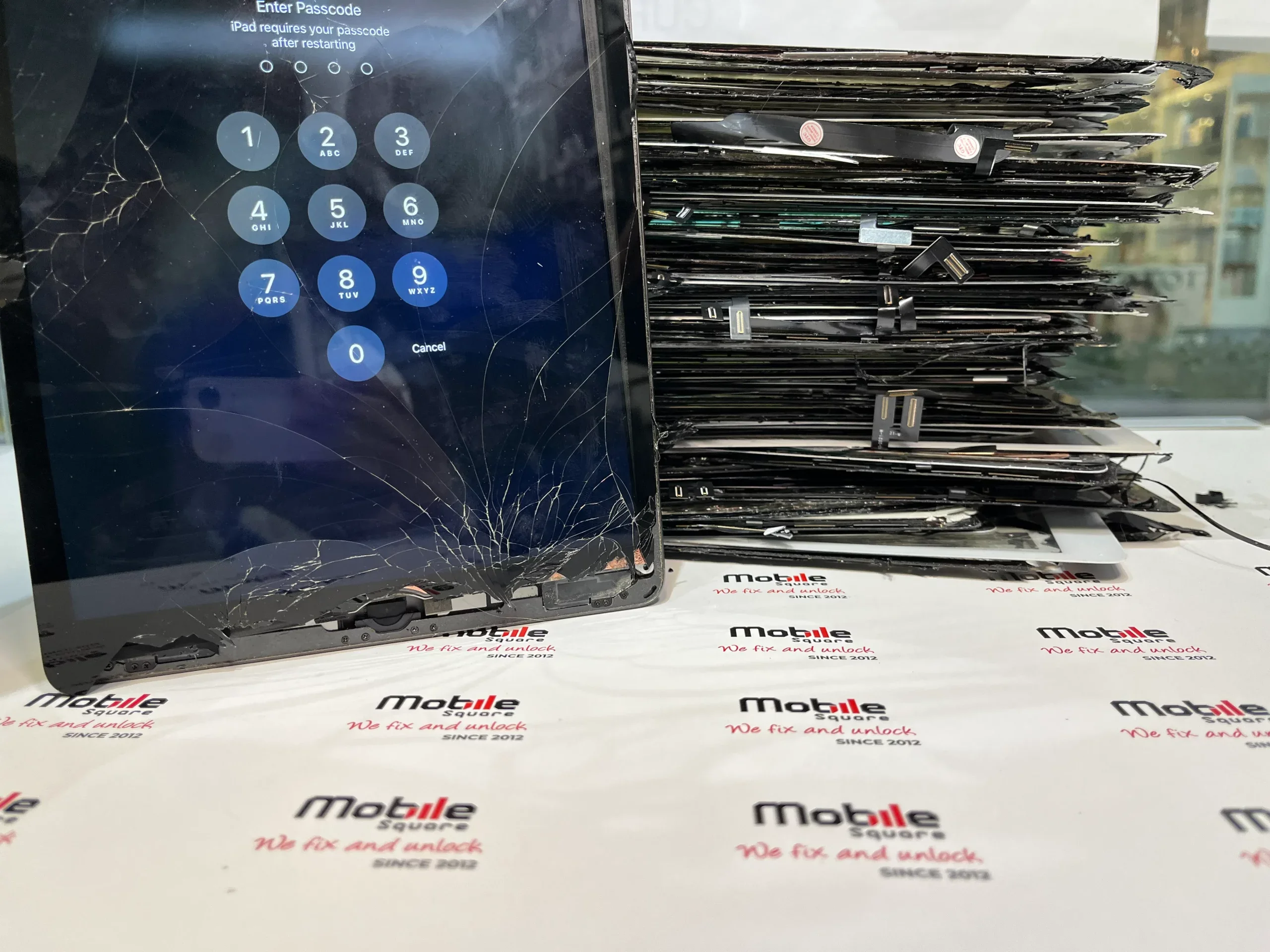
Choosing the best iPad repair shop in Wismer, ON, requires evaluating technical proficiency, part quality, and warranty transparency. A reliable provider should offer a clear diagnostic process, use high-grade components that match original specifications, and provide a written guarantee on their work. Mobile Square suggests looking for shops that prioritize open communication and quick turnaround times to ensure your device returns to peak performance.
This guide provides a detailed look at the factors that define a quality repair experience in the Wismer area. Based on years of experience in the electronics industry, we have identified the specific markers of a trustworthy service provider. You will learn how to verify technician skills, understand pricing structures, and avoid common pitfalls when your tablet needs professional attention.
1. Verifying Technician Certifications and Experience
The complexity of modern iPads means that general mechanical knowledge isn’t enough. Technicians need specific experience with Apple’s internal architecture. Many high-quality shops employ staff with recognized industry credentials. According to data from CTIA, certified mobile service technicians must pass rigorous exams that prove they can handle delicate repairs without damaging internal components like the logic board or Face ID sensors.
Ask if the technicians have experience with your specific iPad model. Repairing an iPad Pro with a laminated display is very different from fixing a standard iPad with a separate glass and digitizer. An experienced shop will explain these differences clearly and understand the iPad screen repair process for different models. They will also have the right tools, such as specialized heat mats and precision screwdrivers, to open the device without scarring the outer casing.
2. Assessing the Quality of Replacement Parts
Not all replacement screens or batteries are equal. Low-quality parts often suffer from poor touch sensitivity, washed-out colors, or shortened lifespans. Reliable shops typically offer a choice between premium aftermarket parts and original equipment manufacturer (OEM) grade components. Choosing reputable repair providers who stand behind their parts is often more cost-effective than finding the cheapest possible fix.
3. Understanding Warranty and Guarantee Terms
A warranty is the shop’s way of proving they trust their own work. Mobile repair professionals in Wismer, ON offer a warranty ranging from 90 days to a lifetime. Be wary of any shop that offers no warranty or a period shorter than 30 days. This guarantee should cover both the replacement part and the labor involved. If a screen begins to lift or the touch function fails after a week, you need to know the shop will fix it at no extra cost.
Always ask for a written receipt that outlines the warranty details. This document should specify what is covered and what might void the agreement, such as new physical damage or liquid exposure. A transparent business will have these terms ready for you to review before any work begins.
4. Comparing Repair Costs and Turnaround Times
Price is a factor, but the lowest price often comes with hidden risks. You should look for a balance between affordability and quality. Most shops in Ontario provide flat-rate pricing for common issues like screen cracks or battery replacements. The following table illustrates the typical considerations when evaluating different service levels.
iPad Service Comparison Factors
| Feature | Low-Cost Independent | Professional Repair Shop | Manufacturer Service |
|---|---|---|---|
| Part Quality | Generic / Low-grade | Premium / OEM Grade | Genuine Apple |
| Turnaround | Same day | 1 to 3 hours | 3 to 7 days (usually) |
| Warranty | 30 days or less | 90 days to Lifetime | 90 days |
| Data Safety | Variable | High Priority | Data often wiped |
How do you identify a reputable shop through reviews?
Online reviews provide a window into the customer experience, but you must read them critically. Look for patterns rather than isolated incidents. A shop with dozens of reviews mentioning “fair pricing” and “quick service” is a safer bet than one with a perfect score but only three reviews. Pay attention to how the shop responds to negative feedback. A professional response that attempts to solve a customer’s problem shows a commitment to service.
5. Evaluating Shop Security and Data Privacy
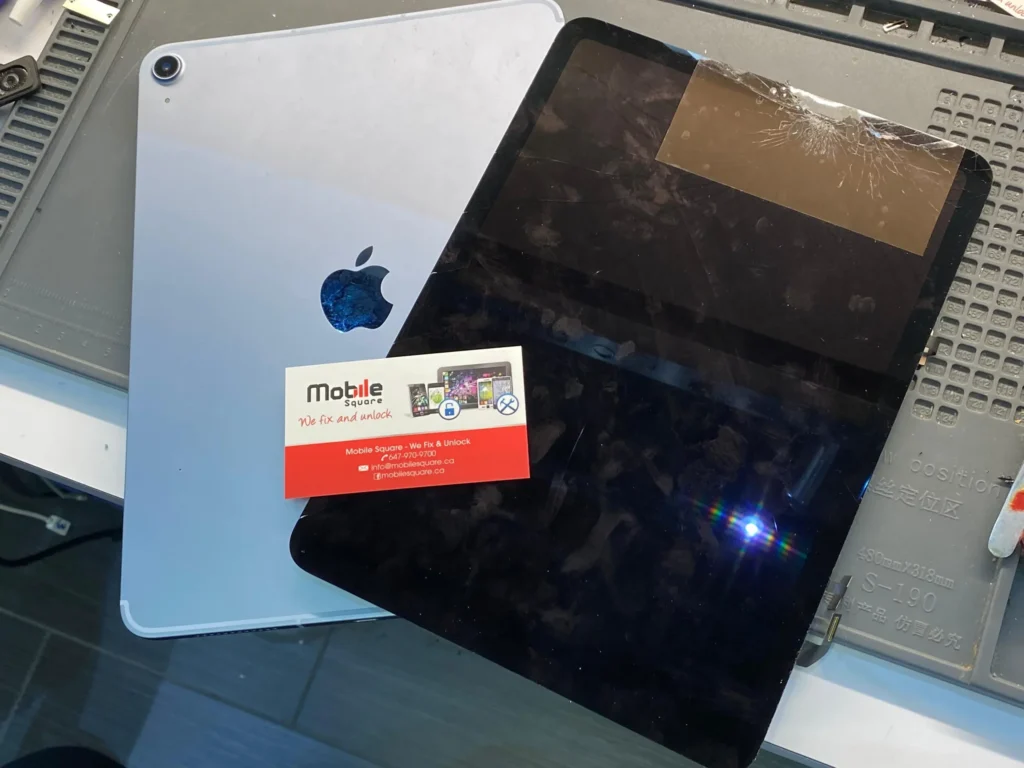
Your iPad contains personal photos, emails, and banking information. A trustworthy repair shop will have clear protocols for data privacy. They should not ask for your passcode unless it is necessary for testing specific functions like the camera or Wi-Fi. In many cases, you can test these features yourself in front of the technician once the repair is finished.
Bonus Tip: Before handing over your device, always perform a full backup to iCloud or a computer. Even the most routine repair carries a small risk of data loss. Disabling “Find My iPad” is also a standard requirement for many repairs, so have your Apple ID password ready.
6. Considering Proximity and Convenience in Wismer
Location matters when you might need to return for a warranty claim. Choosing a shop within the Wismer or Markham area ensures you don’t have to drive long distances if a follow-up is needed. Many local shops now offer mail-in services or even mobile repair vans that come to your home, which can be a significant time-saver.
Factors to Weigh Before Starting a Repair
Before you commit to a repair, evaluate the age of your device. An iPad that is more than five or six years old might not support the latest iPadOS updates. According to Statista, hardware limitations eventually prevent older devices from running modern applications smoothly. If the repair cost exceeds 50% of the cost of a new or refurbished model, it might be wiser to upgrade.
Bonus Tip: Check your iPad for any frame damage. If the aluminum corners are badly dented, a new screen may not sit flush, which can lead to future cracking. A skilled technician can often “re-square” these corners with specialized tools before installing the new glass.
Reliable Repair Support in Your Area
We understand how much you rely on your tablet for work, school, and staying connected. Mobile Square focuses on providing clear, honest assessments for every device that comes through our doors. Whether you have a cracked screen or a battery that won’t hold a charge, we provide professional solutions tailored to your needs. If you need a free estimate or have questions about your device, you can reach us at 647-970-9700 or via email at info@mobilesquare.ca. We are committed to helping our neighbors in Wismer keep their technology in top shape.
Common Questions About iPad Repair
How long does a typical iPad screen repair take?
Most professional shops can complete a screen replacement within two to four hours. This allows time for the specialized adhesive to set properly, ensuring the screen remains securely attached to the frame.
Will a repair void my Apple warranty?
Third-party repairs generally void the official Apple warranty. However, many independent shops provide their own comprehensive warranty that covers the specific parts and labor, often offering longer protection than the original manufacturer.
Is it worth repairing an iPad with a dead battery?
If the iPad is otherwise functional and supports current software, a battery replacement is a very cost-effective way to extend its life by several years for a fraction of the upgrade cost.
Can a cracked iPad screen be dangerous?
Yes, cracked glass can shed tiny shards that may cause skin irritation or cuts. Furthermore, cracks allow moisture and dust to enter the device, which can eventually damage the internal logic board.
Do I need to back up my data before a repair?
You should always back up your data. While most repairs do not affect the storage, hardware work involves risks. A recent backup ensures your photos and documents are safe regardless of the outcome.