
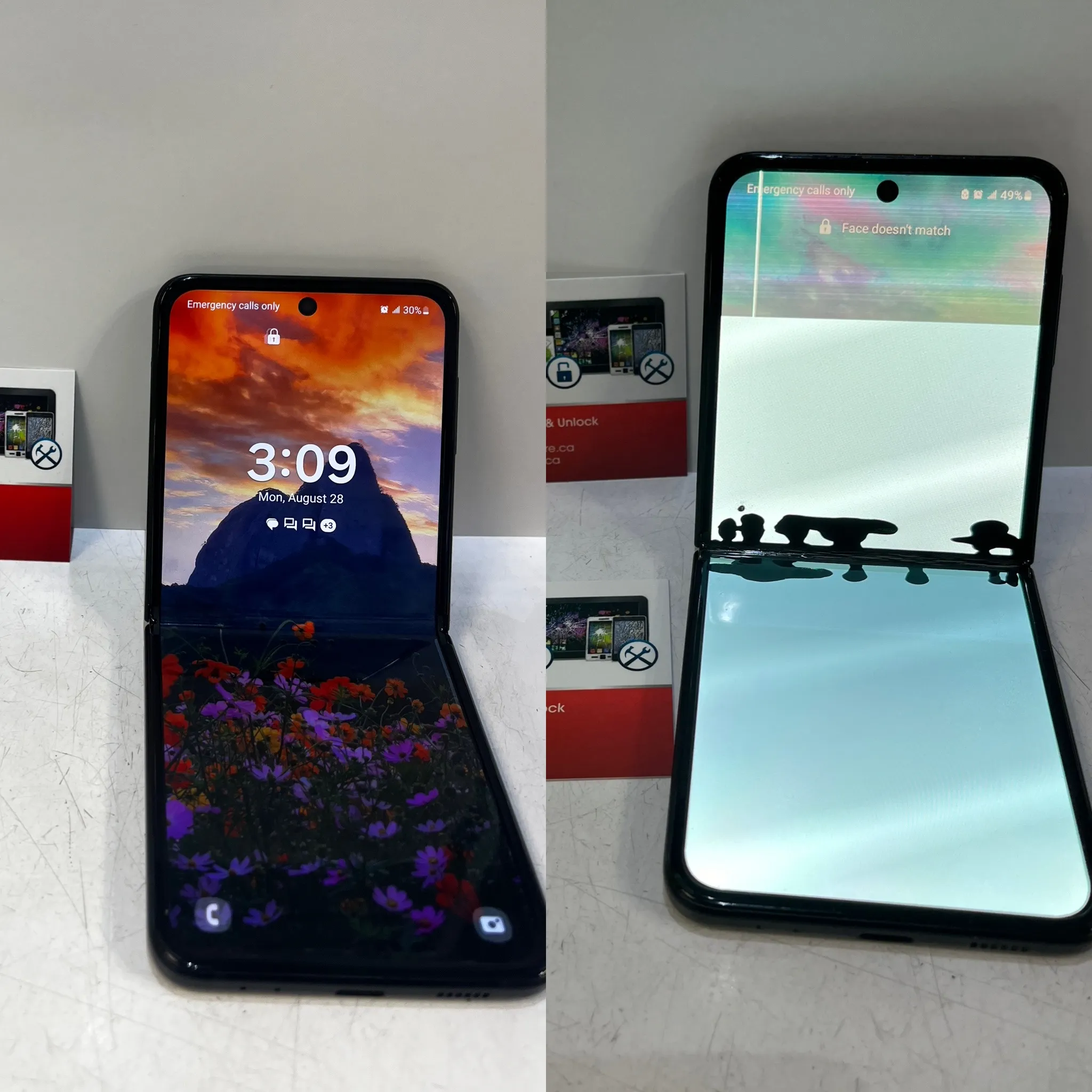
When your phone breaks, choosing professional assistance is almost always the safer choice. Handling delicate internal parts without formal training often leads to permanent damage or personal injury.
Mobile Square sees firsthand how minor screen cracks turn into completely dead displays during self-repair. If you want to keep your device working safely and protect your warranty, seeking a Professional Samsung Galaxy Repair in Rouge, ON, remains your best option. This guide details the exact risks and helps you make a well-informed decision.
Why Is Professional Repair Generally Safer Than DIY?
Modern smartphones use dense, layered engineering to fit advanced features into slim bodies. Attempting to pry open these glass sandwiches without professional instruments often breaks the fragile display panels underneath.
The global smartphone repair services market reached USD 46.57 billion in 2024, and estimates suggest it will reach USD 126.07 billion by 2032, according to data published by WiseGuy Reports. This growth reflects how modern devices have become far more complex, making expert handling a necessity.
What Are the Hidden Physical Dangers of Fixing Your Own Phone?
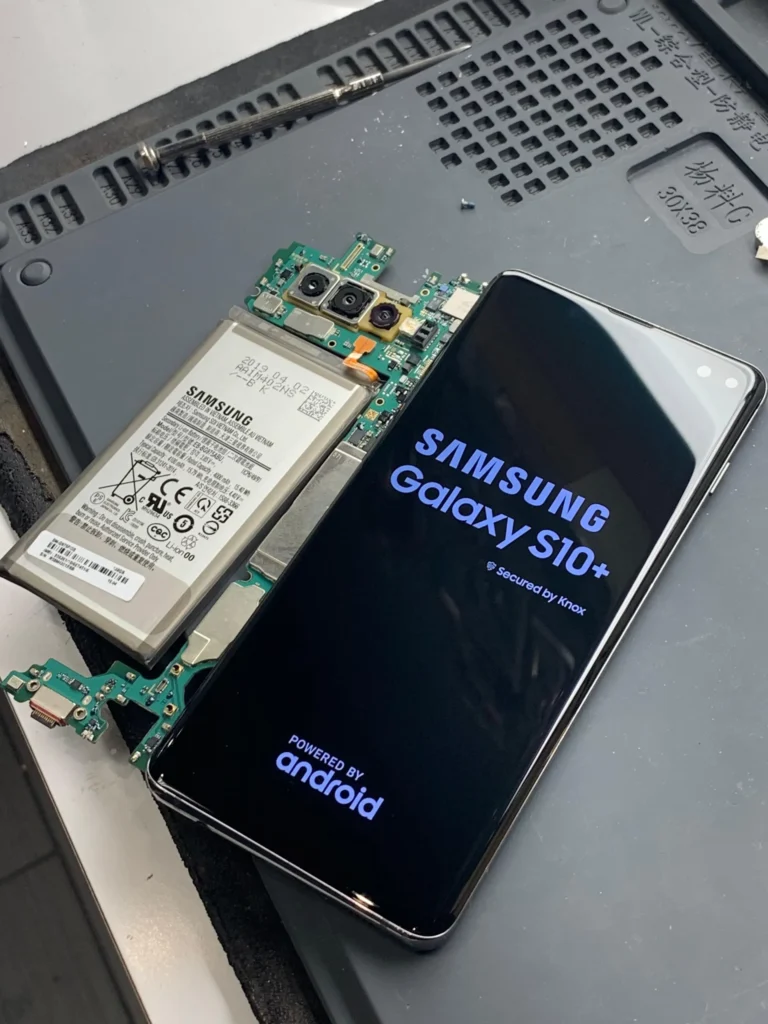
Attempting a DIY Samsung Galaxy Repair presents serious physical hazards. The primary danger centers on the lithium-ion battery. If you puncture the casing with a sharp metal tool, it can immediately enter thermal runaway.
According to safety guidelines from the National Fire Protection Association, damaged lithium-ion batteries can overheat, catch fire, or explode under physical stress. When we disassemble devices, Mobile Square uses specialized ESD-safe tools to safely isolate the battery.
- Bonus Tip 1: Always discharge your phone’s battery to below 25 percent before opening the device case to reduce the risk of thermal runaway if a puncture occurs.
The Financial Reality of Self-Repair vs Expert Care
Using professional Samsung Phone Repair Services often saves money in the long run. Online self-repair kits seem cheap, but they lack precision.
A report on smartphone industry trends by Gitnux shows that the repair market is growing rapidly as repair difficulty rises. If you damage the flexible display cables during a screen swap, you will double your repair bill. A professional shop guarantees the work, so you do not pay for mistakes.
How Professional Techs Keep Your Data and Device Protected
Specialists rely on Safe Phone Repair Solutions that prioritize data protection. During an amateur screen swap, static electricity can destroy the motherboard’s memory chip. Professionals work on grounded anti-static mats to prevent electrostatic discharge.
- Bonus Tip 2: Back up your device to Samsung Cloud or a smart switch on your computer before handing it over for any service, even if the screen is partially black.
Key Considerations Before Deciding How to Fix Your Device
Before attempting any hardware modification on your own, evaluate these critical factors:
- The exact model of your phone: Older models are easier to open, while newer foldable screens require surgical precision.
- Availability of specialized tools: You need adhesive cutters, suction clamps, and heat levels that soften the glue without melting the internal plastic.
- Value of your personal data: A slipped screwdriver can short the board, making data recovery impossible.
Safety and Success Rates of Repair Methods
| Repair Aspect | Self-Repair Approach | Expert Service Center |
|---|---|---|
| Risk of Battery Fire | High (accidental puncture hazard) | Low (controlled environment) |
| Tool Quality | Generic plastic picks and hair dryers | Calibrated heating plates and ESD-safe tools |
| Part Authenticity | Unverified online sellers | Certified OEM components |
| Warranty Protection | Voided instantly | Preserved or renewed |
| Success Rate | Variable (often causing secondary faults) | Extremely high with post-repair testing |
The Smart Choice for Your Mobile Device
Choosing a certified technician ensures your phone remains safe to use. You avoid thermal hazards, preserve water resistance, and secure a warranty for the work completed. Investing in a Professional Samsung Galaxy Repair in Rouge, ON, protects your expensive asset and guarantees peace of mind, especially for water damage repair cases.
Get a Professional Assessment Today
Are you dealing with a cracked screen or a failing battery? We encourage you to seek a free quote from our experienced team today. Contact Mobile Square by calling 647-970-9700 or emailing info@mobilesquare.ca to schedule your diagnostic. Our team uses certified parts to restore your phone safely and efficiently.
We look forward to helping you get your device running like new again.
Answers to Common Questions About Device Repairs
How long does a professional screen replacement take?
Most screen replacements take between forty-five minutes and two hours. Technicians have ready-to-use heating tools and pre-cut adhesives, which significantly speed up the entire assembly process.
Will my phone remain water-resistant after repair?
Professionals use specialized factory-grade adhesives and heat presses to reseal the phone chassis. DIY repairs rarely replicate this seal, which completely compromises your device’s original water protection.
What is maintenance mode on Samsung phones?
Maintenance mode is a privacy feature that locks access to your photos, messages, and personal accounts while leaving the core hardware functions open for testing by technicians.
Does a third-party repair void the Samsung warranty?
Authorized centers preserve your warranty. While unauthorized self-repairs void the warranty immediately, reputable third-party technicians offer their own independent warranty on parts and labor for added security.
How can I identify a swollen phone battery?
A swollen battery often pushes the screen or back glass outward, creating small gaps in the frame. If you notice this, stop charging the phone immediately to prevent a fire.
Sources
- WiseGuy Reports – Market research report on the global smartphone repair services size and growth forecasts.
- National Fire Protection Association – Educational safety resource detailing the hazards of lithium-ion batteries.
- Gitnux – Statistical analysis of trends and growth within the smartphone repair industry.