
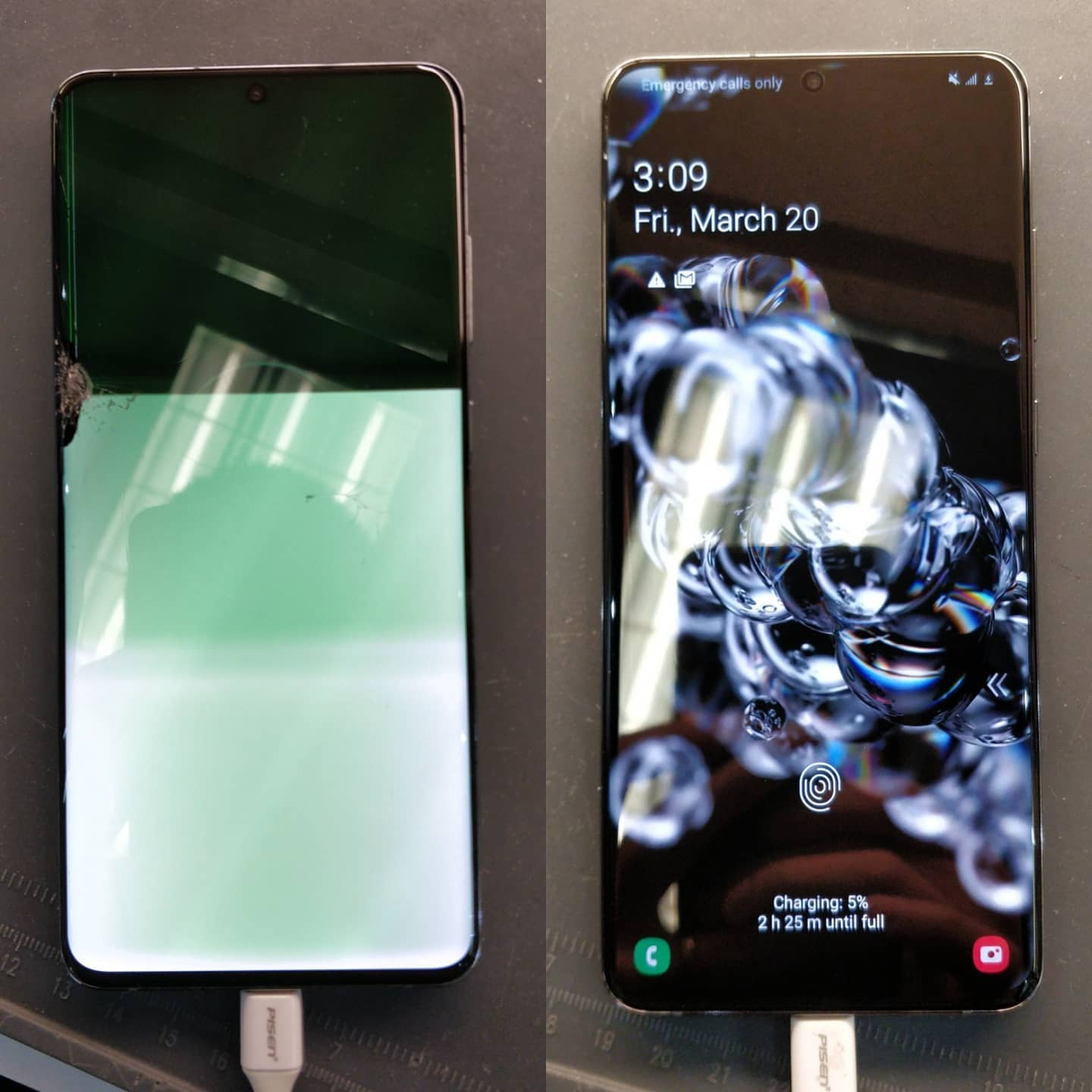
A phone that refuses to charge can disrupt your entire day. If you are dealing with OnePlus Charging Problems in Claremont, ON, the issue typically boils down to three main culprits: debris packed inside the port, software glitches, or physical hardware wear. Mobile Square brings years of diagnostic experience to resolve these faults quickly. Our guide provides clear, practical troubleshooting steps and reliable fixes to get your device back up to speed.
Why is your OnePlus device failing to charge?
Is your phone completely unresponsive when plugged in? Understanding the root cause of the issue helps you identify the best solution. Most charging failures are caused by physical obstructions inside the port, bad cables, or outdated software.
A large number of failures are simpler than they appear. Research by Anker indicates that over 60% of non-charging issues are caused by dirt and lint buildup inside the port, not actual hardware breakdown. Over time, pocket lint gets packed tightly into the USB-C slot, preventing the cable from making full contact.
Every time you place your phone inside a pocket or bag, the port collects small amounts of debris. When you insert the cable, you compress this material deeper into the port. Eventually, a solid barrier of lint forms, which blocks the gold connector pins from making a stable electrical connection.
Another frequent source of trouble involves system updates. Software glitches can freeze the charging protocol, preventing the phone from recognizing the power source. A simple hard reset often clears these temporary bugs, allowing the charging circuit to communicate correctly with the battery once again.
Common hardware issues that disrupt charging
When basic cleaning does not resolve the issue, physical wear is the likely cause. The USB-C port on your phone is subjected to daily friction. This constant physical stress can loosen the connection or damage the internal pins.
If the phone only charges at a specific angle, you are likely looking at mechanical wear. Data from Rokform shows that USB-C ports are built to withstand 10,000 connections. Heavy daily use, however, can wear down these internal contacts within 18 to 24 months, necessitating Charging Repair. Internal components can also fail due to overheating or bad chargers. If your phone gets unusually hot, it might be due to OnePlus Battery Issues. Modern fast-charging tech splits the cells to manage heat, but cheap third-party accessories bypass these protections, damaging the power management chips.
In addition, physical drops can crack the solder joints holding the charging port to the motherboard. When these microscopic connections are broken, the electrical current cannot reach the battery, resulting in an unresponsive device.
Bonus Tip 1: Always inspect your USB-C port with a bright flashlight and a magnifying glass before attempting to clean it. Avoid using metal needles or paperclips, as they can easily bend the gold contacts.
Symptoms and technical remedies
Different charging issues require specific diagnostic approaches. Here is a clear breakdown of common symptoms and how we handle them.
| Issue Symptom | Probable Cause | Corrective Action |
|---|---|---|
| The cable drops out easily | Lint or debris buildup | Clean with a non-conductive tool |
| Intermittent connection | Loose charging port solder joints | Port replacement |
| High heat, zero charge | Faulty power IC or battery damage | Component-level repair |
| Slow charging rates | Damaged cable or weak adapter | Use original OnePlus accessories |
Mobile Square utilizes specialized tools to clean, repair, or replace the damaged micro-components without risking your data. Our team ensures that every connection point meets manufacturer specifications.
Things to verify before booking a service
Before spending money on professional repairs, perform a few simple diagnostic steps. These checks will help you determine if the problem is a simple accessory issue or an actual hardware failure.
First, swap your charging brick and cable. Testing your device with a known-good charger rules out accessory failure. This step prevents you from paying for a repair when you only need a new cable.
Second, check if your software is up to date. Sometimes, an operating system update can resolve battery communication issues. Using Phone Charging Solutions can save you time and money.
Third, inspect the port for physical looseness. Gently wiggle the plug while it is connected. If there is significant movement, the internal port structure is physically damaged.
Bonus Tip 2: If your phone is completely unresponsive, try plugging it into a computer USB port. Computers deliver a lower, steady current that can sometimes revive a deeply discharged battery.
Practical ways to extend battery longevity
To avoid future charging and battery failures, follow a few simple maintenance habits. Proper charging habits significantly extend the lifespan of your lithium battery.
Avoid extreme temperature changes. Exposure to extreme cold or high heat degrades the battery cells; leave your device in a hot car, especially during the summer months.
Bonus Tip 3: Try to keep your battery level between 20% and 80%. Consistently draining your battery to 0% or leaving it plugged in at 100% overnight puts unnecessary stress on the battery chemistry.
Selecting the right repair service in Claremont
When you need professional help, choosing a qualified service provider is essential. Ensure the repair shop has direct experience with the complex internal architecture of OnePlus devices.
Look for services that offer a solid warranty on parts and labor. This guarantee gives you peace of mind that the replacement parts will last. Experienced technicians will also check secondary functions such as the microphone and antenna, which are located near the port assembly.
Using high-grade replacement parts ensures that fast charging protocols like Warp Charge or SuperVOOC continue to work safely and efficiently after the repair is completed.
Get your OnePlus back to peak performance.
Are you tired of wiggling your charger just to get a connection? Contact Mobile Square for a free quote on your repair needs. Our team is ready to help you resolve your battery and charging port issues quickly. Call us today at 647-970-9700 or send an info request to automobilesquare.ca. We will diagnose your device and restore its charging capabilities in no time.
Restoring reliable power to your smartphone
Addressing OnePlus Charging Problems in Claremont, ON, does not have to be stressful. By systematically cleaning the port, testing your accessories, and relying on professional diagnostics when necessary, you can easily resolve these issues. Evaluate your phone’s performance today and take proactive steps to ensure your device stays powered up.
Frequently asked questions about phone charging problems
Why does my OnePlus phone charge slowly?
A dirty port, a damaged charging cable, or using a third-party brick that lacks fast-charging compatibility can cause slow charging speeds. Always use original accessories to ensure maximum power input.
Can lint in the port prevent fast charging?
Yes, dirt blocks the pins required for full data handshakes. Without these connections, the phone defaults to standard slow charging to protect the hardware from damage.
How do I know if my battery is worn out?
If your device drains rapidly, shuts down unexpectedly, or hasa low battery, the battery is degraded and needs to be replaced.
Is it safe to clean the charging port at home?
You can safely remove loose debris using a wooden toothpick or plastic dental pick. Avoid using metal tools, which can short-circuit the port pins.
What is the repair time for a charging port?
A professional port replacement typically takes between thirty and ninety minutes, restoring full connection stability and fast-charging capabilities on the same day.
Sources
- Anker – A global leader in charging technology, providing data on charging port failures and cable maintenance.
- Rokform – Professional smartphone accessory manufacturer providing industry insights on hardware durability and USB-C lifecycle.
- Mobile Spot – Expert mobile device repair provider offering statistics on physical component damage and wear.