
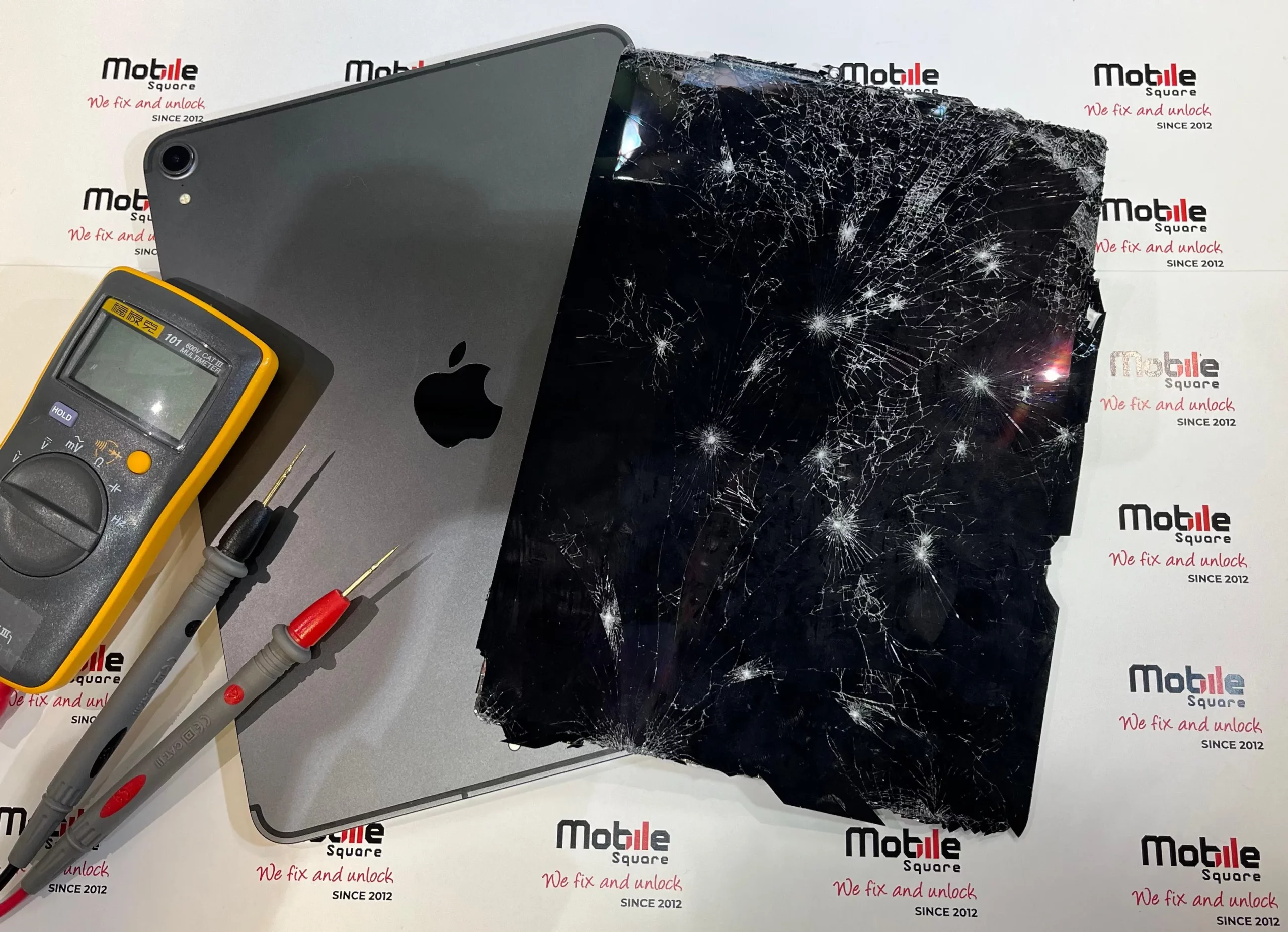
Tablets break down frequently due to physical drops, battery degradation, and internal wear. Fortunately, expert help is available. Our professional Tablet Repair Services in Uxbridge, ON, quickly resolve these issues and restore your device to peak performance.
Mobile Square has years of hands-on experience restoring broken devices, making us uniquely qualified to explain why these gadgets fail and how to fix them.
Why Are Modern Tablets So Prone to Damage
Tablets occupy a delicate middle ground between smartphones and laptops. Because they feature large glass displays and slim metal or plastic bodies, they are highly vulnerable to everyday accidents.
According to a SquareTrade Research Report, nearly 10 percent of tablet owners report an accidental break in their first 12 months. This statistic jumps to 20 percent within the first two years of ownership.
The portability that makes tablets attractive also increases their exposure to hard drops, spills, and heavy pressure inside bags. Unlike bulkier laptops, tablets lack structural internal reinforcements.
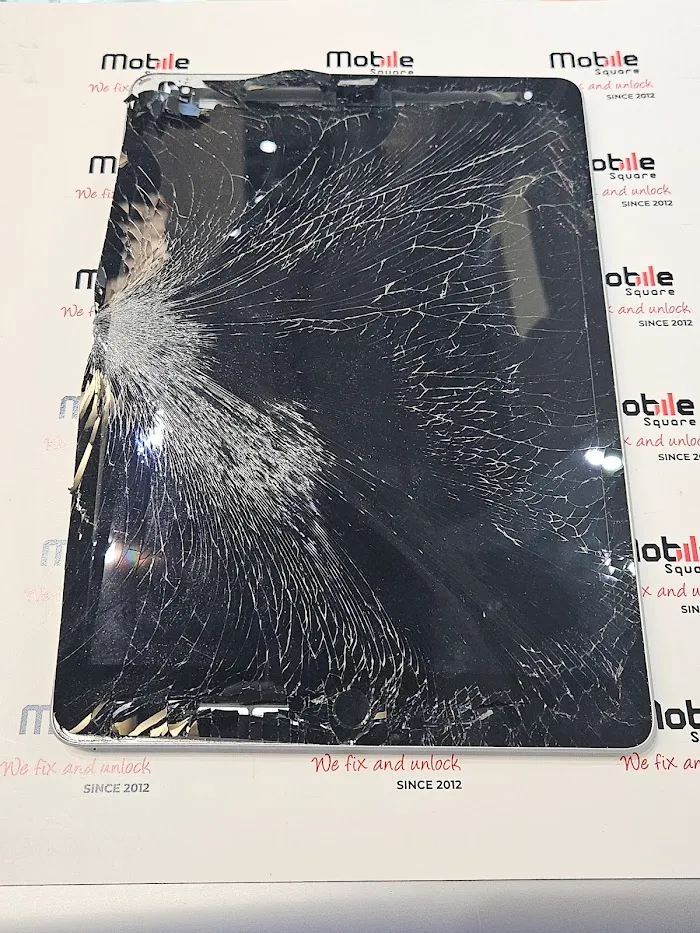
This vulnerability makes the glass front highly prone to shattering upon impact. This weakness leads to one of the most common tablet problems users face daily.
What Are the Differences Between Tablet and Smartphone Repairs
Although tablets and smartphones share similar operating systems, their internal architecture differs significantly. Tablets have much larger screen surface areas, which increases the likelihood of glass cracking under pressure.
Additionally, the internal layout of a tablet is designed to fit a massive battery. The logic board is often smaller relative to the device size, making the internal ribbon cables longer and more delicate.
Because of this physical size difference, repair technicians must use specialized equipment designed specifically for tablet dimensions. Standard smartphone repair tools are often too small to apply uniform heat across a 10-inch tablet screen.
The Chemistry Behind Battery Failure
Beyond physical drops, power failure is a major contributor to tablet breakdowns. Most tablets run on lithium-ion batteries, which decay naturally as you use them.
Research from battery analytics firm Zitara explains that lithium-ion batteries lose capacity with each charge-discharge cycle. Most tablet batteries lose up to 20 percent of their capacity after 300 to 500 cycles.
For an active user, this means the battery begins dying much faster after just 12 to 24 months of use. Heat also accelerates this chemical decay process.
Eventually, degraded batteries may swell, pushing against the screen and causing permanent hardware damage. Professional technicians can replace these batteries safely, avoiding costly structural damage.
What Are the Most Frequent Mechanical and Software Failures
Physical impacts and battery wear are not the only issues. Tablets also suffer from charge port wear, unresponsive buttons, and system crashes.
Charging Port Wear
Constant plugging and unplugging wear down the internal pins of the USB-C or Lightning port. Over time, the port becomes loose, requiring you to position the cord at a precise angle just to get a charge.
Unresponsive Touchscreens and Software Bugs
Sometimes, a tablet turns on but fails to register touch inputs. This can stem from loose internal ribbon cables or operating system glitches that occur after interrupted updates.
Thermal Throttling and Overheating
When dust accumulates inside the chassis, the processor cannot cool down. This causes the tablet to slow down or shut off unexpectedly to protect itself from heat damage.
What Tools Do Technicians Use for Professional Repairs
Repairing a modern tablet requires specialized equipment that most consumers do not have at home. These tools ensure the repair is completed without causing further damage to delicate internal parts.
Technicians use digital heat plates to uniformly heat the entire perimeter of the screen. This allows the adhesive to release without warping the plastic bezel or cracking the LCD underneath.
They also use ESD-safe pry tools and ceramic tweezers to avoid static discharge. A single static shock can ruin a tablet’s logic board, making professional electrostatic protection a necessity.
How Local Technicians Restore Broken Tablets
When these issues arise, seeking expert repair is highly beneficial. Local experts bring the specialized tools and experience necessary to handle fragile electronics.
Data gathered by the Open Repair Alliance indicates that the average repair success rate for tablets at community events is just 42 percent. This is lower than other electronics because tablets are assembled with heavy adhesives rather than screws.
This makes DIY repairs risky and highlights the need for a Professional Tablet Repair provider. Attempting a repair at home without the proper equipment often leads to more damage.
Our technicians at Mobile Square tablet repair technicians use specialized heating pads to soften the factory adhesive. This allows them to open the device safely without cracking the display or damaging the delicate logic board.
| Failure Type | Common Cause | Repair Complexity |
|---|---|---|
| Cracked Glass | Drop or pressure | Moderate to High |
| Loose Charge Port | Wear and tear | High (Requires Soldering) |
| Swollen Battery | Heat and age | Moderate (Requires safe disposal) |
| Water Damage | Spills or submersion | High (Requires ultrasonic cleaning) |
What to Consider Before Choosing a Repair Provider
Before you select a local repair shop, review a few key factors to ensure you get high-quality service.
Replacement Part Quality
Verify if the shop uses original parts or high-quality aftermarket alternatives. Low-quality replacement screens often suffer from poor touch sensitivity and washed-out colors.
Technician Experience and Safety Standards
Because tablets contain highly volatile lithium-ion batteries, technicians must follow strict safety protocols. Ensure the shop has experience handling your specific brand, whether it is an iPad, a Samsung Galaxy Tab, or a Microsoft Surface.
Warranty on Repairs
A reputable service provider should offer a warranty on their parts and labor. This guarantees that if the replacement part fails unexpectedly, you will not have to pay twice.
Bonus Tip: Always back up your tablet data to the cloud before handing it over for service. While simple screen swaps rarely affect storage, it is always safest to secure your files.
Bonus Tip: Keep your tablet away from direct sunlight and hot cars. Extreme heat accelerates battery degradation and can weaken the internal adhesives holding the screen in place.
How Local Repair Services Benefit the Environment
Fixing your existing device instead of buying a new one has a massive environmental impact. E-waste is a growing global issue, and extending your tablet’s lifespan helps reduce this waste.
According to a study on electronics lifespans by Quantum Lifecycle Partners, tablets are typically used longer than smartphones. However, millions of usable devices still end up in landfills prematurely due to simple issues like a dead battery or a cracked screen.
Choosing professional iPad Repair Solutions keeps electronics in use and saves you money. Repairing a device requires fewer raw materials than manufacturing a new one, making it a responsible choice.
Choosing Professional Care for Your Device
Repairing a broken device requires precision, patience, and the right tools. Instead of risking a DIY repair that could destroy your screen or logic board, choose local experts to ensure your device is restored safely and quickly.
Evaluating your tablet’s condition, age, and repair costs will help you make the best decision for your device. If your screen is shattered or your battery no longer holds a charge, our professional Tablet Repair Services in Uxbridge, ON are here to help you get back online.
Restore Your Tablet Today
We make it easy to get your tablet working perfectly again. Mobile Square is ready to help with any hardware or software issues you face. Get a free quote today by emailing us at info@mobilesquare.ca or calling us directly at 647-970-9700. We will gladly assess your device, answer your technical questions, and get you back up and running without delay. Reach out to our team today to start your quick tablet repair process with our experienced local experts.
Frequently Asked Questions
Can a cracked tablet screen be repaired without replacing the whole display?
Yes, if only the top glass is broken and the LCD still functions, some shops replace just the glass. However, most modern tablets require replacing the entire fused display assembly.
How long does a typical tablet battery replacement take?
A professional battery replacement usually takes between one and two hours. Technicians must carefully heat the adhesive, safely remove the old battery, install the new one, and reseal the tablet.
Is it worth repairing an older tablet?
If the repair cost is less than half the price of a comparable new tablet and the device still receives software updates, repairing it is highly cost-effective and environmentally friendly.
What should I do if my tablet gets wet?
Turn off the device immediately and do not plug it in. Dry the exterior and have it inspected by a professional technician for internal cleaning and moisture removal as soon as possible.
Why does my tablet charge slowly?
Slow charging is usually caused by a dirty or damaged charging port, a degraded battery, or a low-wattage charging block. A technician can clean or replace the port to fix this.
Sources
- Allstate Protection Plans – Provider of consumer device protection plans and repair statistics.
- Zitara – Battery management software company specializing in lithium-ion battery lifetime and degradation research.
- Open Repair Alliance – An international community of organizations focused on improving electronic repairability and sharing repair success data.
- Quantum Lifecycle Partners – Canadian electronics recycling and lifecycle management firm providing data on e-waste reduction.