
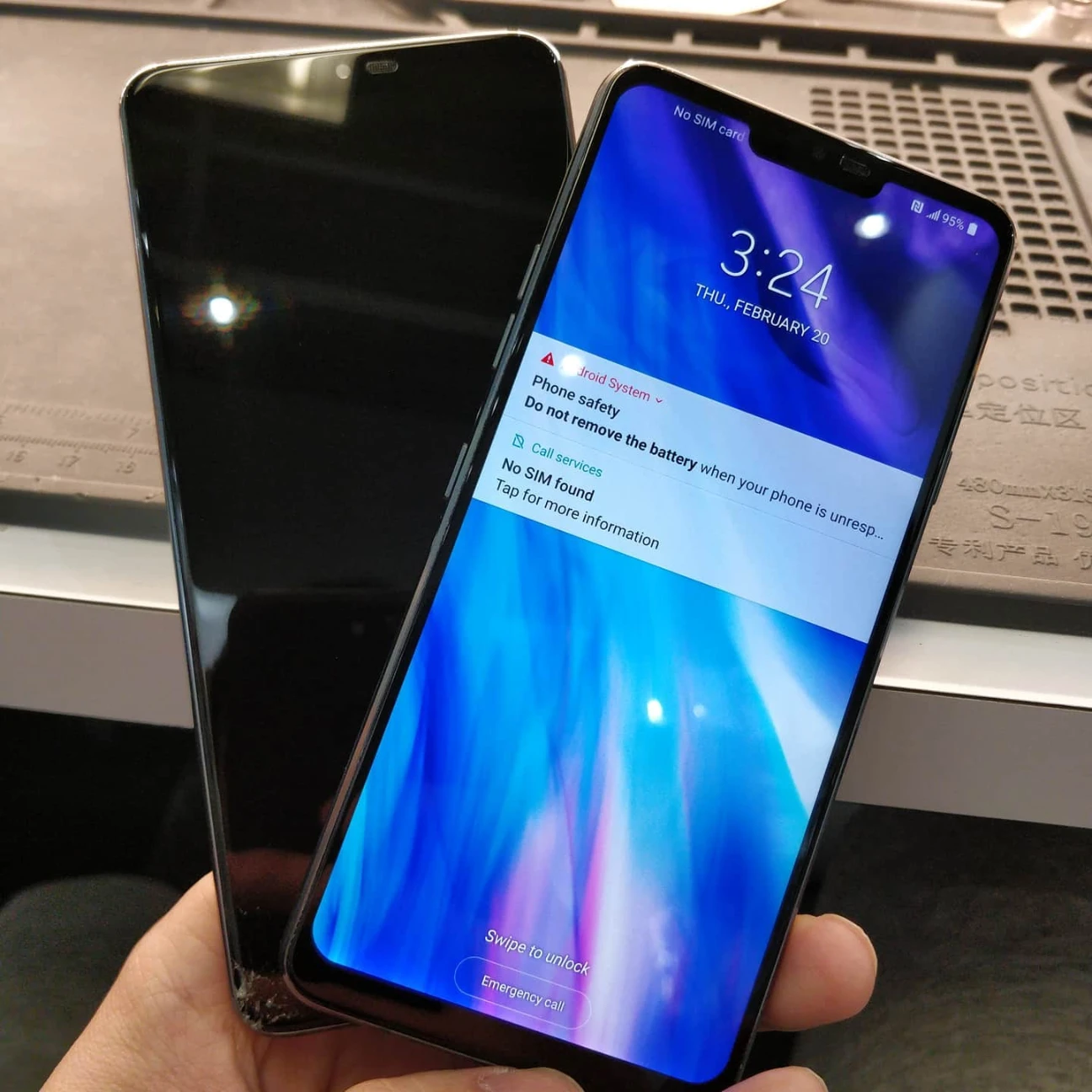
Improving your device’s speed and reliability starts with addressing physical hardware bottlenecks and software conflicts. How to Improve Smartphone Performance involves identifying whether a sluggish interface or short battery life stems from failing internal parts or cluttered system files. By replacing worn components like batteries and screens, you restore the original efficiency of your hardware.
We see daily how hardware degradation affects user experience. Our team has handled thousands of devices, providing us with a clear understanding of which repairs offer the most significant performance gains. This guide offers practical advice on restoring your phone to its peak state using professional phone repair strategies and maintenance.
Addressing Battery Health for Better Processing
A dying battery does more than just cut your usage time short. As lithium-ion cells age, their ability to deliver consistent voltage drops. To prevent unexpected shutdowns, many smartphone manufacturers use software to throttle the CPU speed. This results in a choppy interface and slow app loading times.
A report from Apple Support explains that as a battery chemically ages, its peak power delivery decreases, which may require the system to manage performance. Replacing an old battery is often the most effective way to remove these software speed limits.
Bonus Tip: You can check your battery health in your phone settings. If your maximum capacity is below 80 percent, a phone battery replacement will likely result in a noticeable speed boost.
Resolving Thermal Issues Through Screen and Frame Repair
Heat is the enemy of electronics. If your screen is cracked or the frame is bent, the internal cooling system may not function correctly. Small gaps in the casing can allow dust to settle on the motherboard, acting as insulation that traps heat. When a phone gets too hot, the processor slows down to cool itself off.
Repairing a cracked screen does more than just make the phone look better. It restores the structural integrity of the device and prevents environmental contaminants from reaching the internal hardware components. A sealed device manages heat much better than one with openings.
Optimizing Storage with Professional Data Management
A full storage drive significantly slows down any operating system. Smartphones use NAND flash memory, which needs “breathing room” to move data around efficiently. When your storage is nearly full, the controller has to work harder to find available blocks, leading to lag.
According to data from Samsung, keeping at least 10 percent of your storage space free allows the operating system optimization to function correctly. If your device is stuck in a boot loop or freezing due to critical storage issues, professional firmware restoration can often resolve these deep-seated software errors to clear the blockage without losing your data.
Hardware vs Software Performance Gains
It is helpful to understand which issues require a physical fix and which can be solved through settings. The following table breaks down common performance problems and their likely solutions.
| Performance Issue | Likely Hardware Fix | Likely Software Fix |
|---|---|---|
| Slow App Loading | NAND Flash Memory check | Cache clearing |
| Screen Lag/Ghosting | Digitizer replacement | Touch sensitivity settings |
| Rapid Power Drain | New battery installation | Background app refresh |
| Device Overheating | Thermal paste application | Update OS version |
| Poor Connectivity | Antenna wire repair | Reset network settings |
Cleaning Internal Ports for Better Connectivity
Sometimes performance issues are actually charging or data transfer issues. Dust and lint in the charging port can cause slow charging or prevent the phone from connecting to a computer for backups. A charging port cleaning or replacement ensures your device receives a steady flow of power.
Using a specialized repair tool to remove debris is safer than using a toothpick or paperclip, which can bend the delicate pins inside. If the pins are already damaged, a full port assembly replacement is necessary to ensure the phone maintains a stable connection to its power source.
Why Does Water Damage Slow Down My Phone?
Even if a phone survives a splash, lingering moisture can cause microscopic corrosion on the logic board. This corrosion creates “bridges” between circuits, leading to data errors and slow processing. Professional ultrasonic cleaning can remove these deposits before they permanently destroy the motherboard.
Bonus Tip: Never put a wet phone in rice. It doesn’t pull moisture out of the internal parts and can introduce dust. Instead, power it off and seek a liquid damage recovery service immediately.
Things to Evaluate Before Choosing a Repair
Before you invest in a repair, consider the age of your device and the cost of parts. Not every phone is worth fixing if the motherboard itself is failing. Check the following factors to see if a repair is the right choice for you:
- Part Availability: Older models may have limited access to high-quality OEM replacement parts.
- Software Lifecycle: If the manufacturer no longer provides security updates, hardware repairs won’t solve software-based vulnerabilities.
- Cost Efficiency: If a repair costs more than 50 percent of the phone’s current market value, you might consider a newer model.
- Backup Status: Ensure your data is backed up to cloud storage before any hardware work begins.
How Can You Tell if Your Phone Needs Professional Help?
If a factory reset does not fix the lag, the problem is almost certainly hardware-related. Constant crashing, a screen that gets excessively hot, or a battery that jumps from 20 percent to 1 percent are all signs of hardware degradation. In Jefferson, ON, local experts can run diagnostics to find the exact source of the failure.
We Are Here to Help
At Mobile Square, we focus on restoring your device’s functionality through precise technical work. Our team handles everything from broken screens to complex battery issues that hinder your phone’s speed. We provide a free quote for all our services to ensure you have the information you need to make a decision. If you have questions about your device, you can reach us at 647-970-9700 or send an email to info@mobilesquare.ca. We are committed to helping you get the best performance out of your technology.
Frequently Asked Questions
How much does a typical smartphone repair cost?
Costs vary based on the model and part. A battery might cost between $50 and $100, while a screen can range from $100 to $300 depending on the display technology.
Will a new battery make my phone faster?
Yes, if your phone is currently throttling the CPU due to poor battery health. A new cell allows the processor to run at its maximum clock speed without crashing.
Can a cracked screen cause touch lag?
Definitely. A shattered glass layer can interfere with the touch sensors underneath, causing the phone to miss inputs or react slowly to your swipes and taps.
Does a factory reset fix hardware issues?
No, a factory reset only addresses software glitches. If a component like the camera or battery is physically failing, the software reset will not restore its performance.
Is it safe to repair a water-damaged phone?
It is safe if handled by professionals who can perform motherboard de-soldering and cleaning. Attempting to power on a water-damaged phone without cleaning it often causes a short circuit.
Sources
- Apple Support – Detailed information on how battery health impacts iPhone performance and CPU throttling.
- Samsung – Official guide on maintaining storage and system memory to ensure smooth Android performance.
- PCMag – A resource explaining how hardware components like chipsets affect overall device speed and efficiency.