
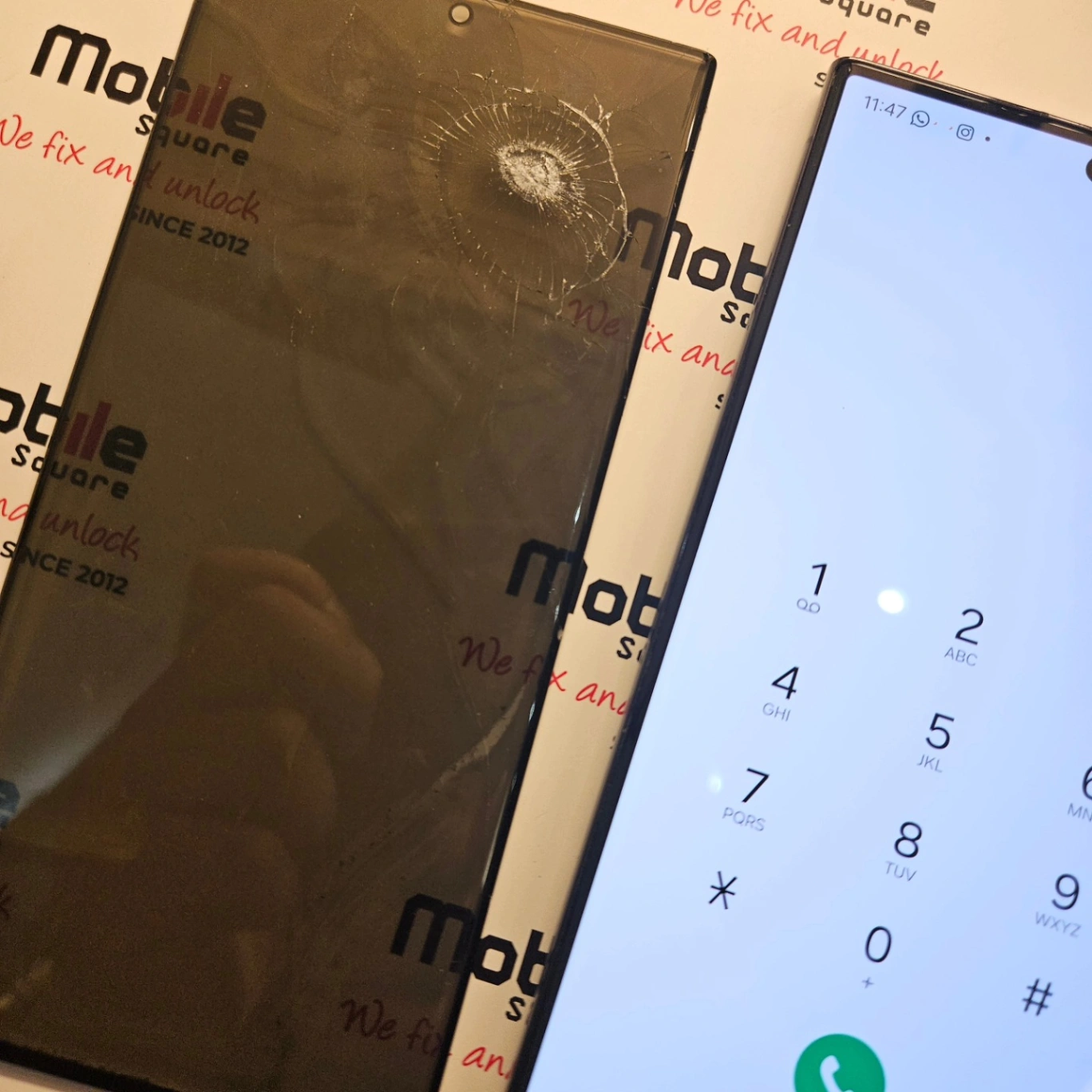
Addressing a single dead pixel or a cluster of malfunctioning pixels immediately prevents complete display failure and extends the operational life of smartphones and tablets. Ignoring minor screen defects often forces the surrounding display elements to work harder, which accelerates the deterioration of the entire screen assembly. Early intervention stops this progressive damage and saves hundreds of dollars compared to a full device replacement.
Getting screen issues evaluated early determines whether a device lasts another two years or ends up in a recycling bin next month. This guide provides detailed explanations based on daily, hands-on experience diagnosing and resolving hundreds of display malfunctions for local residents.
How Display Defects Spread Across Screens
Many users notice a tiny black dot or a brightly colored speck on their screen and decide to ignore it. A single dead pixel might seem like a minor cosmetic issue. Yet, screens operate through a tightly packed grid of light-emitting diodes or liquid crystals. When one pixel dies due to physical impact or moisture intrusion, the structural integrity of the surrounding microscopic grid weakens. A report from Consumer Reports highlights that minor screen damage regularly leads to extensive touch functionality failure if left untreated.
Moisture often enters through microscopic cracks that cause the initial pixel death. As temperature changes occur, this moisture expands and contracts, destroying neighboring pixels. Soon, a single dot becomes a large black ink-like blob spreading across the display.
Bonus Tip 1: Run a solid white image and a solid black image in full-screen mode to easily spot dead or stuck pixels hiding near the edges of the display.
Technical Differences in Pixel Malfunctions
Not all pixel issues require the same approach. Understanding the exact type of defect helps determine the urgency of the repair.
| Defect Type | Visual Appearance | Underlying Cause | Progression Risk |
|---|---|---|---|
| Dead Pixel | Solid black dot | Broken transistor or power failure | Moderate to High |
| Stuck Pixel | Constant red, green, or blue dot | Transistor receiving constant power | Low to Moderate |
| Screen Bleed | Irregular light patches at edges | Panel separation or pressure | High |
| LCD Bruising | Dark, cloud-like patches | Direct physical pressure | High |
Local Environmental Factors in Greensborough
Greensborough experiences distinct seasonal temperature shifts. Extreme cold during winter and intense heat during summer affect device hardware significantly. Taking a phone from a freezing outdoor environment into a heated building creates internal condensation. If a display already has structural damage causing dead pixels, this condensation easily seeps into the screen assembly.
Data published by Pew Research Center shows that Americans and Canadians replace their smartphones approximately every two and a half years, often due to preventable hardware degradation. Addressing screen vulnerabilities before seasonal weather shifts occur keeps moisture out of the sensitive internal logic board. Identifying these environmental risks is an essential first step when weighing the financial benefits of a repair versus a replacement.
Bonus Tip 2: Avoid leaving electronics in parked cars during extreme weather, as temperature spikes accelerate the failure rate of damaged LCD and OLED panels.
Things to Consider Before Making a Decision
Evaluate a few key factors before proceeding with a hardware fix.
- Device Age and Value: Check the current market value of the phone or tablet. If a device is over four years old and requires a complete screen assembly replacement, upgrading might be a better financial decision.
- Data Backup Status: Screen failures can escalate rapidly, completely disabling touch functionality. Verify that all photos, contacts, and documents are securely backed up to a cloud service or external hard drive before the screen becomes unresponsive.
- Warranty Coverage: Review the manufacturer warranty or carrier insurance policy. Some accidental damage policies cover screen replacements with a low deductible, making immediate repair an easy choice.
- Repair Quality Standards: Research the exact parts used for replacements. Aftermarket LCD screens behave differently than original OLED panels. A study from iFixit notes that matching the correct display technology to the specific device model prevents future compatibility issues and battery drain.
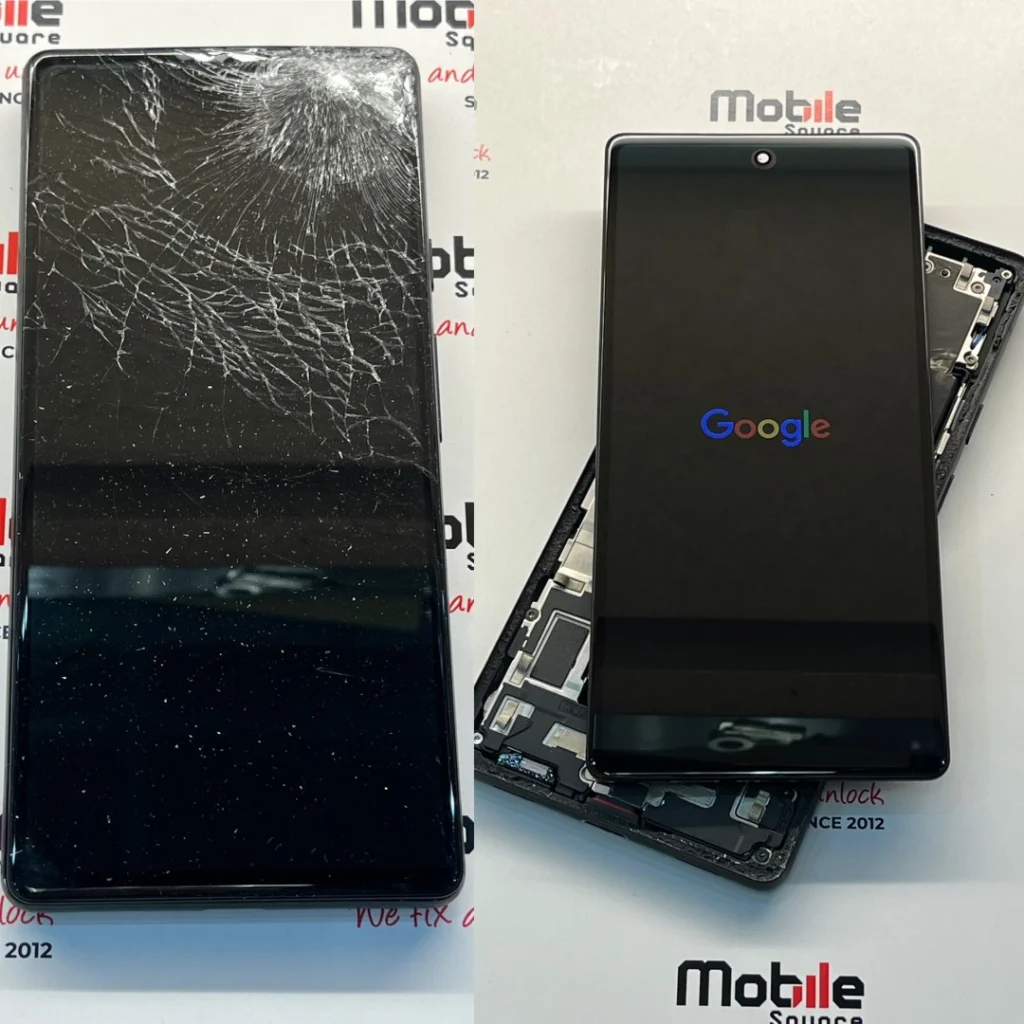
Addressing Common Questions About Display Issues
Many users wonder if software applications can fix hardware problems. Certain apps claim to fix stuck pixels by rapidly flashing different colors on the screen to reset the transistor. This method occasionally works for a stuck pixel repairs, but it will never fix a dead pixel. A dead pixel lacks power completely.
Another frequent concern involves the safety of using a phone with dead pixels. While a few dead pixels do not pose a safety risk, the underlying cause might. If a swollen battery caused the screen pressure that killed the pixels, the device poses a severe fire hazard. Inspecting the device for any bulging or separation between the screen and the frame is highly recommended.
Bonus Tip 3: Apply a high-quality tempered glass screen protector even after noticing a dead pixel. The protector helps distribute surface pressure and slows down the spread of physical screen damage.
Keep an eye on these Final Checklists
Treating display defects early stops minor annoyances from becoming major hardware failures. Understanding the difference between stuck and dead pixels, evaluating the device history, and recognizing environmental risks helps users make informed maintenance choices. Monitor any display anomalies closely. If black spots or lines begin spreading across the glass, prompt intervention protects the internal hardware and secures the data stored on the device. Evaluate personal backup routines and device age to choose the best path forward for long-term hardware health.
Professional Device Support and Service
Mobile Square provides complete diagnostic evaluations for all display irregularities and hardware malfunctions. Bringing a damaged device in early prevents further deterioration and limits repair costs. Getting a professional assessment ensures that all underlying issues, from minor screen defects to internal component strains, receive proper attention. Contact Mobile Square today by calling (647) 970-9700, and you can send a message to info@mobilesquare.ca to review available repair options. Fast, effective service restores full functionality and keeps personal devices operating reliably for years to come.
Sources
- Pew Research Center – Comprehensive statistical data detailing smartphone ownership, usage patterns, and replacement cycles.
- iFixit – Technical analysis regarding display replacement parts, repairability, and screen technology differences.
Frequently Asked Screen Repair Questions
Can a single dead pixel spread to the rest of the screen?
Yes. While a single dead pixel caused by a manufacturing defect might stay isolated, pixels killed by physical impact or liquid damage often spread. The underlying structural weakness allows moisture or pressure to affect neighboring pixels over time.
How long does a typical display replacement take?
Most standard smartphone display replacements take about one to two hours to complete. Tablets and specialized devices often require a full business day, depending on the adhesive curing process.
Will replacing the screen fix touch sensitivity issues?
Replacing the entire display assembly usually resolves touch issues. The digitizer, which controls touch functionality, is fused directly to the glass and the display panel on modern devices.
Are dead pixels covered under manufacturer warranties?
Manufacturers usually cover dead pixels under the standard one-year warranty if the defect is a manufacturing error. They require a specific number of dead pixels in a concentrated area to qualify. They do not cover dead pixels caused by accidental drops.
Does screen damage affect the internal battery?
Screen damage itself does not directly drain the battery. But if a damaged screen causes the display controller to malfunction or forces the processor to work harder to render images, users will notice a faster battery drain.