
Professionals fix water-damaged Huawei phones by immediately powering down the device, disassembling the hardware, and using ultrasonic cleaners to remove mineral deposits and corrosion from the motherboard. Technicians then test individual parts like the battery, screen, and charging port using digital multimeters, replacing only the specific elements that short-circuited during the liquid exposure.
Repairing liquid damage requires specialized tools and micro-soldering knowledge rather than common household remedies. Mineral deposits left behind by evaporating water cause permanent electrical shorts on the logic board if not properly removed. Mobile Square shares this technical process to help device owners understand what actually happens on the repair bench and why rapid professional intervention saves smartphones.
Immediate triage and disassembly process
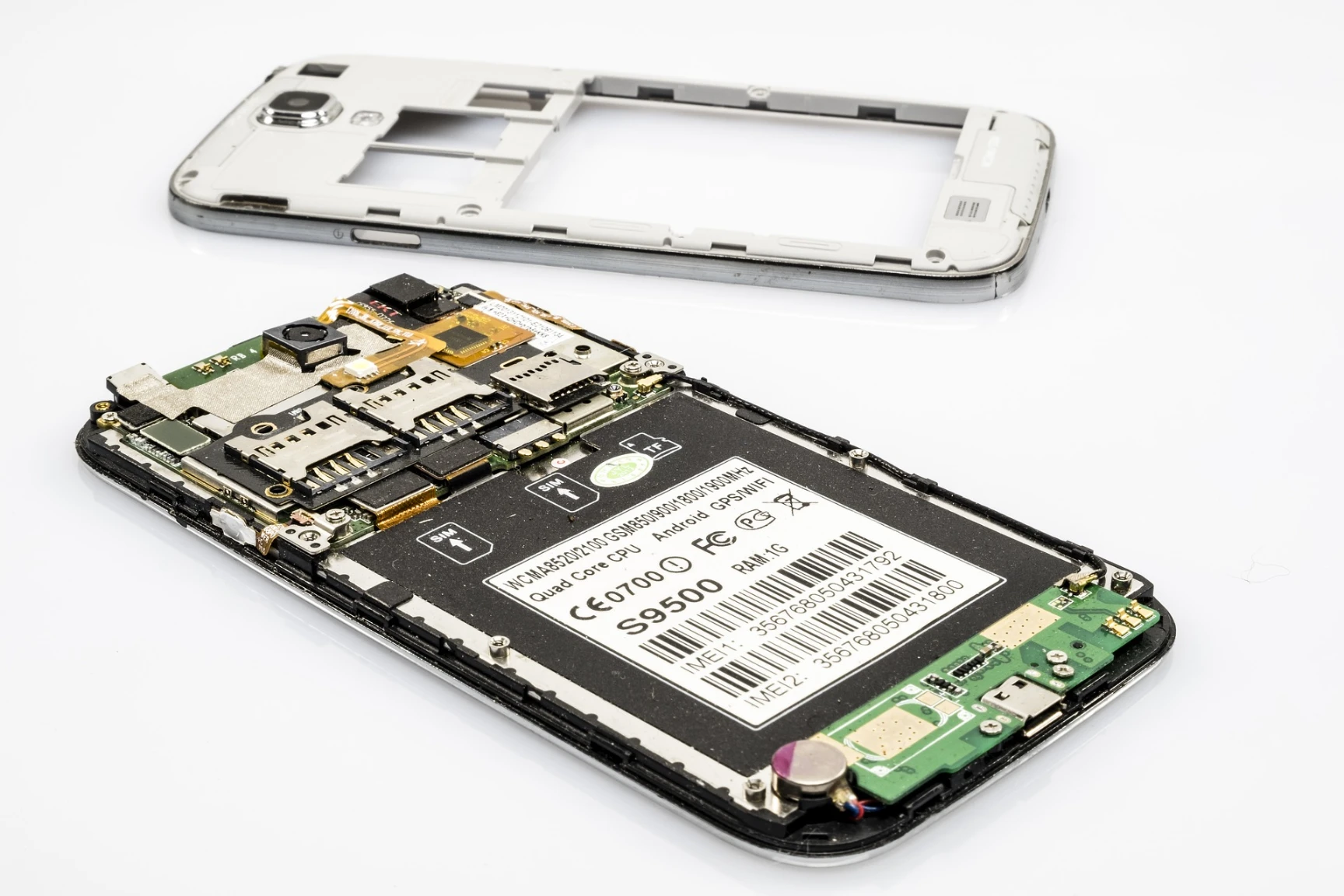
The most urgent step in saving a wet smartphone is removing the power source. When a Huawei device arrives at a repair facility, technicians immediately apply controlled heat to soften the adhesive holding the back glass in place. Once the back cover is off, they disconnect the battery flex cable.
According to data published by iFixit, disconnecting the battery is the single most effective action to prevent catastrophic short circuits after liquid exposure. As long as the battery remains connected, electricity flows across the wet logic board, accelerating the oxidation process. Technicians completely strip the phone down, removing the cameras, speakers, and charging assemblies to isolate the main motherboard.
Bonus Tip: If your phone falls in water, do not plug it into a charger to check if it still works. Introducing electricity to a wet logic board causes immediate, irreversible damage to the power delivery chips.
Cleaning the motherboard with ultrasonic technology
Drying the phone is not enough to fix water damage. Water from pools, lakes, or sinks contains salts and minerals. When the water evaporates, these conductive minerals remain stuck to the tiny microchips, bridging connections that should not touch.
Professionals use ultrasonic cleaning machines to solve this problem. The technician places the logic board into a bath of high-concentration isopropyl alcohol or a specialized chemical wash. The machine sends high-frequency sound waves through the liquid, creating microscopic bubbles that scrub corrosion from beneath surface-mounted chips. This mechanical action safely removes the mineral bridges without damaging the fragile circuits.
Hardware testing and micro-soldering repairs
After the board is thoroughly cleaned and dried, the diagnostic phase begins. Technicians use digital multimeters to measure voltage drops across the motherboard. They compare the damaged board’s electrical readings against known good values for specific Huawei models, such as the P40 or Mate 50 series.
If a specific area shows a short circuit to ground, the technician uses a thermal camera to pinpoint the exact microchip generating excess heat. Once identified, they use microscopes and micro-soldering irons to remove and replace the burnt-out capacitors, resistors, or power management integrated circuits.
Evaluating replacement parts versus repairability
Some internal hardware cannot be cleaned and must be replaced entirely. Batteries pose a severe fire risk once their internal chemistry mixes with outside moisture. Screens frequently suffer from liquid trapped between the backlight layers, resulting in permanent dark spots or total touch failure.
The following table outlines standard professional actions for specific hardware pieces after liquid exposure.
| Hardware Part | Typical Damage | Professional Action | Repair Success Rate |
|---|---|---|---|
| Motherboard | Mineral corrosion and short circuits | Ultrasonic cleaning and micro-soldering | Moderate to High |
| Battery | Chemical contamination and swelling | Total replacement | Very High |
| LCD/OLED Screen | Water spots and touch layer failure | Total replacement | Very High |
| Charging Port | Rusted pins and debris accumulation | Cleaning or replacement | High |
| Camera Modules | Condensation inside the lens | Total replacement | High |
Things to consider before making a decision
Before authorizing a full repair, device owners should evaluate several pre-decision factors to determine the best financial choice.
- Time Elapsed Since Exposure: Faster arrival at a repair center drastically increases success rates. A phone sitting wet for a week has a much lower survival rate than one brought in within an hour.
- Type of Liquid: Saltwater and pool water cause aggressive corrosion in minutes. Fresh water offers a slightly longer repair window.
- Data Importance: If the phone is not backed up to a cloud service, data recovery might justify the repair cost even if the phone itself is not fully restored for daily use.
- Device Age: Spending heavily on a five-year-old Huawei model might make less financial sense than repairing a newer flagship device.
Bonus Tip: Rice does not fix water damage. Placing a phone in a bag of rice introduces starch dust into the charging port and only absorbs surface moisture, leaving the internal motherboard completely wet and actively corroding.
Understanding liquid damage indicators
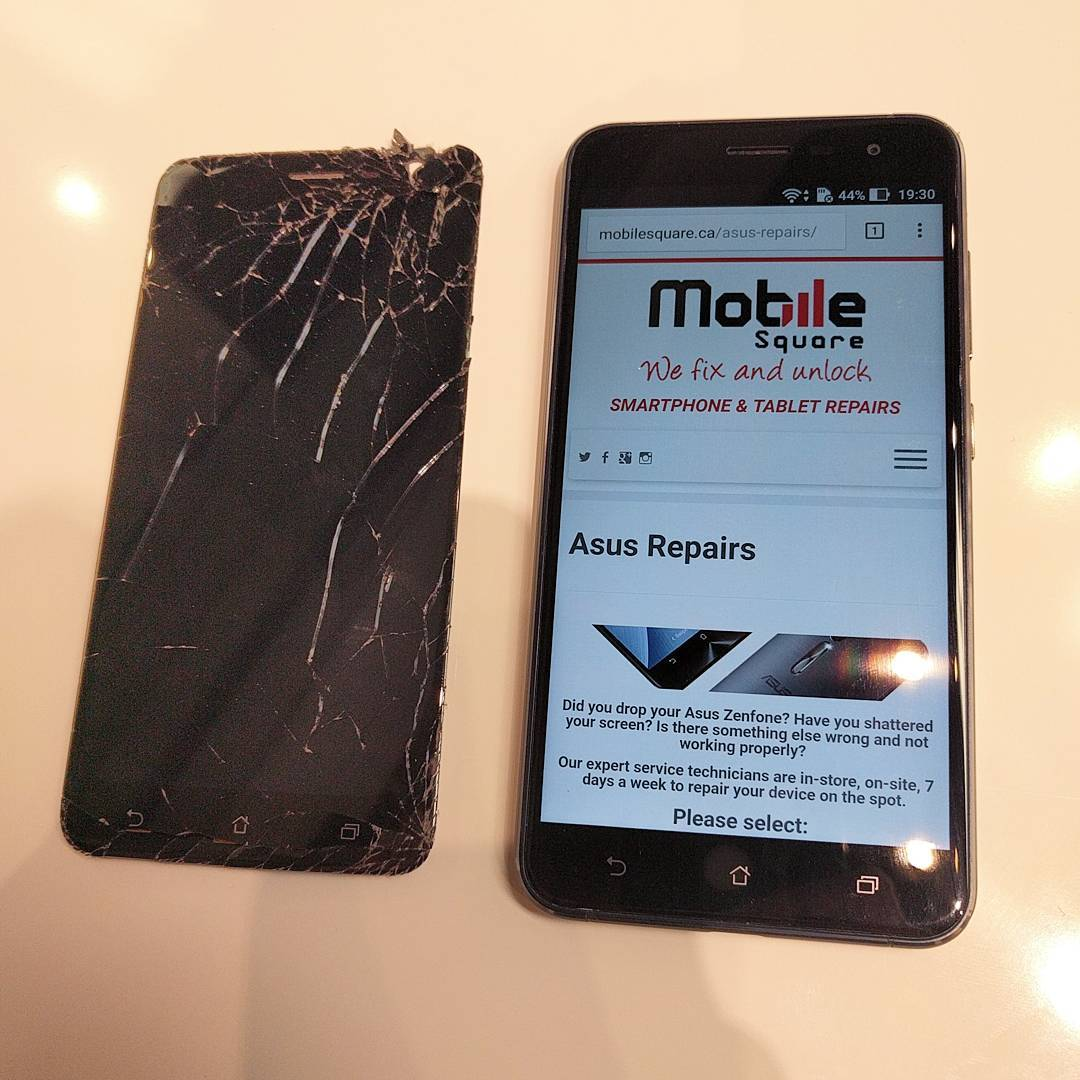
Manufacturers install Liquid Damage Indicator stickers inside all modern smartphones to verify water exposure. Huawei phones typically have these small white stickers inside the charging port, near the SIM tray, and directly on the internal logic board.
When exposed to moisture, these stickers permanently turn bright red or pink. A study from Consumer Reports indicates that even devices marketed with high water-resistance ratings degrade over time, meaning older phones become highly susceptible to liquid intrusion regardless of original factory specifications. Technicians check these indicators during initial triage to confirm the depth of moisture penetration.
Common questions about the repair process
Customers frequently ask about the long-term outlook and warranties for these repairs. Because liquid travels unpredictably through microscopic layers of the logic board, secondary issues can occasionally surface weeks later. Reputable shops generally provide warranties focused on ensuring the device remains functional long enough to extract essential data. If extensive micro-soldering was required, a technician might suggest using the repaired phone primarily for data retrieval before transitioning to a new device.
Summary of technical repair procedures
Repair a wet Huawei device depends on speed, specialized tools, and technical expertise. The process involves disconnecting the battery immediately, using ultrasonic sound waves to scrub away mineral deposits, and utilizing micro-soldering techniques to replace burnt-out hardware. Delaying professional intervention or relying on household myths like rice guarantees permanent logic board failure. Evaluate the value of your data that has not been backed up against the cost of replacement hardware to make the best decision for your specific situation.
Device evaluation and data recovery assistance
When liquid exposure threatens your mobile device and personal data, immediate action prevents permanent data loss. Mobile Square provides expert diagnostic services, professional ultrasonic cleaning, and advanced micro-soldering to revive damaged hardware. The team specializes in securing your files and restoring device functionality. To request an evaluation or to safely recover your missing data, contact Mobile Square at (647) 970-9700 or email info@mobilesquare.ca for technical assistance.
Sources
iFixit – Provides repair manuals and technical data detailing why immediate battery disconnection prevents logic board short circuits.
Frequently asked questions about liquid exposure
Will a hair dryer help dry out my wet Huawei phone?
No. A hair dryer pushes water deeper into the device and melts the adhesive holding the screen and battery in place. Applying direct heat accelerates the oxidation process on the logic board and causes permanent damage.
How long does a professional water damage repair take?
The process requires extensive time and testing. Ultrasonic cleaning, drying, and micro-soldering typically take 24 to 72 hours. The exact timeline depends on the severity of the oxidation and the availability of replacement hardware.
Are water-damaged screens safe to use if they still turn on?
Operating a display with trapped liquid risks sending an electrical surge back into the motherboard. Technicians strongly recommend replacing any screen showing liquid spots to prevent secondary logic board failures.
Can professionals recover my photos if the phone is completely dead?
Yes. Technicians can temporarily repair the power delivery circuits on the motherboard just long enough to extract the data to a secure drive, even if the device itself is too damaged for long-term daily use.