
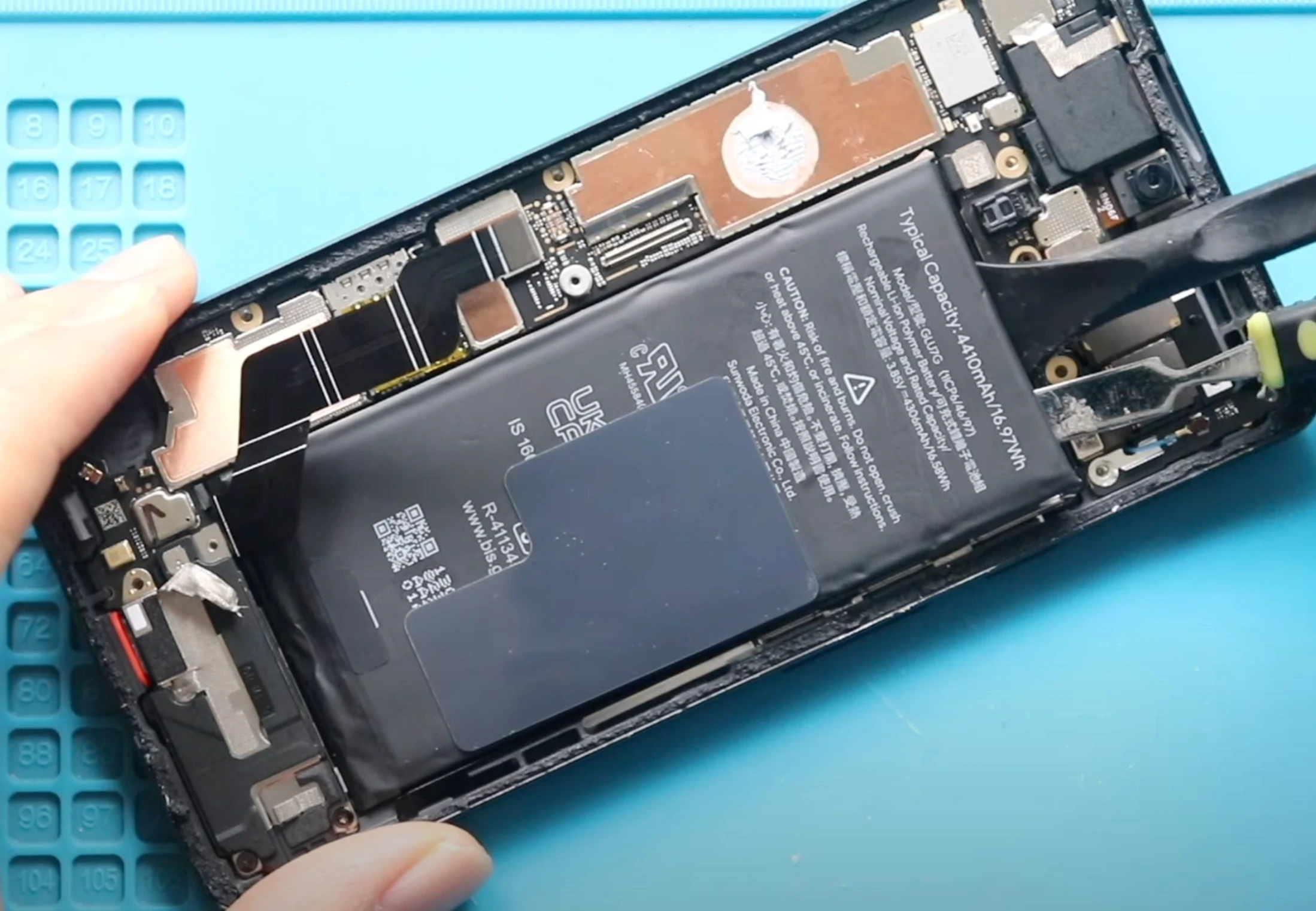
If your Google Pixel drains quickly, shuts down unexpectedly, charges slowly, or gets unusually hot, your battery likely needs replacement. You might also notice the case bulging or the battery percentage jumping around; these are all warning signs that it’s losing capacity.
Many people don’t realize their battery is failing until it starts causing real problems. I’ve helped plenty of Pixel owners at Mobile Square spot these issues early, and catching them now can save you frustration and prevent bigger damage. In this guide, we’ll cover the main signs of a failing battery, why they happen, and simple steps you can take to fix or extend your phone’s battery life.
Common Signs Your Google Pixel Battery Is Failing
Over time, all lithium-ion batteries lose capacity. A failing battery can affect your phone’s performance in subtle or obvious ways. Here are the signs to watch for:
1. Rapid Battery Drain
If your Pixel used to last a full day but now dies after a few hours, this is one of the most obvious signs. A battery’s capacity diminishes naturally, and apps that used to run smoothly may now drain power quickly.
Example: You leave home with 100% charge, check emails and social media for an hour, and suddenly your battery drops to 60%, far faster than before.
2. Unexpected Shutdowns
Even when your battery shows 20% or more, your phone may turn off unexpectedly. This happens because older batteries can’t maintain a stable voltage under load, causing the device to shut down to protect its circuits.
3. Slow or Inconsistent Charging
If charging suddenly takes much longer than usual or jumps from 10% to 40% in minutes and then slows dramatically, your battery may be degrading. Heat buildup while charging is another red flag.
4. Swollen Battery or Bulging Case
Physical changes are serious warning signs. A swollen battery can push against the phone’s screen or case. This is dangerous. Stop using the phone immediately and seek professional help.
5. Overheating
While phones can get warm during heavy use, consistent overheating, even during light tasks, often points to battery issues.
How to Check Your Google Pixel Battery Health
Google Pixel includes tools to help you monitor battery health:
- Open Settings > Battery > Battery Usage to see which apps use the most power.
- Check Settings > Battery > Battery Health (on newer models) to see maximum capacity. A healthy battery should be close to 100%; anything below 80% indicates noticeable degradation.
You can also use third-party apps like AccuBattery, which track battery wear over time and estimate capacity.
Pro Tip: If your Pixel is over two years old, start checking battery health every few months to catch issues early.
Why Pixel Batteries Fail
Understanding why batteries fail helps prevent premature replacement:
- Age: Lithium-ion batteries degrade naturally, usually after 2–3 years of use.
- Heat: Exposure to high temperatures, either from heavy gaming or leaving your phone in a hot car, speeds up degradation.
- Charging habits: Frequent fast charging or letting the battery drop to 0% consistently can reduce lifespan.
- Heavy app usage: Apps running constantly in the background drain the battery faster, stressing older batteries.
Pre-Decision Considerations: Should You Replace Your Pixel Battery?
Before rushing to replace your battery, consider:
- Device age: If your phone is older than 3–4 years, a new battery might extend its life, but other components may also start failing.
- Usage needs: Heavy users or those relying on their Pixel for work may notice degradation sooner.
- DIY vs. professional service: Google’s support and local repair shops like Mobile Square in Markham, ON, can replace your battery safely.
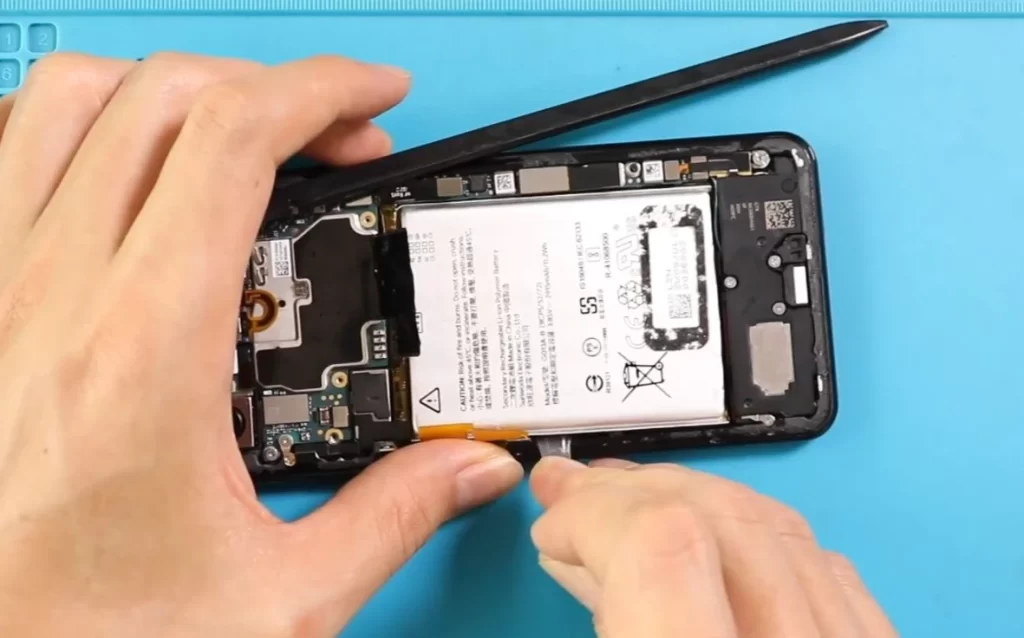
Cost Factors and Service Options
Battery replacement costs vary depending on model and service method. Official Google repairs are often more expensive than local shops but include warranty coverage. Local repair centers can be more affordable and provide same-day service.
| Option | Pros | Cons |
|---|---|---|
| Google Official Repair | Warranty, genuine parts | Higher cost, slower turnaround |
| Local Repair Shop (e.g., Mobile Square) | Faster service, often lower cost | Warranty may be limited, depending on the shop’s reputation |
| DIY Replacement | Cheapest | Risky, can damage the phone, no warranty |
Pro Tip: Always choose a reputable repair service. Cheap, inexperienced services may use low-quality batteries that degrade quickly or pose safety risks.
Practical Tips to Extend Pixel Battery Life
Even if you replace your battery, good habits can prolong its health:
- Avoid letting your battery drop below 20% regularly.
- Charge using original or certified chargers.
- Keep your phone out of hot cars or direct sunlight.
- Limit background app activity in Settings > Battery > Background restriction.
Pro Tip: Enable Adaptive Battery in Settings > Battery > Adaptive features to reduce power used by apps you rarely use.
When to Replace Your Pixel Battery in Markham, ON
Replacing a cracked google Pixel battery can save you from unexpected shutdowns, slow charging, and overheating. If you notice the signs above, it’s worth getting a professional assessment. In Markham, ON, Mobile Square – We Fix and Unlock provides reliable battery replacement services. You can reach them at (647) 970-9700 or info@mobilesquare.ca for advice or same-day service. Catching battery problems early ensures your phone stays reliable and keeps you connected without interruption.
Key Questions About Pixel Battery Replacement
How long does a Pixel battery last after replacement?
A new battery can restore your phone to near-original performance, typically lasting 2–3 years depending on usage and care. Avoid extreme heat and overcharging to extend its life.
Can I replace the battery myself?
Technically, yes, but Pixel batteries are glued into the device. Opening it without proper tools can damage the screen or internal components. Professional replacement is safer and often faster.
Will a battery replacement fix slow performance?
Partially. Battery issues can cause throttling, but slow performance may also stem from aging processors or software updates. Replacing the battery helps, but it’s not always a complete solution.
How do I dispose of my old battery safely?
Do not throw it in the trash. Take it to an electronics recycling center or a repair shop that offers battery recycling.